指南
一步一步教你在 Inkroost 上製作漫畫、條漫或日漫:從第一頁到動畫劇集、已發布的章節,以及可以販售的書。
從這裡開始
兩篇講手藝的長指南:如何讓每一頁都像同一位畫家畫的,以及如何把它們做成一集動畫。
入門
從一句話到你畫好的第一頁。
穩紮穩打的工作流程:先做設定表,再定鏡位,最後才畫分頁
想讓漫畫看起來像是同一位作者畫了每一頁,就得這麼做。先寫下角色、物件和地點的設定,用 3D 工具設定鏡頭,然後才開始畫分頁。最後再用「局部修正」(Fix an area)、重繪和 Pro Studio 修正不對的地方。
如何在 Inkroost 開始你的第一部漫畫系列
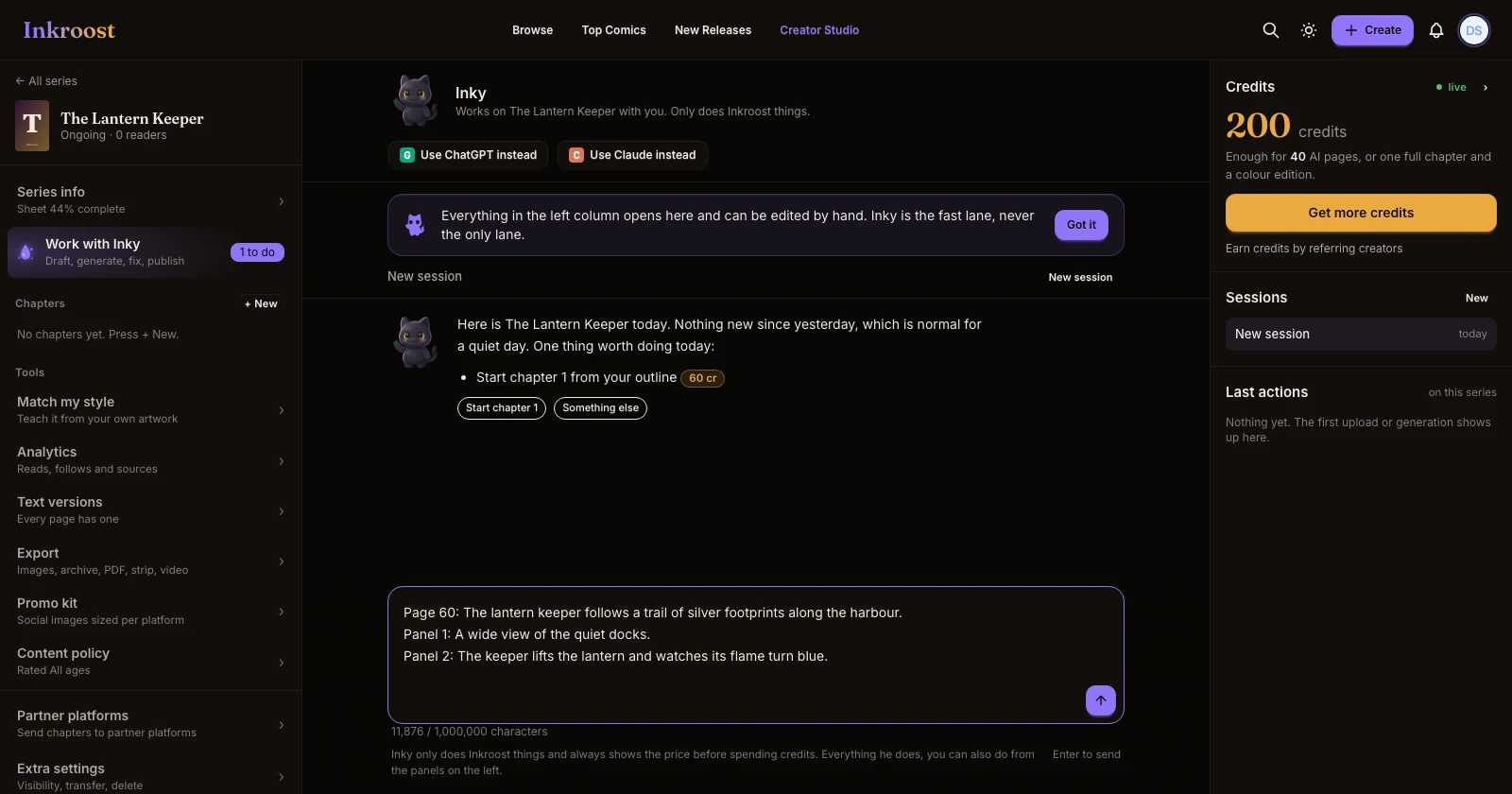
幾分鐘內,從一句話到畫出第一頁。描述你的故事、挑選風格、按下「畫出我的第一頁」,接著就能從這裡開始創作本章其餘內容。
一句話、一個按鈕,畫出你的第一頁
現在,用 Inky 開始一部連載只要一步。輸入你的想法,想選風格的話就挑一個,按下「畫出我的第一頁」,大約兩分鐘就能畫好第一頁。你的第一張封面和第一張橫幅都是免費的。
現在從 Inky 開始創作
點選「創作」就會開啟 Inky 的對話框;第一頁會依照你選的畫風繪製;貼上的劇本會逐頁繪製;Inky 也會在重複使用系列名稱前先確認。
Style presets for every kind of comic, and always your own style
Fifteen style presets, from superhero comics to manga to European albums, each with a real sample page. Pick one for the whole series or for one run of pages, or skip them and describe your own style. Inky asks which look you want before it draws anything.
讓角色保持一致
讓臉、服裝、地點和道具在每一頁都一樣。
How to keep one character the same across pages
Faces drift between generated pages until you write the character down once. Here is what a character sheet is, how Inkroost pushes it into every page that mentions her, and what to do when a page comes back wrong anyway.
如何使用角色、地點和物件設定表
設定表能讓 Inkroost 記住你的角色、地點和常出現的物件長什麼樣子。寫好一次、附上一張圖,每一頁只要提到它們,就會用同樣的方式畫出來。
Inky writes the sheet before it draws the character
Every character, object and place in your story gets a complete sheet before Inky plans its pages, and Inky asks you about the ones you named instead of guessing.
你上傳的頁面會補上角色、地點與物件資料
當你上傳自己畫的章節時,Inkroost 會讀取內容,並把找到的角色、地點與物件加入設定表,每個項目都會附上一張從你自己的頁面擷取的圖片。完全免費。
Style match teaches Inkroost your style from your own pages
Pick a few of your uploaded pages and Inkroost drafts a style profile and sheets from them, then draws the next page in your style.
圈出問題,只修正那個地方,還能檢查各頁之間的連貫性
現在每張新頁面都會和前面的頁面比對,檢查多出來的手臂、錯誤的手指、重複出現的角色、變動的背景和故事不連貫。系統會替你選出畫得最好的版本,你也可以圈出任何區域並說明要修改什麼。
頁面、分格與嵌字
繪製、上傳、排版並為頁面嵌字。
如何將自己的漫畫頁面帶進 Inkroost
上傳你畫好的頁面,或直接上傳整份漫畫 PDF。上傳免費,頁面會依序排列,你可以像處理其他章節一樣發布、翻譯或製作動畫。
如何為漫畫頁面嵌字
直接在頁面上加入對話框、說明文字和音效,提供十一種漫畫字體,而且每個對話框都能編輯。封面和橫幅也能加上文字。
How to turn one scene into a comic page
The whole path from a sentence in your head to a drawn page you decided to keep — what to type, what it costs, and what to do when the page comes back wrong.
將你的漫畫以 PDF 匯入
在新增頁面的地方放入漫畫或 manga 的 PDF,每一頁 PDF 都會依序成為章節中的一頁。無須先逐頁匯出。
玩轉版面配置的頁面
當分格沒有說明頁面要怎麼編排時,Inkroost 現在會為每一頁挑選一種版面手法,例如將特寫小格疊在另一格上,或讓人物伸出格框,讓頁面不再總是整齊的格子網格。
將章節拆分成分格
章節中的每個分格都會依閱讀順序裁切成獨立圖片,並可供下載;你也可以選擇清除其中的對話框和文字。
把漫畫做成動畫
把一章變成有配音、音樂和字幕的動畫劇集。
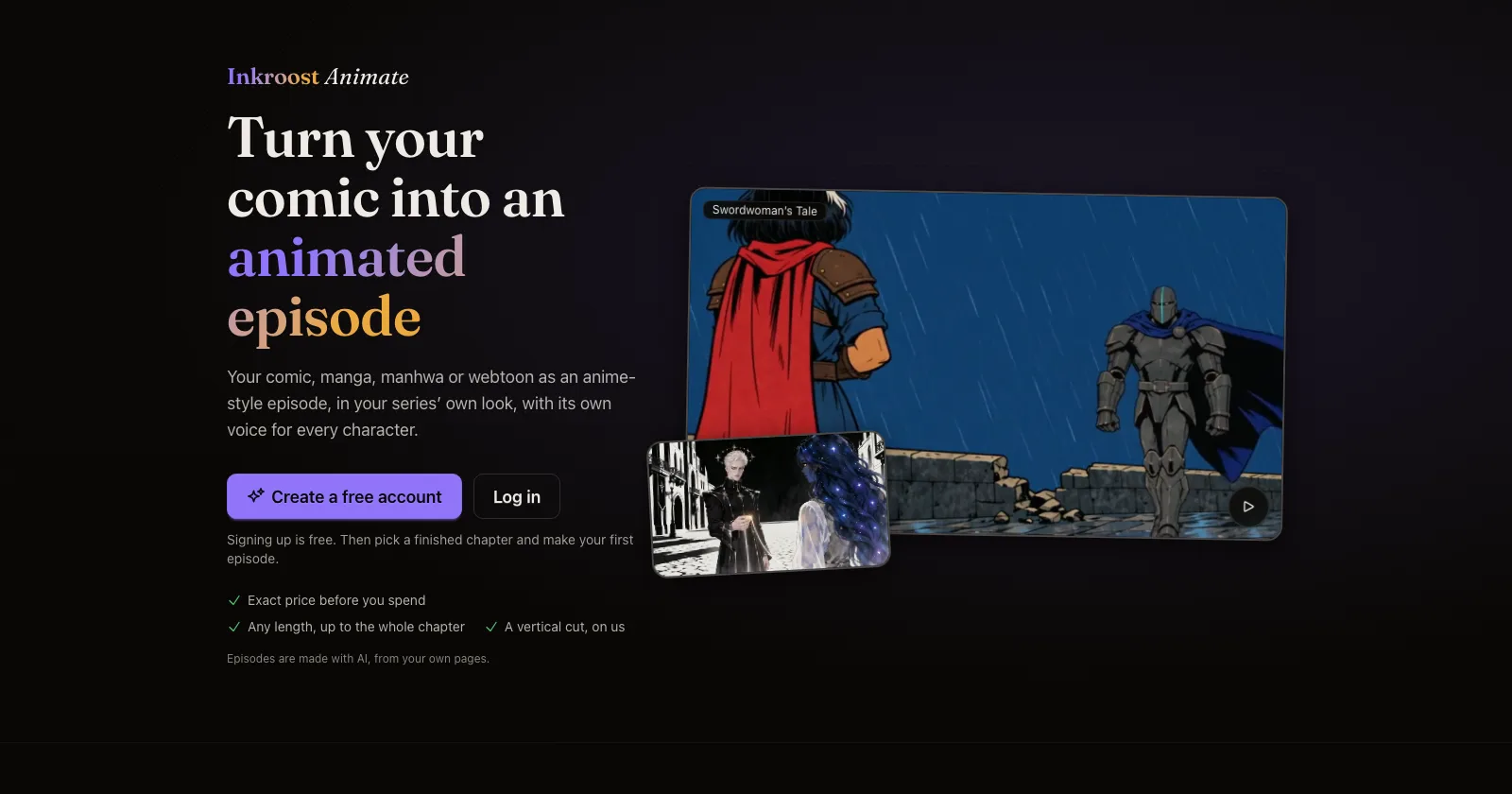
如何將漫畫章節製作成動畫劇集
完整帶你了解 Inkroost Animate,以及製作精彩劇集的技巧。從保持頁面一致開始,挑選畫風與聲音,調整適合口說的劇本,選擇長度與品質,確認計畫與確切價格,接著製作動畫、修正場景並發布。
如何將動畫集數發布到 YouTube
只需連結一次 YouTube 頻道,就能將任何完成的集數,或剪輯成直式短片的版本,直接發布到你的頻道,並自行設定標題、說明和觀眾設定。
檢視並改寫你的單集腳本
單集動畫製作前,你現在可以編輯每一句台詞、變更說話者並重新排列對話,也可以請免費的腳本助理為動畫改寫台詞。
把整章濃縮成短篇,或保留其中最精彩的片段
當你選擇的篇幅比章節短時,Inkroost Animate 現在會詢問你要用較短的台詞放進每一頁,還是逐字保留最精彩的場景。
修正集數中的場景,不必重新製作整集
動畫集數裡的手畫錯了,或是蓋子飄在半空中?在新的時間軸上選取場景,說明要修改什麼,就只會重畫那幾秒。配音、音樂和字幕都會保持原樣。
標準集數新增第二種動畫模型,價格更低
現在製作標準集數時,你可以選擇主要動畫模型,或是價格較低、風格獨特的第二種動畫模型。兩種價格都會在你決定前顯示在畫面上。
發布、分享與成長
讓讀者看到你的章節,並願意回來。
如何在 Inkroost 發布並分享漫畫章節
一鍵發布章節,讓自動審核設定分級,接著分享連結、為各個平台製作宣傳圖片,並查看有哪些讀者正在閱讀。
Promo kit and webtoon strip export
Social tiles composed from your own panels, and a vertical-scroll export for webtoon platforms.
Colour and translated editions of your chapters
Turn a finished chapter into a colour edition or a translated edition, or clean up and enlarge old scans, without touching the original.
把你的漫畫帶到電子閱讀器上
你在 Inkroost 製作的任何系列或章節,都能匯出成電子書。每個畫面呈現一頁,滿版顯示,並附上封面和目錄,適用於大多數電子閱讀器和閱讀 App。
賺錢
贊助者、電子書和紙本書,檔案隨時可用。
如何靠你的漫畫賺錢
一份簡明指南,帶你了解如何從漫畫、網漫和 manga 賺取收入:在 Inkroost 累積讀者、向 Patreon 支持者開放新章節,並在 Amazon KDP、Draft2Digital 或 Comics Authority 販售完成的作品。
如何將你的漫畫販售為電子書或平裝書
將你的系列匯出為 Kindle 電子書,以及可直接送印的平裝書內頁與封面展開圖,並依照 Amazon KDP 的規範檢查,接著自行上傳至 KDP。
符合 KDP 規範的 Amazon KDP 套件
一次下載即可取得全尺寸封面、使用筆名的 Kindle 電子書、畫作清晰度足夠時可用的印刷檔,以及一份依照 KDP 公布規格檢查每個檔案的報告。
在 ChatGPT 或 Claude 中創作
不離開助理,就能創作並發布你的漫畫。
Make a comic with ChatGPT and publish it on Inkroost
ChatGPT is good at the script. Inkroost draws the pages and publishes them. Here is how to join the two, including the parts you still do yourself.
How to make a webtoon with Claude
Connect Inkroost to Claude once, then ask for a chapter. Claude plans the pages, draws them, and hands every one back to you to approve.
Inkroost MCP: generate a manga chapter from a script
The create-inkroost-chapter workflow, tool by tool: right-to-left pages, a cost estimate before anything is charged, review, and submitting the result.
用 ChatGPT 或 Claude 將你的漫畫變成動畫單集
請 ChatGPT 或 Claude 根據你的章節製作動畫或卡通。它會先展示範例動畫、在你花費前告訴你價格,而且你的第一部動畫單集享 5 折優惠。