How to turn one scene into a comic page
The whole path from a sentence in your head to a drawn page you decided to keep — what to type, what it costs, and what to do when the page comes back wrong.
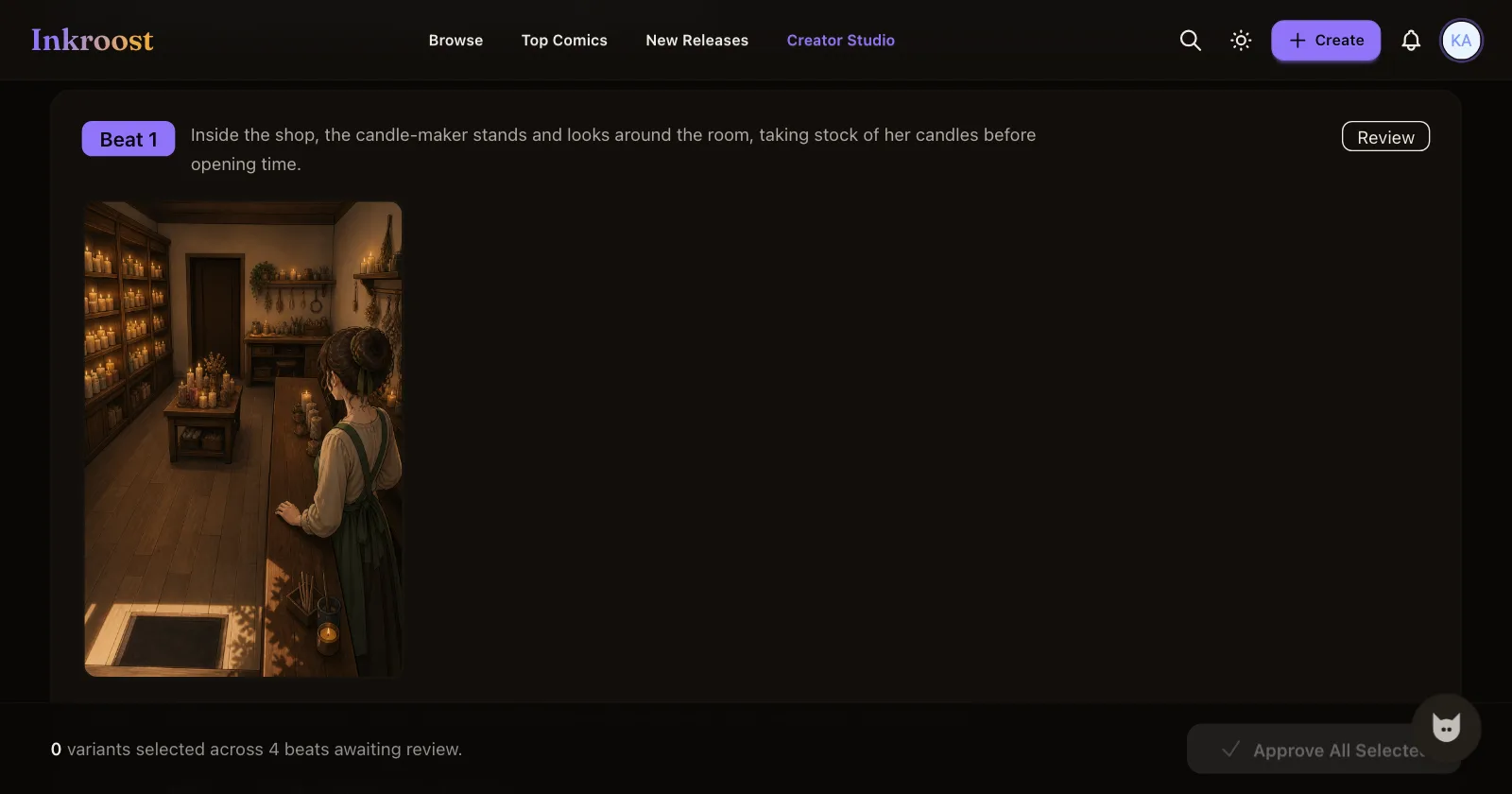
This is one scene, one page, start to finish. It takes a few minutes, it costs 10 credits (about $0.30), and you can stop after it. Nothing here asks you to draw.
Start at the door, not at the blank form
Follow the Draw your first page link at the bottom of this article, or choose Create with AI once you have an account. Either one puts the whole thing in guided mode: two short steps instead of the full series form, with everything a first page does not need folded away.
Step 1 asks for three things — a title, a one-line premise, and a genre or two. That is it. Reading direction, age rating, cover art and publishing settings are all further down that same page, all optional, and none of them are needed to draw a page. Character sheets and art style live on the chapter screen that comes next, and they are optional there too.
A premise that works reads like the back of a book: A courier smuggles letters across a city that forbids them. You can rewrite every word of it later.
Write the scene the way you would describe a photograph
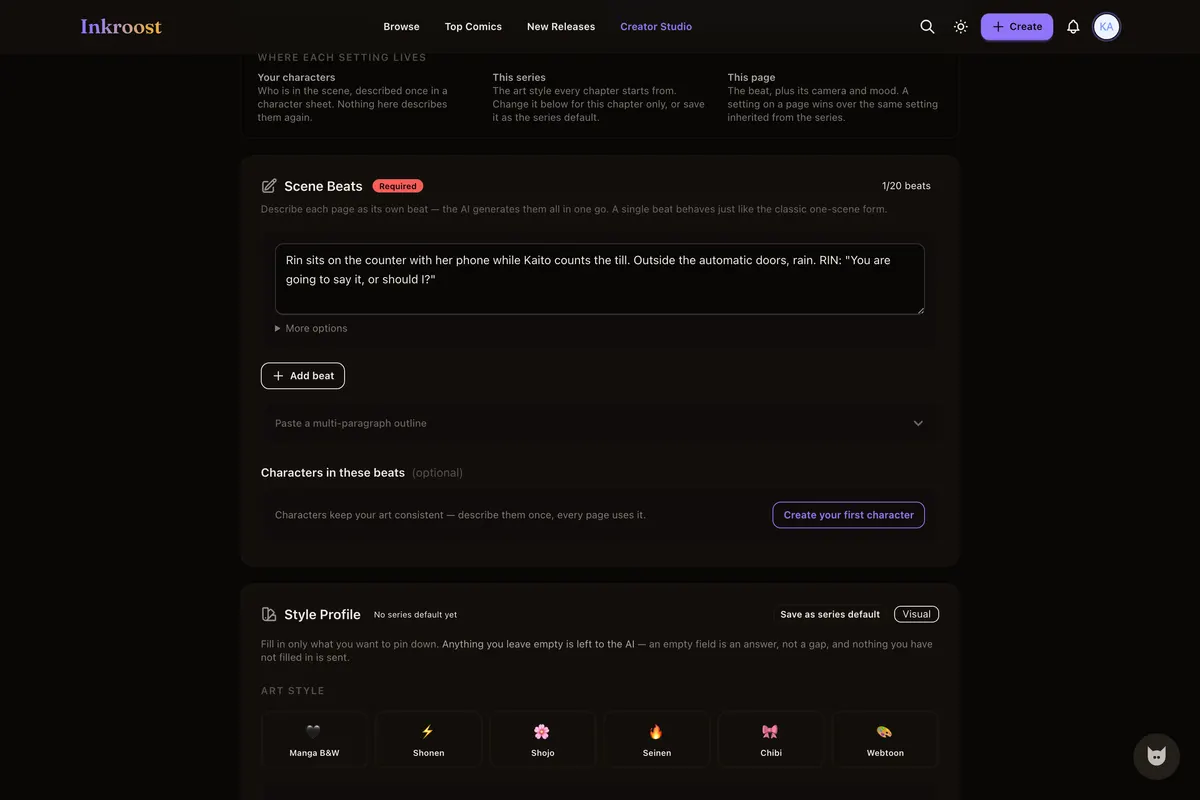
Step 2 is one box, and what goes in it is the part that decides how the page looks.
Describe one moment the way you would describe a photograph to someone on the phone: who is in it, where they are, what they are doing, and what the light is like. The screen shows you a worked example and a button that drops it straight into the box, so you can generate the example first and write your own second:
A courier in a patched red coat crouches on a wet rooftop at dusk, one hand pressed to the tiles, looking down at a lit checkpoint in the street below. Rain, neon reflections in the puddles, city skyline behind her.
The coat, the crouch, the wet tiles and the light all end up on the page. "A cool cyberpunk scene" does not — there is nothing in it to draw.
There is no prompt syntax to learn. Plain sentences are the input, and the series style profile and any character sheets you have written are added behind the scenes.
The price is on the screen before you press anything
Directly above the Generate button, the form states what pressing it will cost, what your balance is, and how many pages that balance covers. One AI-drawn page costs 10 credits (about $0.30), so a 20-page chapter comes to 200 credits (about $5.99). New accounts start with 30 free credits, enough for your first 3 pages. Uploading art you drew yourself costs nothing.
Nothing is drawn, and nothing is spent, until you press Generate. Reading, uploading pages you drew yourself, writing beats, editing them and abandoning the whole thing are all free.
Two things change the total, and neither is hidden from you: asking for more than one variant of a page multiplies the cost by the number of variants, and every retry is a fresh page at the same price. Covers, banners and character reference sheets are priced separately, and each screen shows its own figure beside its own button before you press it.
Keep it, or say what was wrong
The drawing takes a couple of minutes. When it is done the page does not go into your chapter — it goes to a review screen, next to the beat that produced it.
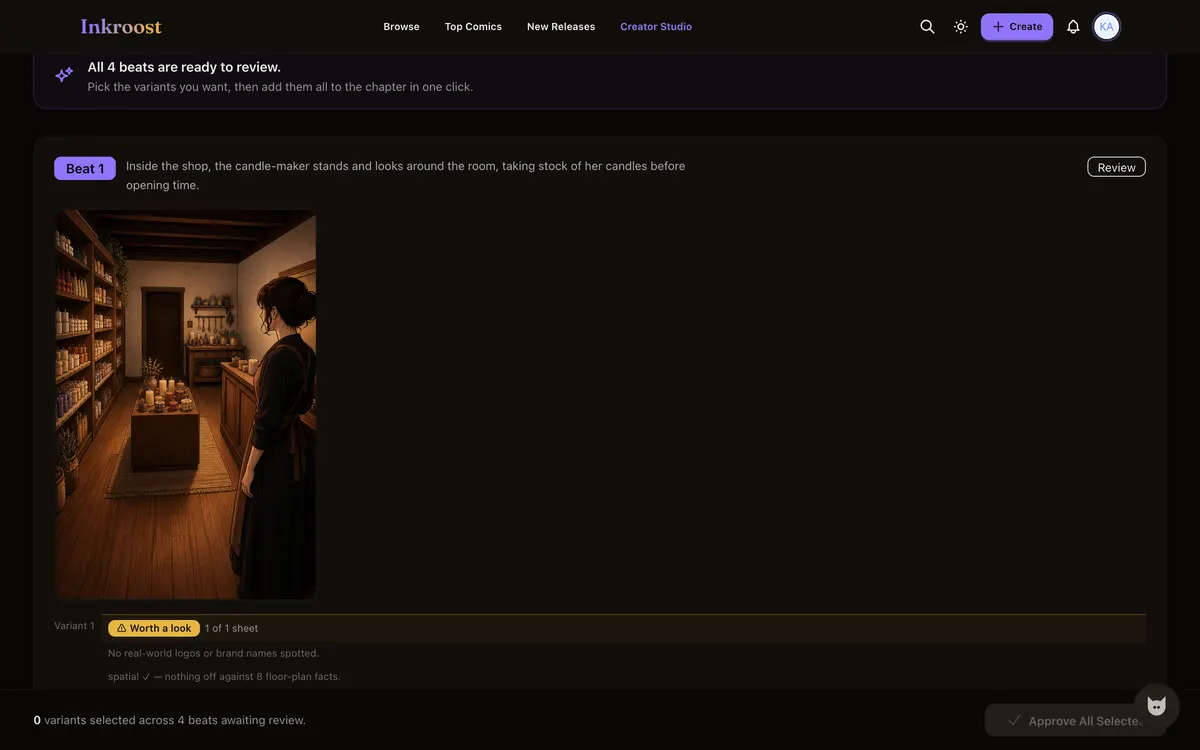
From there you have three honest options:
- Add to Chapter — the variant you ticked becomes a page of a draft chapter. Draft, not published: readers see nothing until you submit the chapter and it clears review.
- Edit Prompt — change the beat and draw it again. This costs another page.
- Not right? — a short panel asking what was off. The reasons are one tap each (the characters look wrong, the art style is off, it is not the scene I described, the drawing quality is poor, the lettering is wrong, something else) and there is a free-text box under them. All of it is optional, skipping it changes nothing, and it is how we find out what to fix. From that same panel you can try again with a new prompt or throw the variants away.
Credits already spent on a finished generation are not refunded: the pages were drawn either way. A generation that fails is refunded in full.
What it will not do
It draws one moment well and a whole plot badly, so one beat is one page. Lettering is the weakest part — expect to fix text, and note that you can edit a page's text layer yourself afterwards. Faces drift between pages until you write a character sheet, which is the subject of keeping one character the same across pages. And it is a drawing machine with no taste: the review screen exists because you are the one who decides what is good enough.
After the first page
Add more beats to the same chapter, submit it for review, and it publishes by itself once approved. Or stop there — a draft series costs nothing to leave alone, and it will still be waiting.
Draw your first page — free to join, no card needed. More about the format on the AI comic generator page, and the pricing page always shows the current rate.