

AI comic generator
Describe a scene and watch it become a comic page. No drawing, no art degree, no blank canvas — just your story, one panel at a time.
Your art. Your story. Your readers.
Bring your original comic, manga or webtoon. Upload your pages, publish chapters, and give readers a reason to come back.
Upload & share your work →Free to publish · No AI required · Your work stays yours
Free to start. AI drawing is paid for in credits, and packs start at $5.99 USD.
Free to start. You keep your work, and you can take it down whenever you like. See a finished chapter ·
Nine comic looks, one scene
American, European and cartoon traditions, each drawn by Inkroost from the same rooftop scene. Tap one to start in that look.

Superhero
Thick outlines, flat colour, spot blacks, bold lettering

Golden Age
1940s newsprint, four flat colours, Ben-Day dots

Kirbyism
Cosmic crackle, blocky power, fists at the reader

Noir
Solid black shadows, rain, one accent colour

Graphic novel
Loose expressive ink, muted washes, quiet panels

Ligne claire
Uniform thin lines, flat colour, detailed backgrounds

Painted album
Painterly colour, rich texture, atmospheric light

Cartoon
Simple shapes, thick outlines, big expressions

Storybook
Soft watercolour, gentle, for every age
Start free. Keep going with a plan.
New accounts start with 30 free credits — enough for your first 3 pages. Uploading pages you drew is always free. Plans start at $3.99 a month, and credit packs at $5.99.
Comics on Inkroost
Real comics that turn left to right, published here by the people who own them.
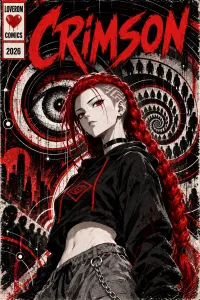
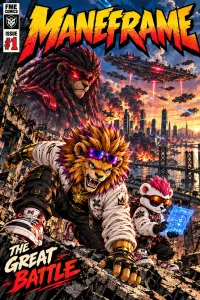
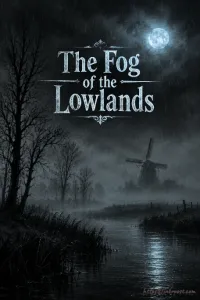
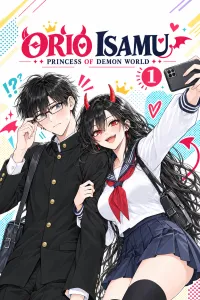
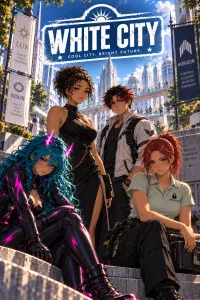
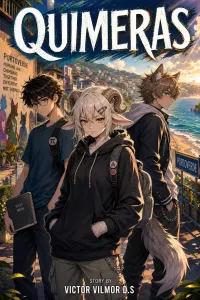
Comic pages, not just pictures
Looks with a lineage
Superhero, Noir, Golden Age, Graphic novel and Kirbyism for an American comic; Ligne claire and Painted album for a European album; Cartoon and Storybook for something lighter. Every look shows a sample page before you pick it, and any of them can be reworded or replaced with a look you describe yourself.
Drawn like a printed page
The printed looks draw the way the originals were made: brush ink, flat colour, solid black shadows and simple backgrounds. Depth comes from panel shapes and figures breaking out of their frames, not from glow, mist and painted scenery.
Balloons, captions and BOOM
The lettering editor has comic dialogue, caption and display faces, ten balloon shapes and forty-seven sound effects such as BOOM and CRASH. Everything you letter stays editable, so a typo found after saving is a retype, not a redraw.
Left to right, a page at a time
A comic series turns its pages left to right, one page or a two-page spread at a time, and leaves the way comic readers keep their comics: as a PDF, a CBZ for comic-reader apps or a fixed-layout ebook.
What it looks like, step by step
Screenshots of the actual screens, in the order you meet them.
-
1
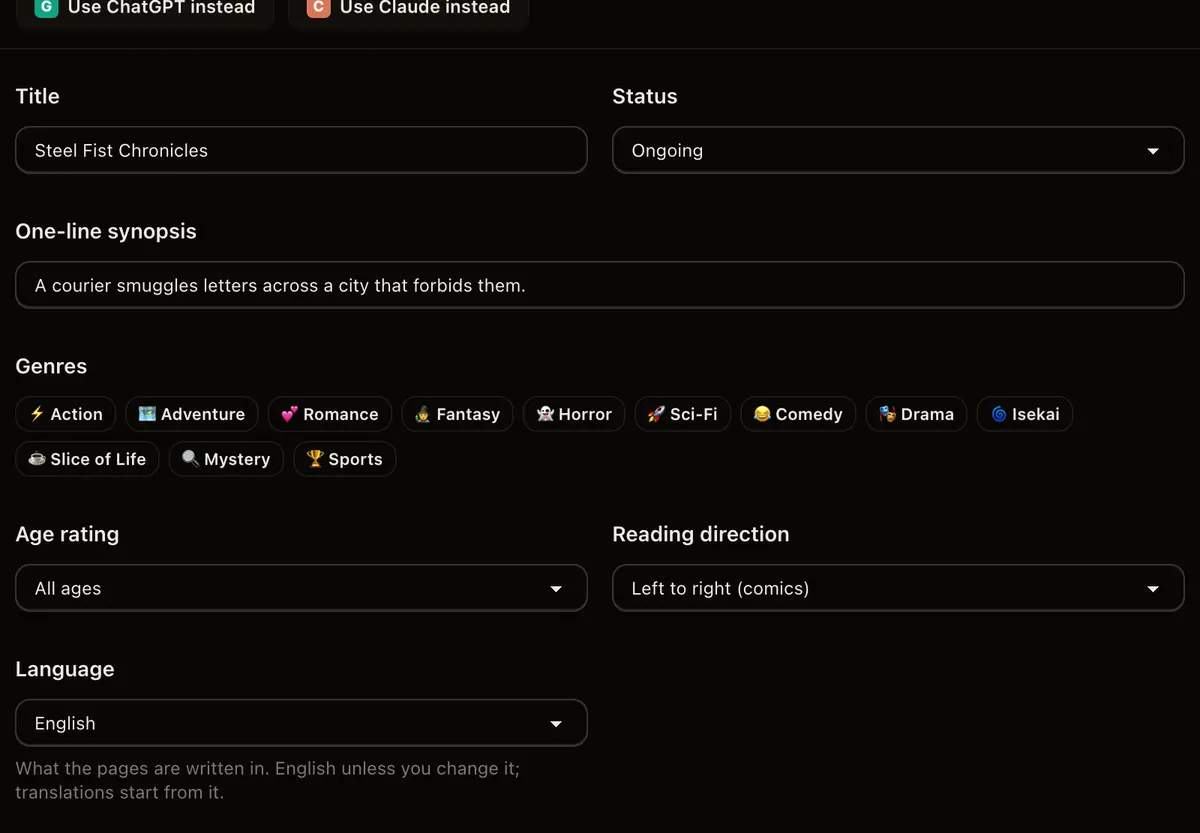
Name the comic
A title, a synopsis, and how the pages are meant to be read. That is the whole setup, and every part of it can change later.
-
2
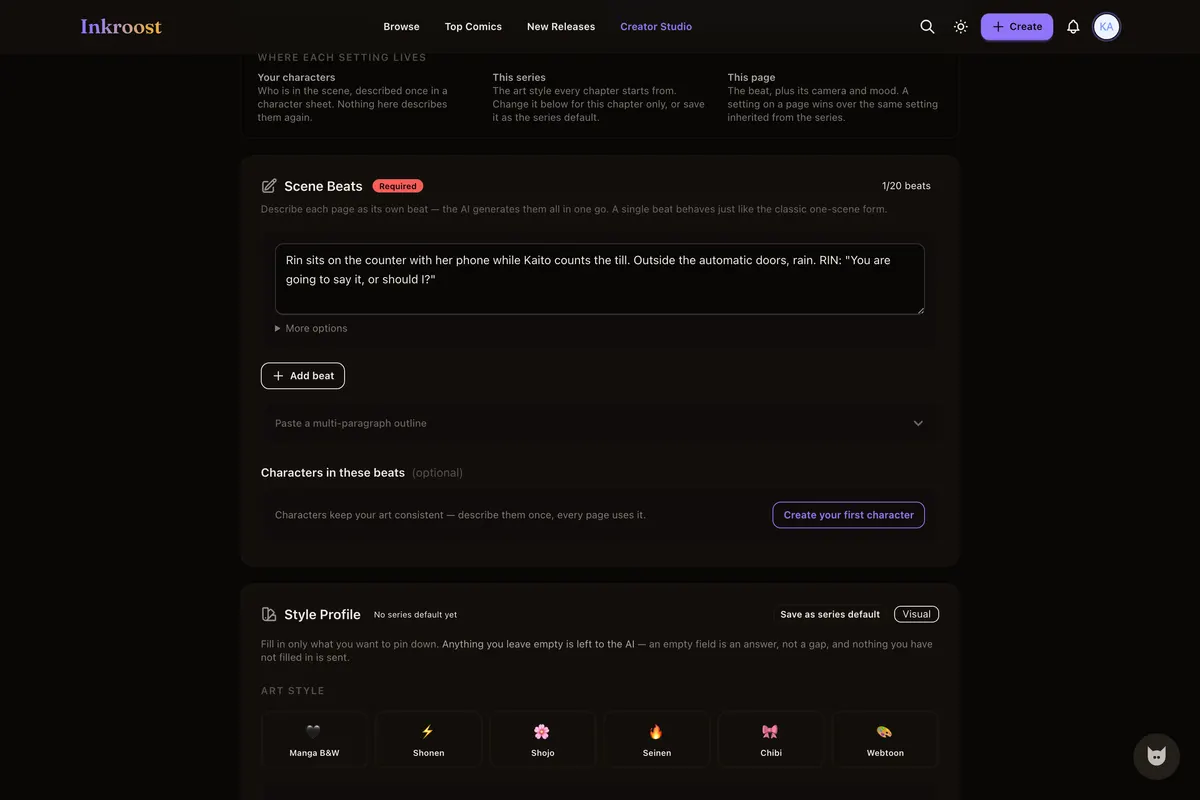
Write the scene, not a prompt
One beat per page: who is in the shot, where they are, what they say. There is no prompt syntax to learn — plain sentences are the input.
-
3
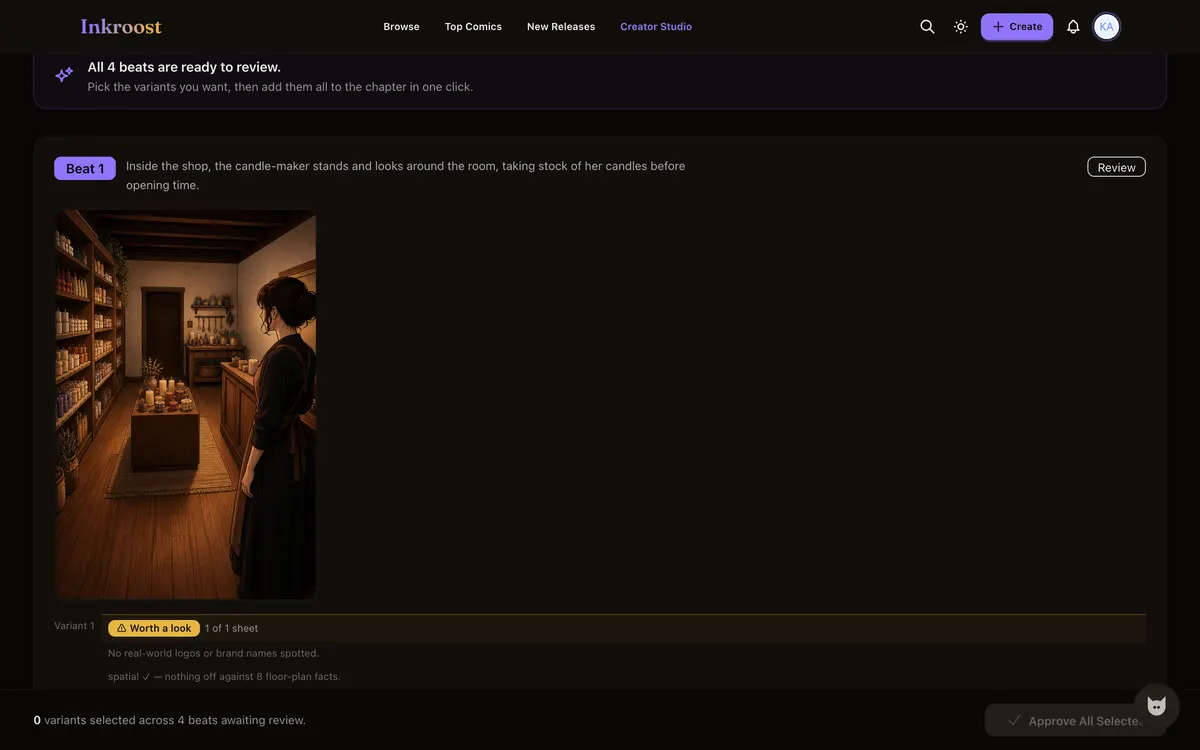
Decide what gets kept
Every beat comes back as art you look at before anybody else does. Keep it, send the beat back for another take, or drop it.
-
4
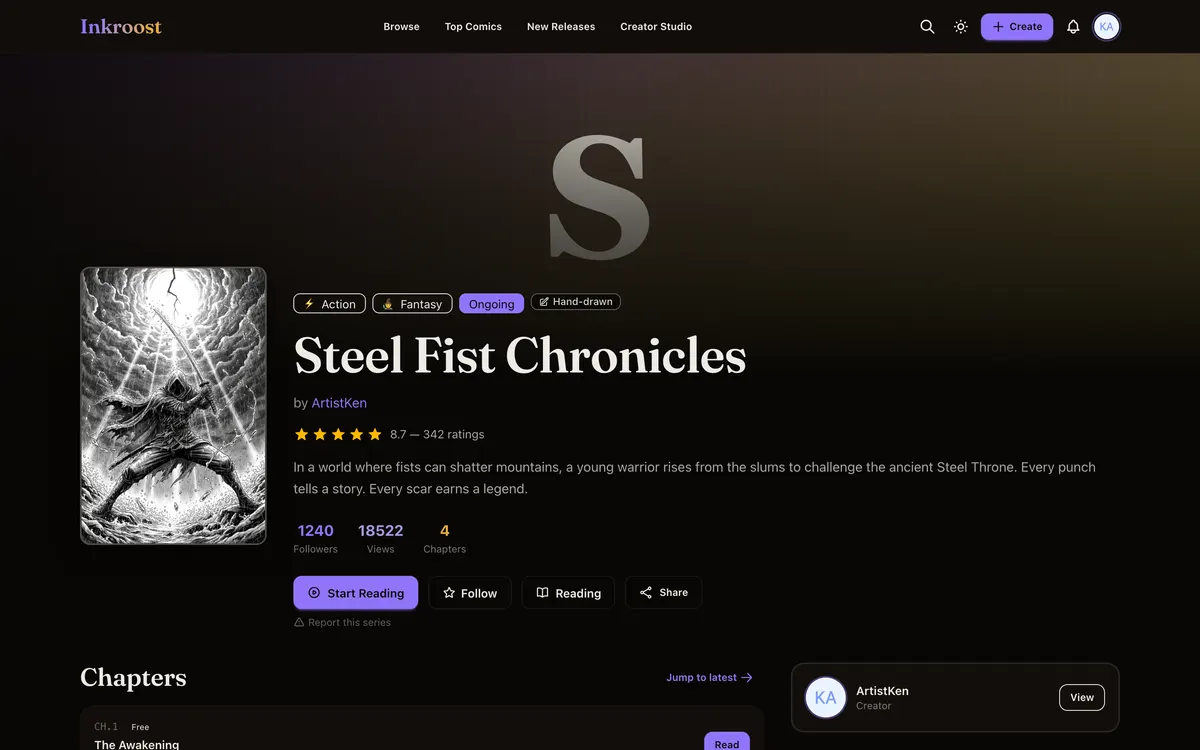
Publish it as a chapter
The pages you kept become a chapter on a series page, with followers, comments and a link you can send anyone.
Comic pages published here
Straight out of the catalogue. Tap one to read the chapter it belongs to.
What it costs
One AI-drawn page is 10 credits (about $0.30), so a 20-page chapter comes to about 200 credits (about $5.99). New accounts start with 30 free credits — enough for your first 3 pages. Uploading art you drew yourself costs nothing, and reading is always free. See the full pricing.
How this compares
| Feature | Inkroost | Canva | Clip Studio Paint | WEBTOON Canvas | AI image generators |
|---|---|---|---|---|---|
| Draws a comic page from a written scene | Yes | Partial | No | No | Partial |
| Reference sheets that hold a character across pages | Yes | No | Partial | Not applicable | Partial |
| Publish pages you drew yourself, to readers | Yes | No | No | Yes | No |
| Chapters readers follow, comment on and come back to | Yes | No | No | Yes | No |
| Right-to-left manga reading built in | Yes | No | Yes | No | No |
| Vertical-scroll episodes | Yes | Partial | Yes | Yes | No |
| Free to read, no reader account needed to start | Yes | Not applicable | Not applicable | Yes | Not applicable |
Compared on what each product says about itself. “Partial” means it does something close to this, not the same thing. No prices are compared here — theirs change and ours are on the pricing page.
Walk through it first
Real screens, real costs, and what to do when a page comes back wrong.
How to turn one scene into a comic page
The whole path from a sentence in your head to a drawn page you decided to keep — what to type, what it costs, and what to do when the page comes back wrong.
Read the walkthrough →How to keep one character the same across pages
Faces drift between generated pages until you write the character down once. Here is what a character sheet is, how Inkroost pushes it into every page that mentions her, and what to do when a page comes back wrong anyway.
Read the walkthrough →Questions people ask
Is the AI comic generator free to start?
Yes. An account, a series and publishing a chapter cost nothing. Credits are only spent when you ask the AI to draw a page, and pages you drew yourself are free to upload.
Do I own the comic the AI draws for me?
You keep ownership of what you upload and what you generate here. Publishing grants Inkroost only the licence it needs to store and display your series, which the terms of service set out in full.
Can it make a superhero comic?
Yes. Superhero, Golden Age and Kirbyism are built for it: thick outlines, flat colour and spot blacks. Put the costume colours and the emblem on the hero's character sheet, and every page that names the hero is drawn from the same description.
Do I need to be able to draw?
No. The generator exists for people who have the story and not the drawing. If you do draw, upload your pages instead — an uploaded series is a first-class series here, not a special case.
What does a chapter cost in dollars?
One AI-drawn page costs 10 credits (about $0.30), so a 20-page chapter comes to 200 credits (about $5.99). Uploading art you drew yourself costs nothing. Credit packs start at $5.99.
More ways in
Your first page is free.
Free to join, no card needed, and your 30 welcome credits draw your first 3 AI pages. If you would rather draw them yourself, upload them instead — both are first-class here.
Start your comic