

AI manga generator
Generate manga pages from a written scene, approve the ones you like, and publish them as a chapter.
Your art. Your story. Your readers.
Bring your original comic, manga or webtoon. Upload your pages, publish chapters, and give readers a reason to come back.
Upload & share your work →Free to publish · No AI required · Your work stays yours
Free to start. AI drawing is paid for in credits, and packs start at $5.99 USD.
Free to start. You keep your work, and you can take it down whenever you like. See a finished chapter ·
What the AI draws in each manga look
Real output, not mock-ups: one scene written once and drawn in Manga B&W, Shonen, Shojo, Seinen and Chibi.
-
 1
1
Manga B&W
High-contrast ink, speed lines, dramatic angles
Start in this look ↑ -
 2
2
Shonen
Action, screentone, impact frames
Start in this look ↑ -
 3
3
Shojo
Soft tones, elegant lines, emotional close-ups
Start in this look ↑ -
 4
4
Seinen
Fine detail, cross-hatching, cinematic panels
Start in this look ↑ -
 5
5
Chibi
Cute, rounded, bright and simple
Start in this look ↑
Start free. Keep going with a plan.
New accounts start with 30 free credits — enough for your first 3 pages. Uploading pages you drew is always free. Plans start at $3.99 a month, and credit packs at $5.99.
Available on Inkroost
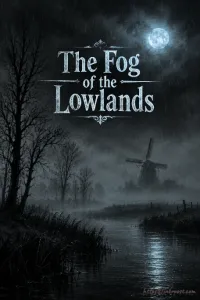
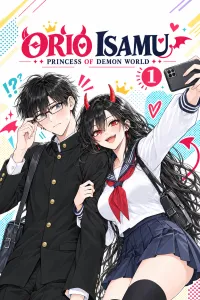
Real series, published here by the people who own them.
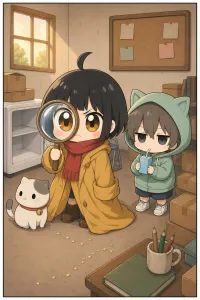
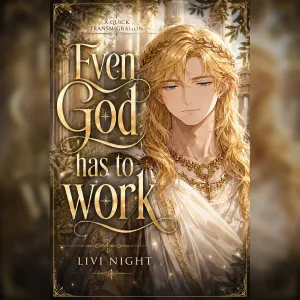
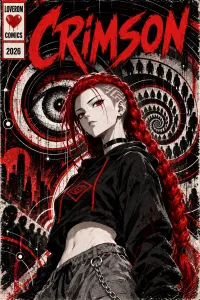
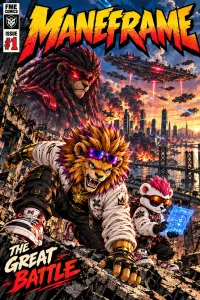
How the AI draws manga
The look is set before the first page
Pick a manga look, or describe one in your own words, and it is written into every page prompt, so page twelve is drawn in the same hand as page one. A look you wrote yourself is drawn exactly as written and never swapped for a preset.
A cast that keeps its faces
Each named character gets a sheet: hair, eyes, build, the outfit they wear, the scar that matters. Name them in a beat, or call them by a nickname the sheet knows, and the sheet goes into the drawing. Recurring places and objects get sheets of their own.
Two takes, and you choose
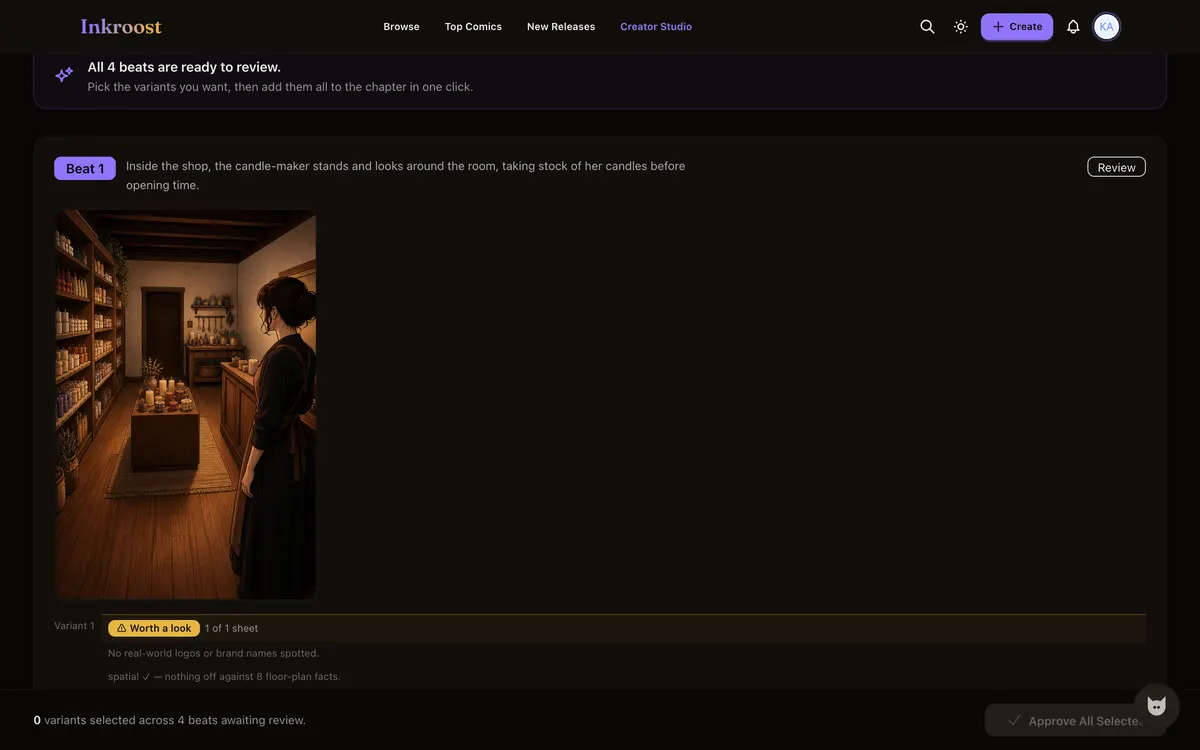
Ask for more than one version of a page and keep the one that works, or rewrite the beat and draw it again. A retry redraws one page, never the chapter, and nothing joins a chapter until you approve it.
What it looks like, step by step
Screenshots of the actual screens, in the order you meet them.
-
1
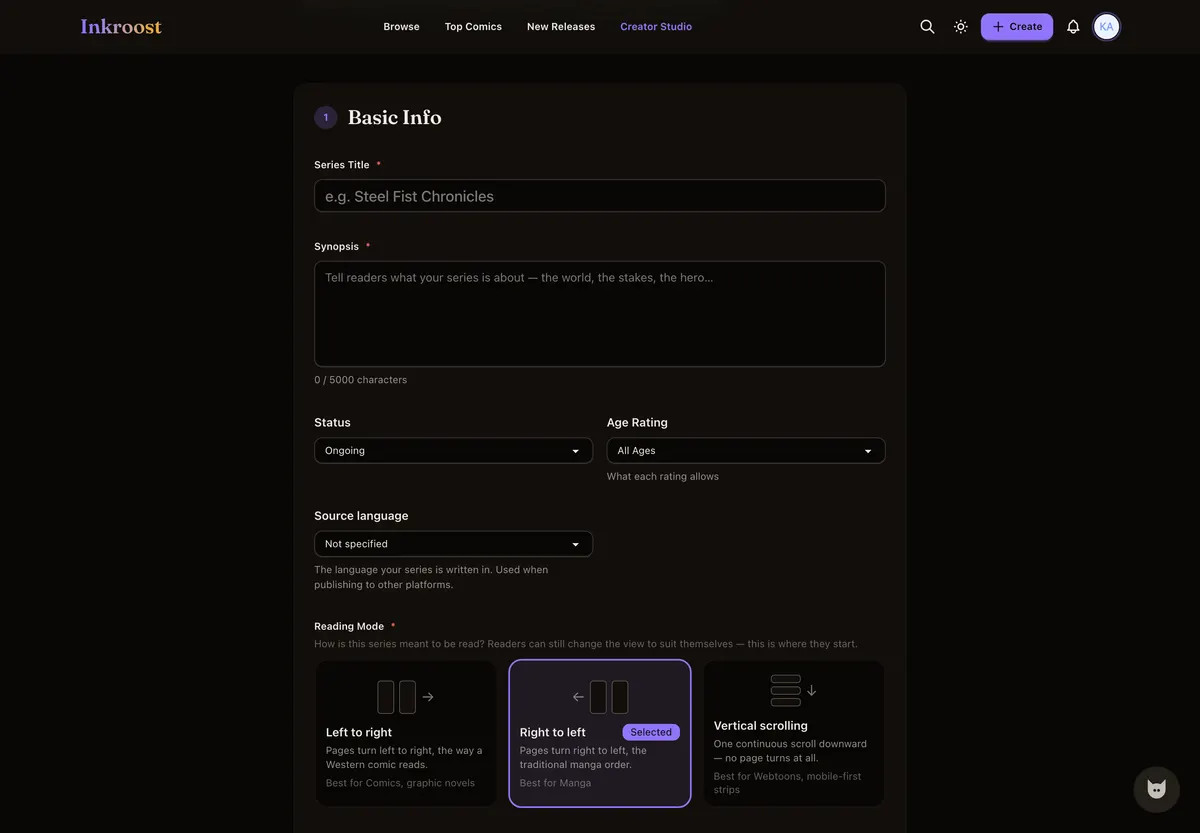
A series that reads like manga
Right-to-left reading is set on the series and applies to every chapter you generate afterwards.
-
2
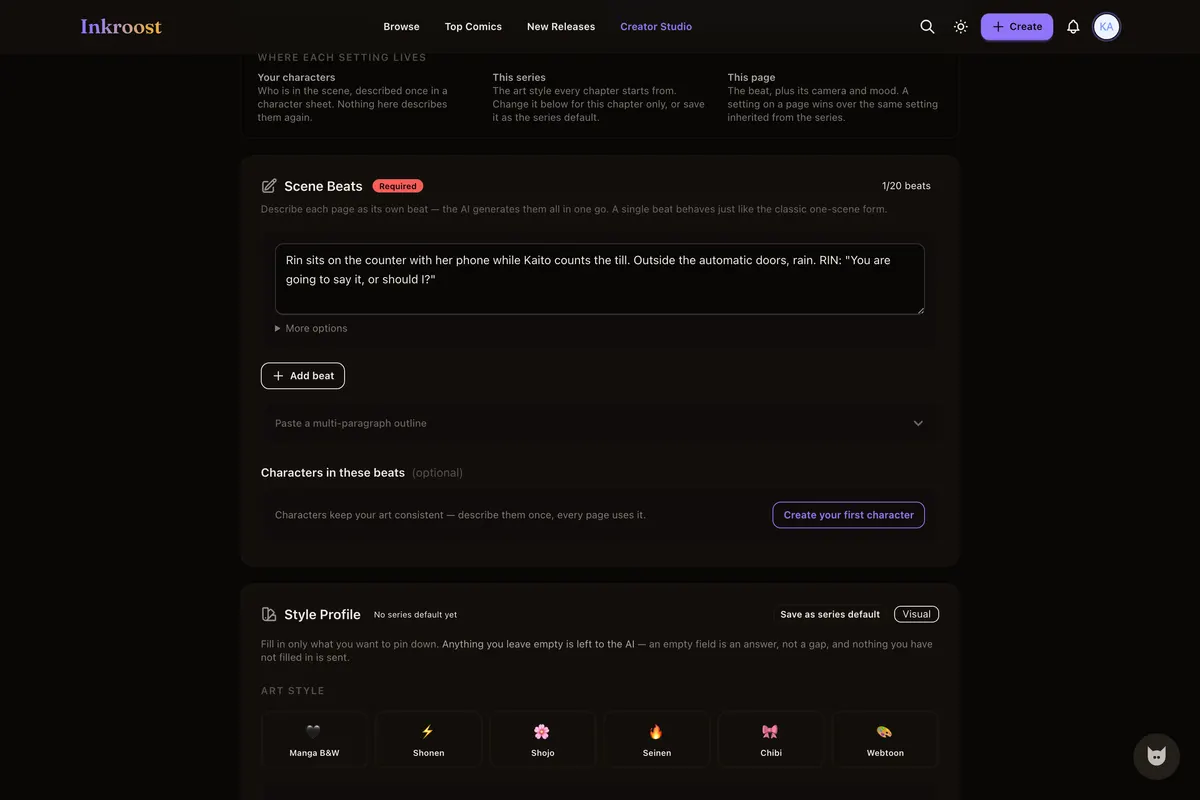
Describe the page
Plain sentences. The style profile and the sheets for whoever you named are added to the prompt behind the scenes.
-
3
Pick the take you want
Ask for more than one version of a page and choose between them, or send a beat back until it lands.
-
4
Publish the chapter
It reads right to left for everybody, free, in a browser, with no app to install.
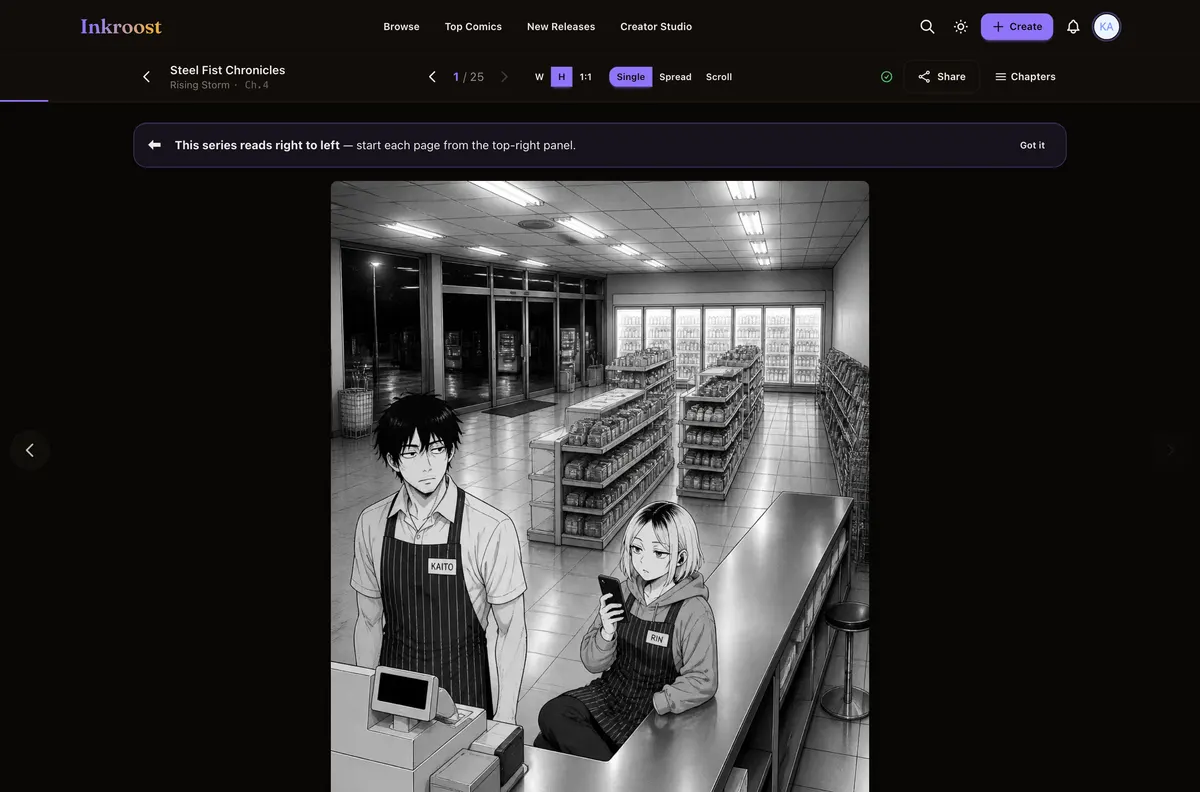
Manga pages published here
Straight out of the catalogue. Tap one to read the chapter it belongs to.
What it costs
One AI-drawn page is 10 credits (about $0.30), so a 20-page chapter comes to about 200 credits (about $5.99). New accounts start with 30 free credits — enough for your first 3 pages. Uploading art you drew yourself costs nothing, and reading is always free. See the full pricing.
How this compares
| Feature | Inkroost | Canva | Clip Studio Paint | WEBTOON Canvas | AI image generators |
|---|---|---|---|---|---|
| Draws a comic page from a written scene | Yes | Partial | No | No | Partial |
| Reference sheets that hold a character across pages | Yes | No | Partial | Not applicable | Partial |
| Publish pages you drew yourself, to readers | Yes | No | No | Yes | No |
| Chapters readers follow, comment on and come back to | Yes | No | No | Yes | No |
| Right-to-left manga reading built in | Yes | No | Yes | No | No |
| Vertical-scroll episodes | Yes | Partial | Yes | Yes | No |
| Free to read, no reader account needed to start | Yes | Not applicable | Not applicable | Yes | Not applicable |
Compared on what each product says about itself. “Partial” means it does something close to this, not the same thing. No prices are compared here — theirs change and ours are on the pricing page.
Walk through it first
Real screens, real costs, and what to do when a page comes back wrong.
Comic and manga styles now look like printed pages
The American comic, manga, cartoon and European looks now draw the way their printed pages did, with flat colour, simple backgrounds and depth from the panels themselves, instead of glow, mist and painted scenery.
Read the walkthrough →How to keep one character the same across pages
Faces drift between generated pages until you write the character down once. Here is what a character sheet is, how Inkroost pushes it into every page that mentions her, and what to do when a page comes back wrong anyway.
Read the walkthrough →Questions people ask
Can the generator draw in black and white, like manga?
Yes. The style profile offers named looks for manga, American comics, webtoons, cartoons and European comics, and you can pin down shading, linework and panel framing in your own words on top of any of them, or skip the presets and describe your own.
Can I turn a novel or a script into manga?
Yes. Paste it into Inky, the studio assistant. It takes scripts up to a million characters, prepares the pages chapter by chapter in your manga look, and shows you the plan and the price before anything is drawn.
Is anything published without me seeing it?
No. Generated pages wait on a review screen, you decide which become chapter pages, and the chapter itself goes through a review before readers can see it.
Do I own the manga pages the AI generates?
You keep ownership of what you generate and upload here. Publishing grants Inkroost only the licence needed to store and display it.
What does a chapter cost in dollars?
One AI-drawn page costs 10 credits (about $0.30), so a 20-page chapter comes to 200 credits (about $5.99). Uploading art you drew yourself costs nothing. Credit packs start at $5.99.
More ways in
Your first page is free.
Free to join, no card needed, and your 30 welcome credits draw your first 3 AI pages. If you would rather draw them yourself, upload them instead — both are first-class here.
Start your manga