


Turn your story into a comic
You have the story. That is the hard part, and it is the part nobody can do for you. The drawing is the part you get help with.
Your art. Your story. Your readers.
Bring your original comic, manga or webtoon. Upload your pages, publish chapters, and give readers a reason to come back.
Upload & share your work →Free to publish · No AI required · Your work stays yours
Free to start. AI drawing is paid for in credits, and packs start at $5.99 USD.
Free to start. You keep your work, and you can take it down whenever you like. See a finished chapter ·
One scene in, one page out
A paragraph of story, and the page Inkroost drew from that scene in three of its sixteen looks.


Start free. Keep going with a plan.
New accounts start with 30 free credits — enough for your first 3 pages. Uploading pages you drew is always free. Plans start at $3.99 a month, and credit packs at $5.99.
Available on Inkroost
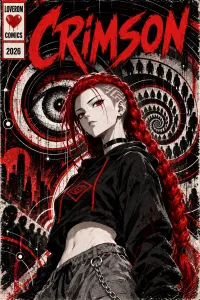
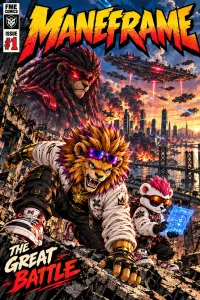
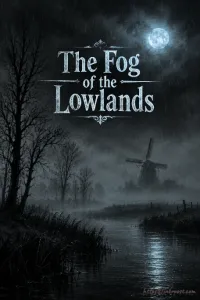
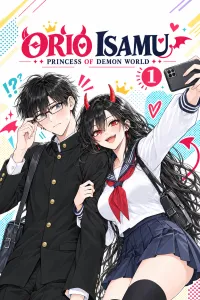
Real series, published here by the people who own them.

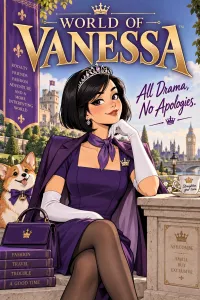
From prose to pages
A page shows, a paragraph tells
Prose can spend a paragraph inside one thought; a comic page has to show what happens. Splitting a scene into beats, one page each with who is there, what happens and what they say, is the real adaptation work, and it is writing, not drawing.
Your descriptions become the reference
The way your notes describe a character, the scar, the coat they never take off, becomes a sheet that is added to every page naming them, even by the nickname your story uses. Places and objects that recur get the same treatment.
Let the story choose the format
A thriller may want the page turns of a comic, a romance the scroll of a webtoon, a quiet drama the black and white of manga. The format is a setting on the series and the look is a preset you can reword, so the story decides.
What it looks like, step by step
Screenshots of the actual screens, in the order you meet them.
-
1
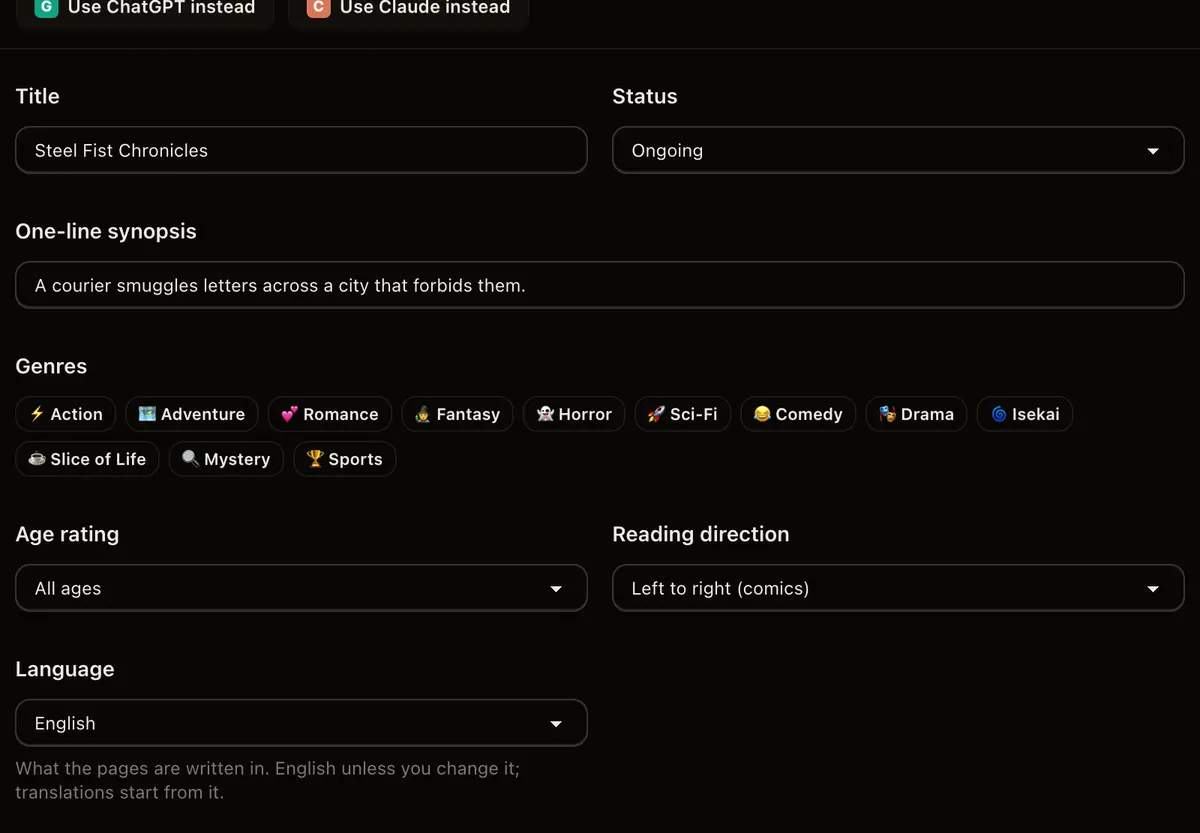
Give the story a home
A series is the shelf your chapters sit on: a title, what it is about, and how it should be read.
-
2
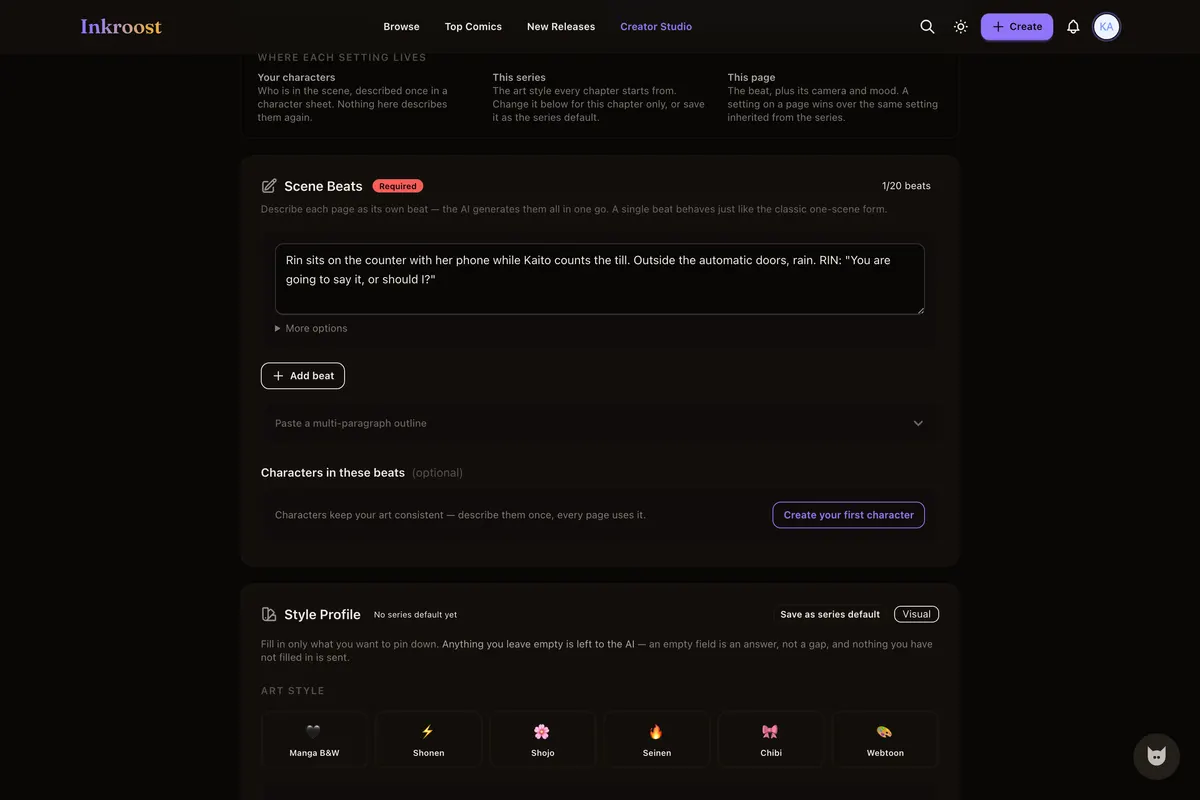
Break a scene into beats
Your prose becomes a list of moments, one per page. This is the step that turns a story into a comic, and it is writing, not drawing.
-
3
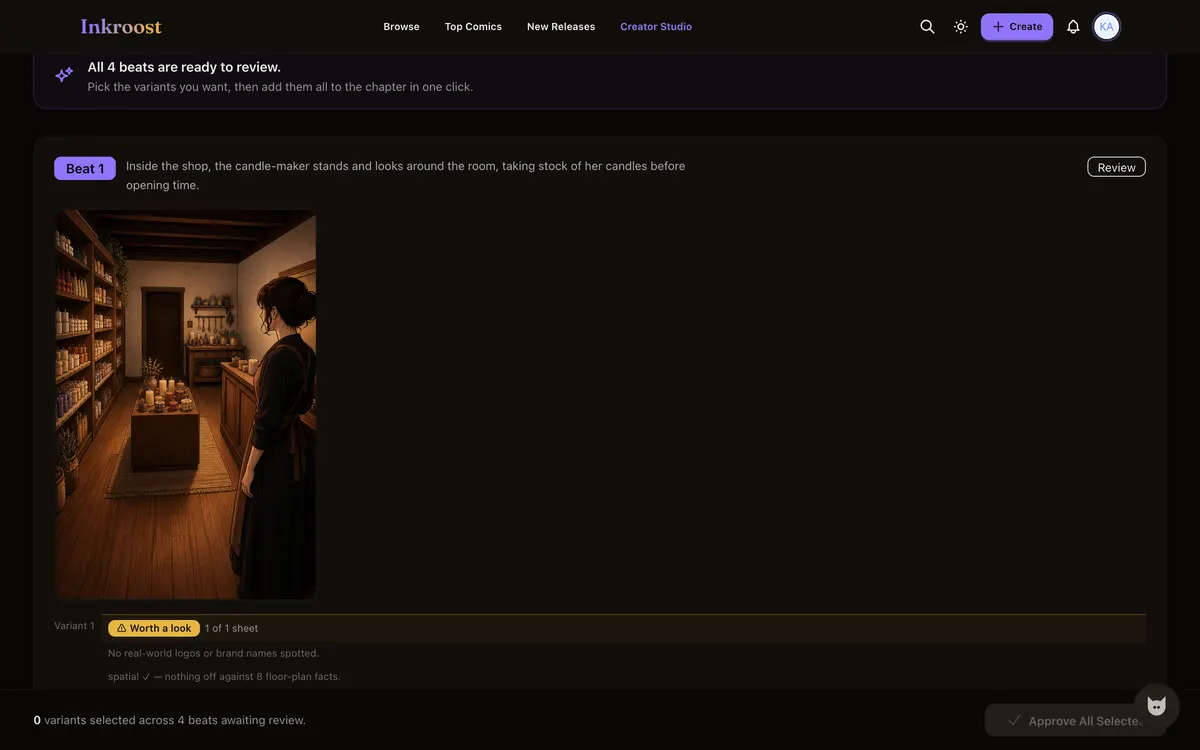
See the scene drawn
Each beat comes back as a page. If it is not the scene you wrote, change the words and ask again.
-
4
Let people read it
The chapter is published on a series page with a follow button and an address you can hand to anyone.
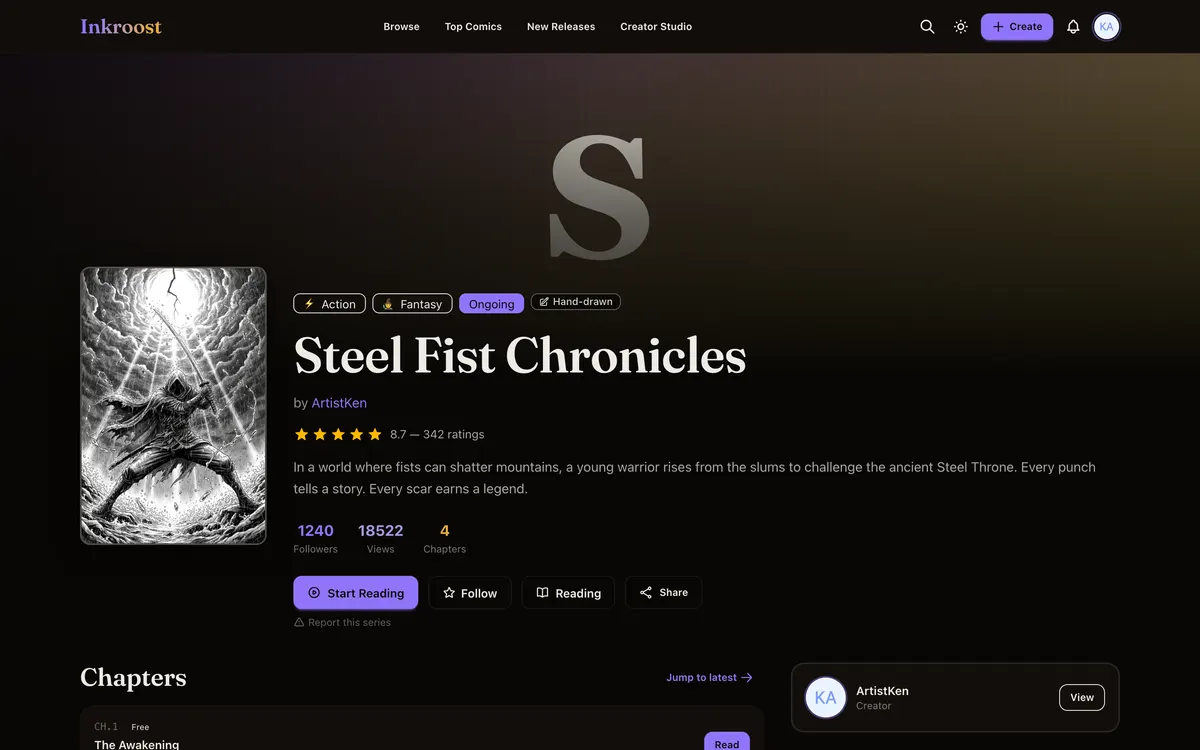
Pages published here
Straight out of the catalogue. Tap one to read the chapter it belongs to.
What it costs
One AI-drawn page is 10 credits (about $0.30), so a 20-page chapter comes to about 200 credits (about $5.99). New accounts start with 30 free credits — enough for your first 3 pages. Uploading art you drew yourself costs nothing, and reading is always free. See the full pricing.
How this compares
| Feature | Inkroost | Canva | Clip Studio Paint | WEBTOON Canvas | AI image generators |
|---|---|---|---|---|---|
| Draws a comic page from a written scene | Yes | Partial | No | No | Partial |
| Reference sheets that hold a character across pages | Yes | No | Partial | Not applicable | Partial |
| Publish pages you drew yourself, to readers | Yes | No | No | Yes | No |
| Chapters readers follow, comment on and come back to | Yes | No | No | Yes | No |
| Right-to-left manga reading built in | Yes | No | Yes | No | No |
| Vertical-scroll episodes | Yes | Partial | Yes | Yes | No |
| Free to read, no reader account needed to start | Yes | Not applicable | Not applicable | Yes | Not applicable |
Compared on what each product says about itself. “Partial” means it does something close to this, not the same thing. No prices are compared here — theirs change and ours are on the pricing page.
Walk through it first
Real screens, real costs, and what to do when a page comes back wrong.
How to keep one character the same across pages
Faces drift between generated pages until you write the character down once. Here is what a character sheet is, how Inkroost pushes it into every page that mentions her, and what to do when a page comes back wrong anyway.
Read the walkthrough →How to turn one scene into a comic page
The whole path from a sentence in your head to a drawn page you decided to keep — what to type, what it costs, and what to do when the page comes back wrong.
Read the walkthrough →Questions people ask
Can I paste in a chapter I already wrote?
Yes. A multi-paragraph outline can be pasted and split into beats, and you can edit each beat before anything is drawn.
Will the artwork match the story in my head?
Closer the more you pin down. A series style profile fixes the look; a character sheet fixes a face. Anything you leave blank is the AI's to decide, and anything you write wins over what it would have chosen.
Do I still own my story?
Yes. Your writing and the pages made from it stay yours; the licence you grant is for hosting and displaying the series here, and it ends when you take the series down.
How long does a chapter take?
The writing takes as long as writing takes. The drawing is a few minutes a page, and a whole chapter can be generated in one batch while you do something else.
What does a chapter cost in dollars?
One AI-drawn page costs 10 credits (about $0.30), so a 20-page chapter comes to 200 credits (about $5.99). Uploading art you drew yourself costs nothing. Credit packs start at $5.99.
More ways in
Your first page is free.
Free to join, no card needed, and your 30 welcome credits draw your first 3 AI pages. If you would rather draw them yourself, upload them instead — both are first-class here.
Turn your story into pages