How to keep one character the same across pages
Faces drift between generated pages until you write the character down once. Here is what a character sheet is, how Inkroost pushes it into every page that mentions her, and what to do when a page comes back wrong anyway.
The first page usually looks fine. It is page four that goes wrong: same coat, different face, hair a shade lighter, and the reader can tell. Nothing is broken — the model simply has no memory between pages, so it invents her again every time.
The fix is to write her down once. This is the whole of it.
A character sheet is one form, filled in once
Open the series, scroll to Characters, and choose New character. A sheet has a name, an optional short description, and the part that does the work: appearance notes.
Write the things that make her recognisable rather than the things that make her interesting:
Spiky black hair with an asymmetric fringe, sharp dark-brown eyes, lean build, torn white gi as her usual outfit, a distinctive scar over the left eyebrow.
Six details carry almost all of the consistency: hair, eyes, skin, build, outfit and anything distinctive. The completeness ring on the sheet fills as you cover them, and it is a checklist, not a score — a sheet that names all six holds a face far better than one that says "a cool ninja girl".
Personality notes are for you, not for the drawing.
How the sheet reaches the page
You do not attach a character to a page. Inkroost reads your beat and injects the sheet of anyone it names.
Her full name works, and so does any single name part that is unambiguous inside that series: "Lizzie" finds Lizzie Bennet, while "Bennet" on its own names seven people and is deliberately ignored. Honorifics are never treated as names. So write beats the way you would write prose — Ren pulls the door shut behind her — and the sheet goes in by itself.
That matters most when something else is doing the typing. A chapter generated through an AI assistant over the connector used to lose its character sheets whenever the assistant forgot to list them; reading the scene text closed that hole.
Places and recurring objects drift for exactly the same reason, and they have sheets of their own: Locations for the shopfront the story keeps returning to, Props for the phone in her hand or the sword on her back. Both take aliases — "the shop", "her phone" — so the words you actually write in a beat are enough to pull them in.
Ordinary pages, and one extra check
Generate as you normally would. There is nothing extra to switch on: from the moment the sheet is saved, every page whose beat names her is built with her description in it.
After each page is drawn, Inkroost compares it with the sheets its prompt was built from and flags what drifted. That check is included — it costs no extra credits — and it is why a wrong page is something you find out about rather than something a reader points out later.
When a page still comes back wrong
Use Not right? on the review screen and pick "The characters look wrong". Then do one of these, in this order:
- Add the missing detail to the sheet. Nine times out of ten the thing that changed is the thing the sheet never mentioned. Anything you leave blank is the model's to decide.
- Name her in the beat. A beat that says "the girl" gives the matcher nothing to match; a beat that says "Ren" pulls the whole sheet in.
- Redraw that page only. Editing the prompt and regenerating costs one page, not a chapter.
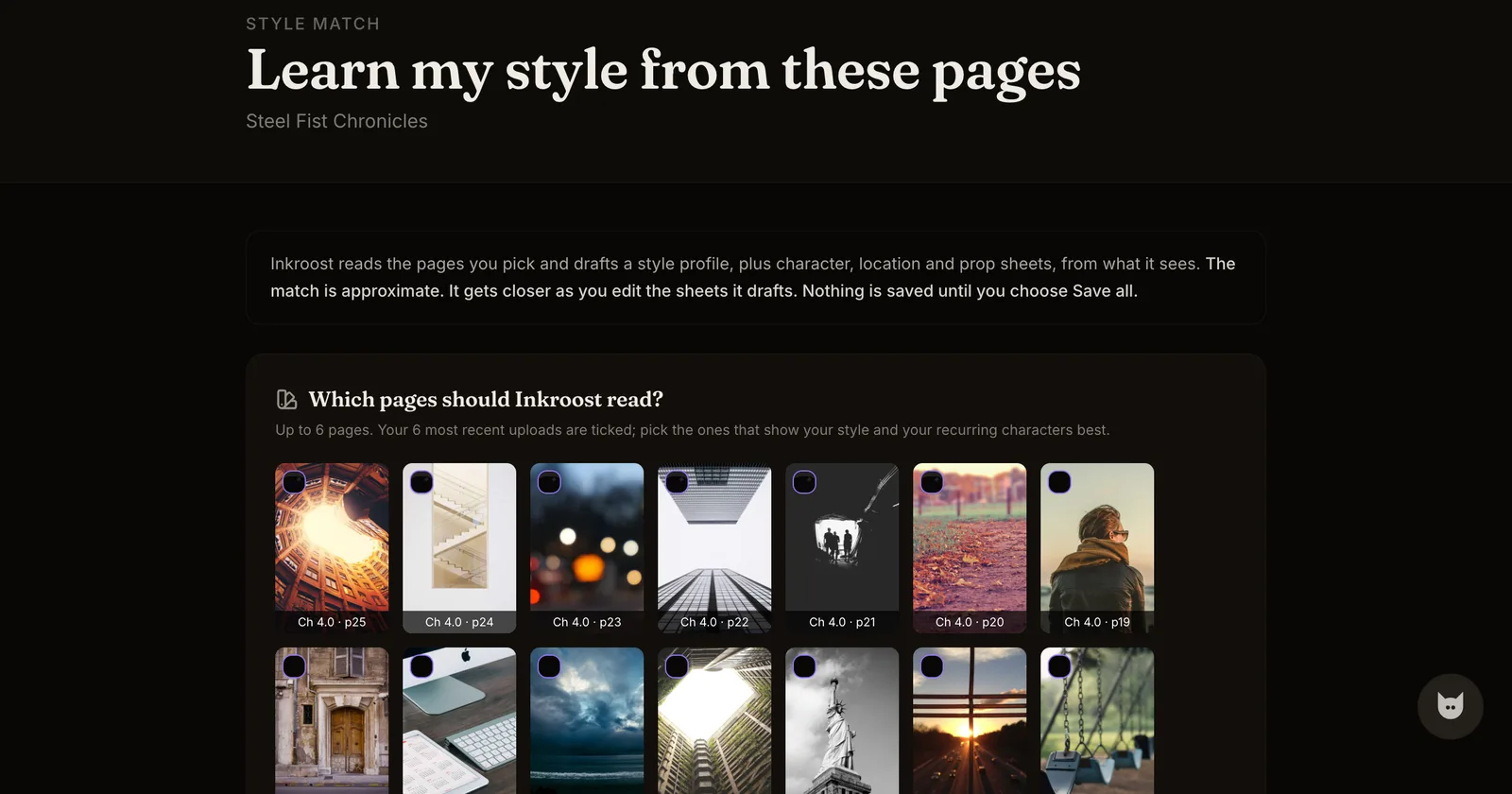
An honest limit: a sheet holds a character much steadier, not perfectly. Faces vary between takes, unusual outfits and complicated hands are still hard, and reference sheets and page redraws both cost credits — every screen shows its own price beside its own button before you press it. If you already draw, style match goes the other way round: it reads up to six pages you uploaded and drafts a style profile plus character, location and prop sheets from them, which you then correct and save.
What it costs
One AI-drawn page costs 10 credits (about $0.30), so a 20-page chapter comes to 200 credits (about $5.99). New accounts start with 30 free credits, enough for your first 3 pages. Uploading art you drew yourself costs nothing. Writing sheets costs nothing at all — a sheet is a form. Drawing a preview picture of a character is a separate, optional job with its own price shown on that screen, and pages you drew yourself are always free to upload.
Start a series and write your first sheet — free to join, no card needed. If you have not drawn a page yet, start with turning one scene into a comic page; more about the whole path on turn your story into a comic.