creation
Promo kit and webtoon strip export
Social tiles composed from your own panels, and a vertical-scroll export for webtoon platforms.
What shipped.
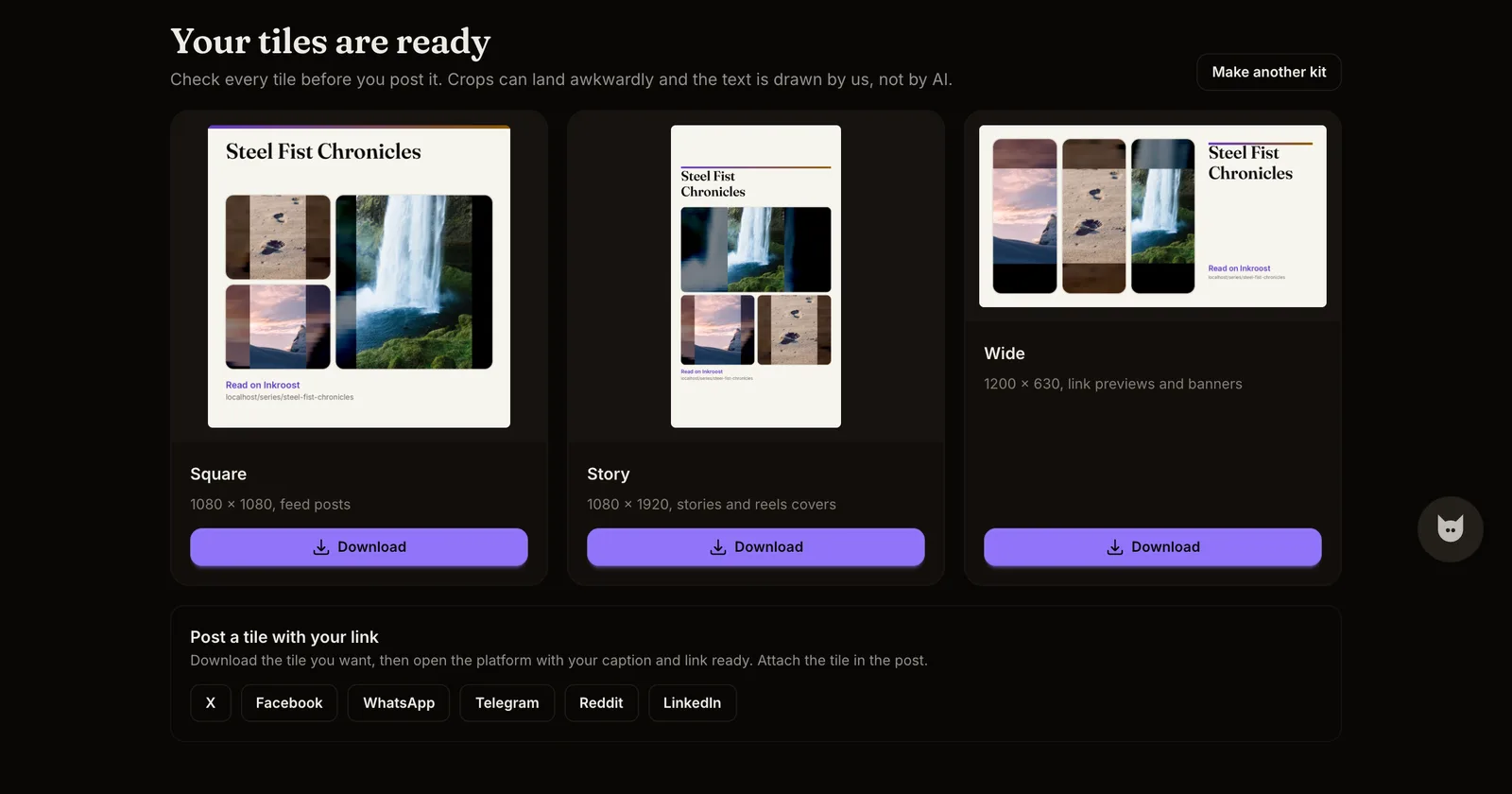
- Promo kit. Pick up to three panels from a published chapter. Inkroost lays them out as a square tile for feed posts, a story for reels and stories, and a wide banner for link previews, with your title and your series link drawn on top. Download what you like and post it yourself. Nothing is posted automatically, and the text is drawn by Inkroost, not by an AI model.
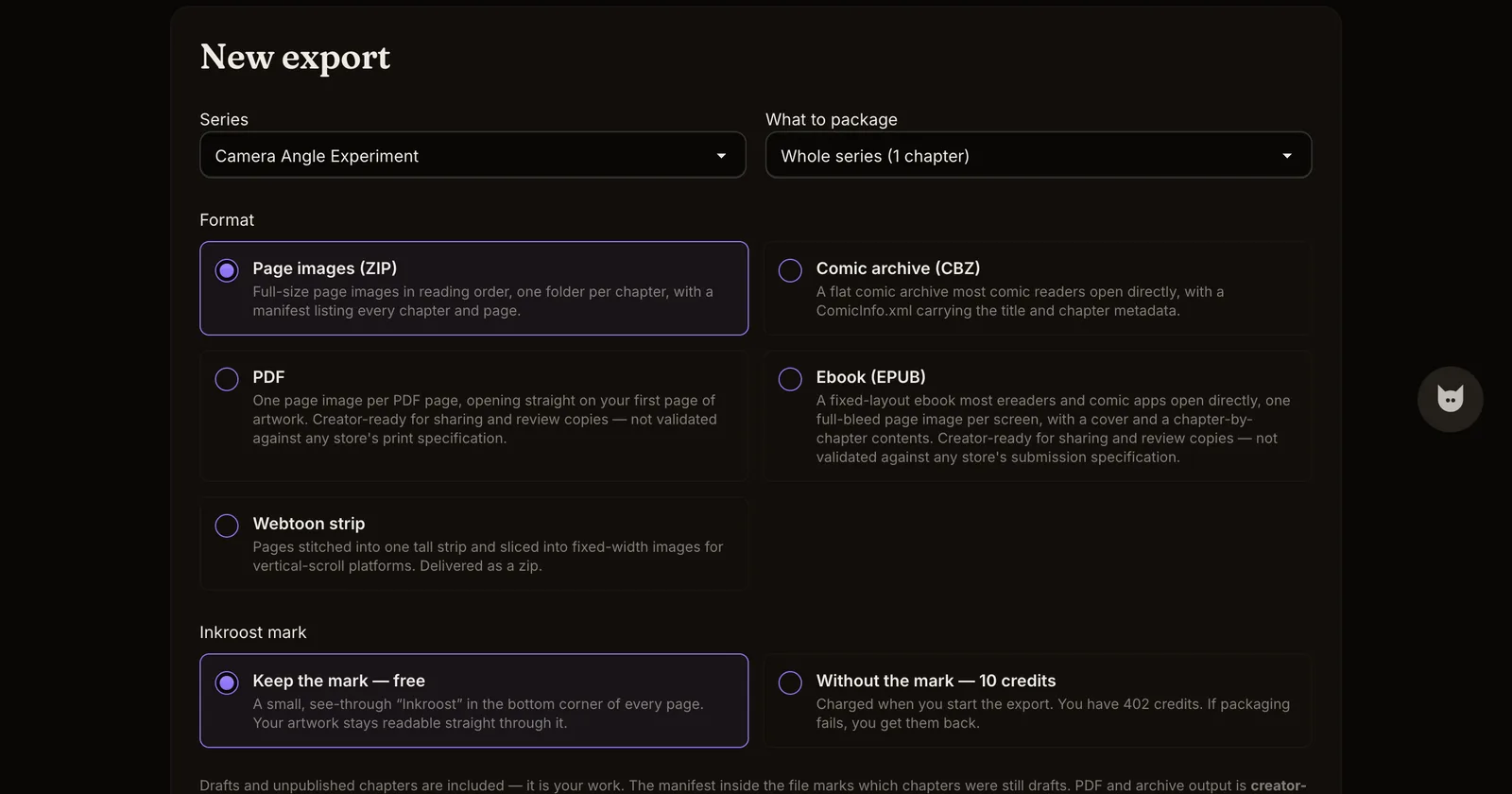
- Webtoon strip export. On the Export page, a new format stitches your pages into one tall strip for vertical-scroll platforms. The zip holds both: the whole chapter as a single tall image, and the same strip sliced into fixed-width segments for platforms that want it in pieces.
Why it matters. The work after the last page is what gets a chapter read. A promo tile used to mean a trip through a design tool; a webtoon upload used to mean slicing images by hand. Both are now a button.
How to use it.
- Open a series that has at least one live chapter and choose Promo kit from the share card, or from the series page in your studio.
- Tick up to three panels, generate, and check every tile before you post it. Crops can land awkwardly, and you are the last pair of eyes.
- For the strip, go to Export, pick the series or chapter, choose Webtoon strip, and start the export. The download is ready in the background and is deleted again after a short while, so grab it when the notification arrives. Inside, each chapter has a
strip.pngwith everything in one piece and numbered segments beside it.