Split a chapter into panels
Every panel of a chapter, cut out as a picture of its own in reading order and ready to download, with the option to clear the speech bubbles and text from them.
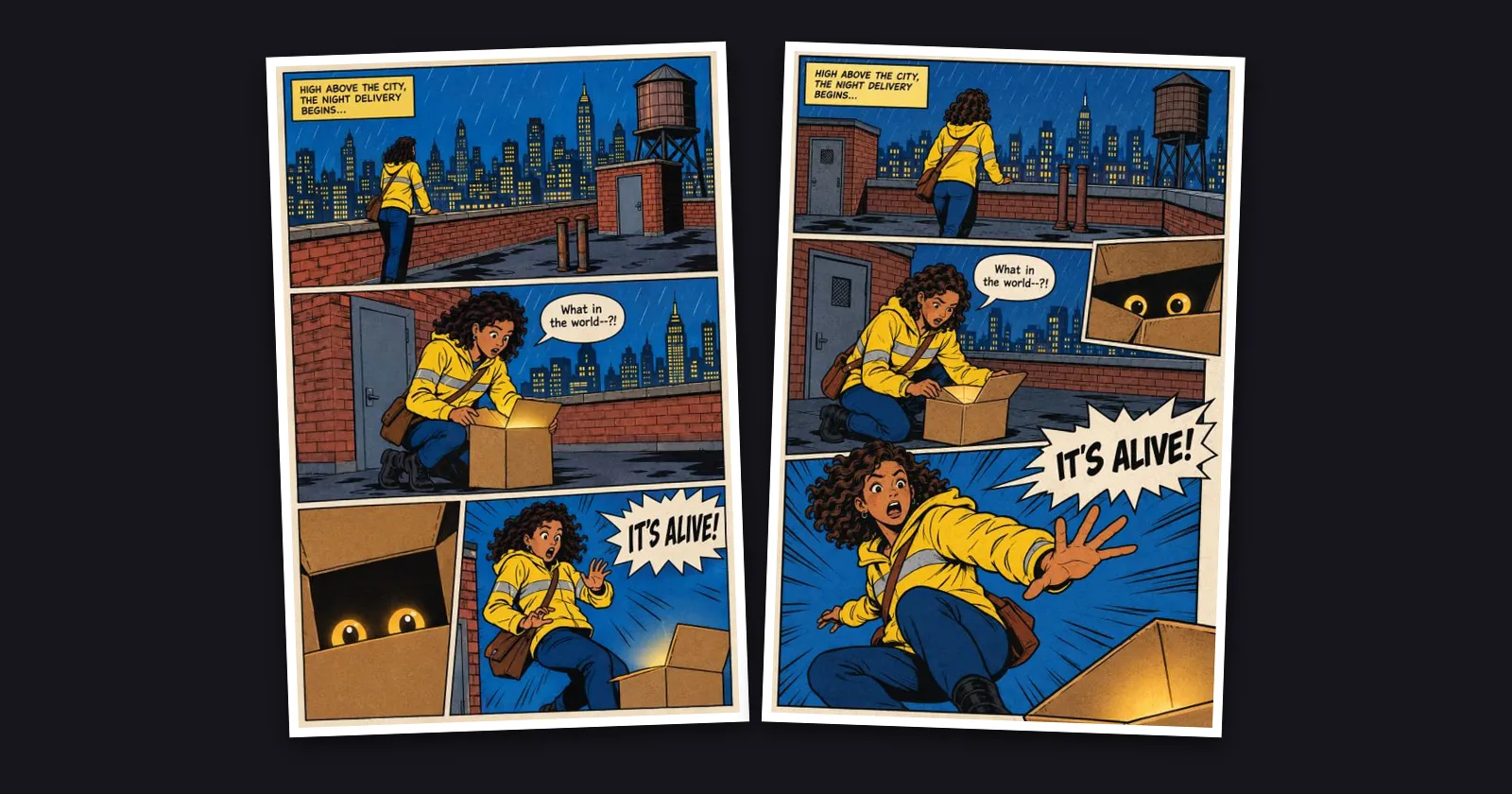
What shipped. Open a chapter, and under Do more with this chapter there is now Split into panels. It is free. Every page is read to find its panels, framed or borderless, and each panel is cut out of your page as a picture of its own. They are numbered in reading order: left to right, or right to left when your series reads like a manga. Nothing is redrawn and your pages stay exactly as they are. The panels appear on the card as each page is read, and Download panels (ZIP) gives you all of them in one file, named so they stay in order.
Clear the speech bubbles and text. Once the panels are in, the card offers Clear the bubbles and text from … panels. Each panel is repainted without its balloons, captions and sound effects, and nothing else in it changes. The price is on the button before anything runs: 3 credits a panel, charged when it starts, and a panel that cannot be cleared is refunded. Cleared panels take the place of the originals in the ZIP, and the originals are kept.
Why it matters. Panels are what you post one at a time on social media, what a vertical-scroll version is rebuilt from, and what you hand a letterer or a translator. Cutting them out by hand takes an evening per chapter. If you change your pages later, Split again cuts them afresh.