Clear the text from whole pages, or keep the bubbles
The text can now be cleared from a chapter's whole pages without splitting them, you can keep the speech bubbles empty for new lettering, and you hear when your panels and cleared pages are ready.
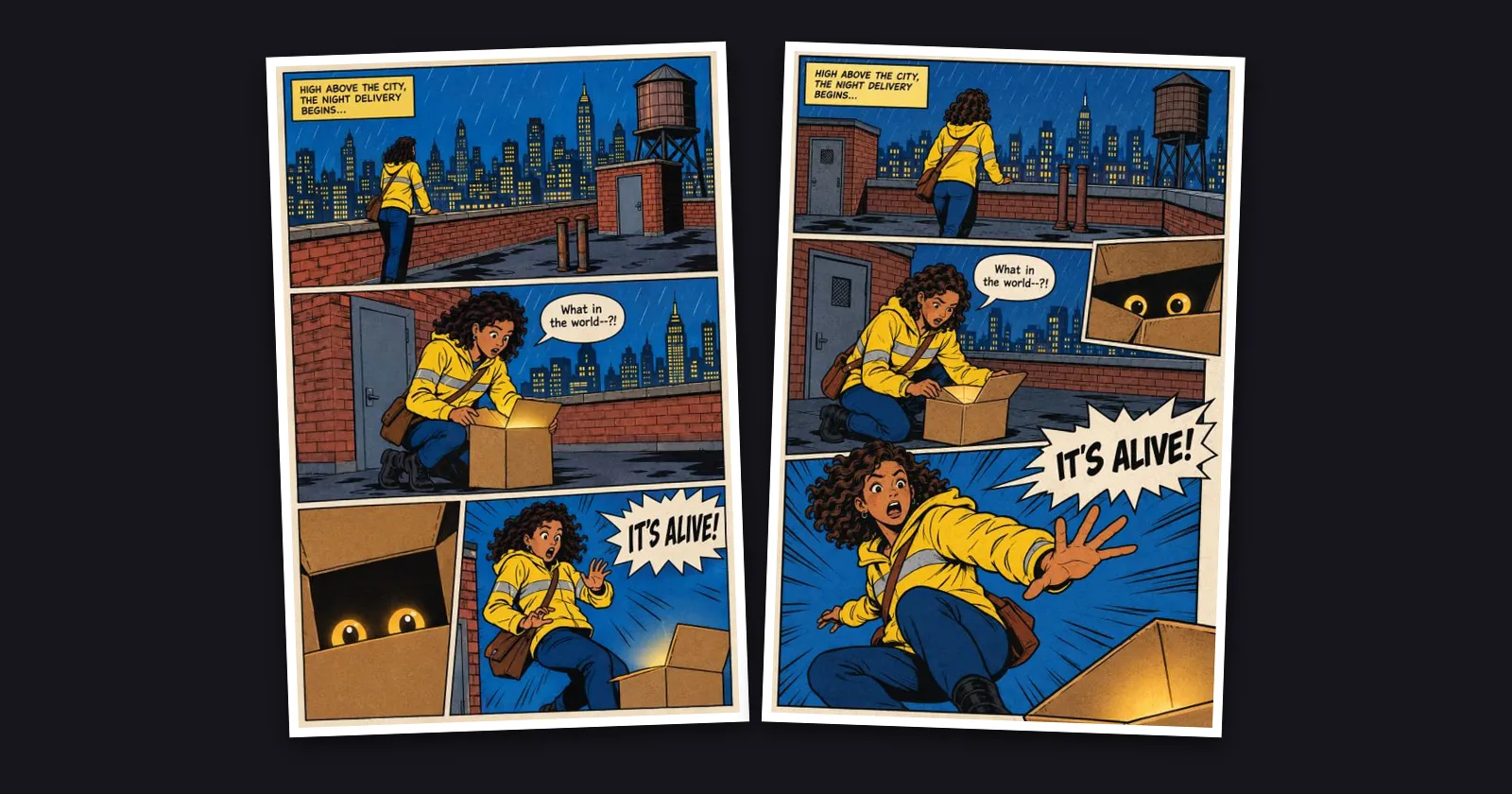
Clear the text from whole pages. The Split into panels card in a chapter's Do more tiles now also offers Clear the text from … pages. Each page comes back with its text cleared, at the same price per page as a panel, charged when it starts, and a page that cannot be cleared is refunded. The cleared pages download as one ZIP, named by page number. A whole page comes back at about 1 megapixel, so if you want the most detail, split first and clear the panels one by one. If you split a chapter after clearing its pages, the panels are cut from the cleared pages and arrive with the text already gone, at no extra cost.
Keep the bubbles, lose the words. Before you clear panels or pages, pick Remove the text, keep the bubbles to lift out only the lettering. The speech bubbles and caption boxes stay where they are, empty, ready for new lettering or a translation. Remove the bubbles and the text clears everything, as before.
Kept like your exports, and you hear when they are done. Panels and cleared pages stay for as long as an export does and are listed under Exports next to your other downloads. After that the files are removed; splitting again is free. You get a notification when your panels are ready and when the text has been cleared, with how many came back and how many credits were returned.