Squeeze a whole chapter into a short episode, or keep its best moments
When you pick an episode shorter than your chapter, Inkroost Animate now asks whether to fit every page in with shorter lines, or keep only the strongest scenes word for word.
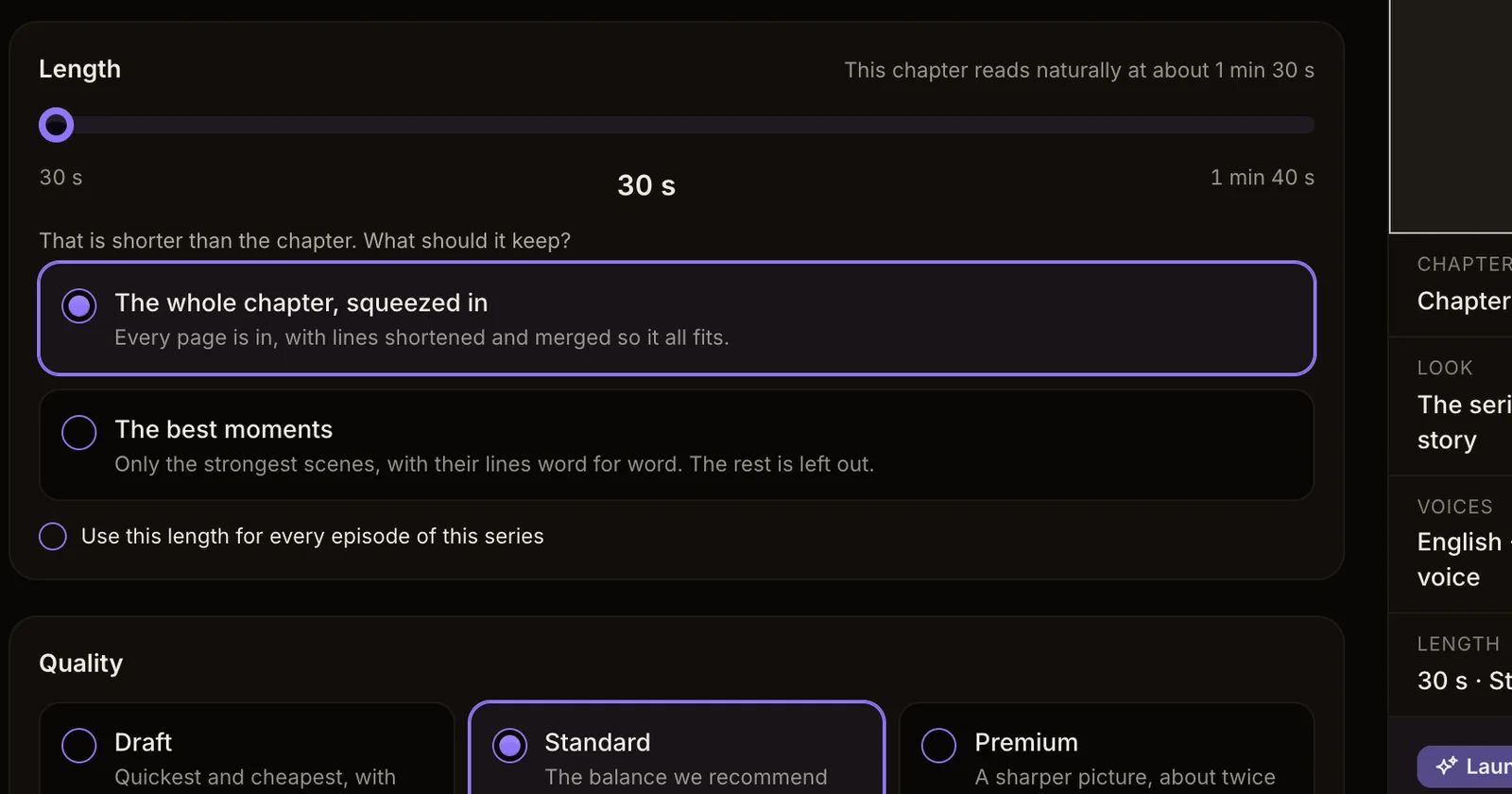
What changed. An episode can be shorter than the chapter it comes from. Before, a short episode always kept only the chapter's strongest moments and left the rest out. Now, when the length you pick is shorter than your chapter, you choose what it keeps.
The whole chapter, squeezed in. Every page makes it into the episode. Lines are shortened and merged, the narration most of all, so the whole story fits the length you chose. This is the new starting choice.
The best moments. Only the strongest scenes are animated, and their lines are spoken word for word. The rest of the chapter is left out.
See what is left out. When you review a plan that keeps the best moments, the read-through now marks each scene that is not in the episode with "Not in this episode". If you would rather have everything, press "Plan again with the whole chapter squeezed in" in the same place.
How to use it. Open Animate, pick a chapter, and on the length step move the slider below the chapter's own length. The two choices appear right under it.