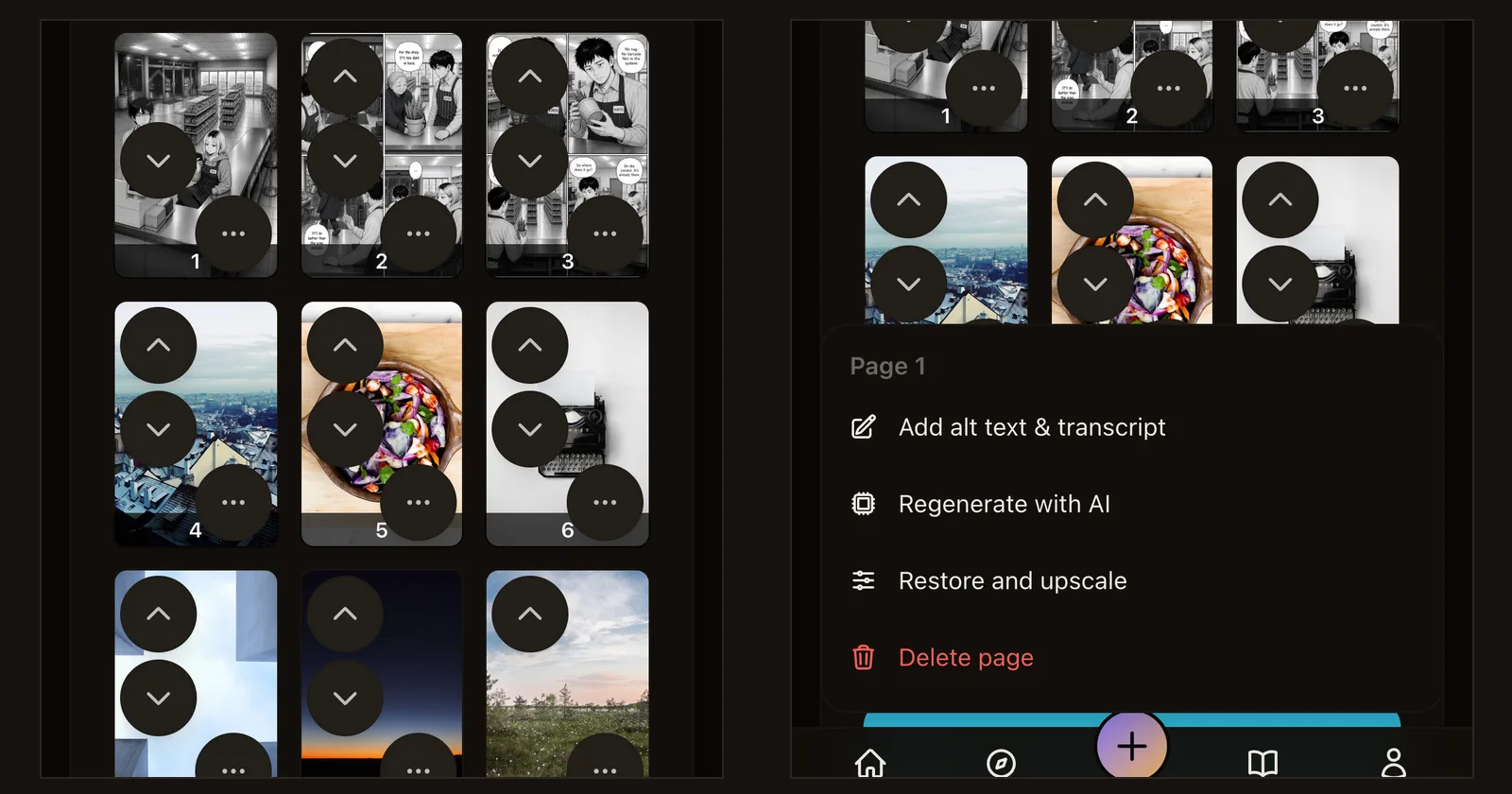
Reordering and editing pages on a phone
The chapter editor's page-move arrows now show on a phone, and each page's actions sit in a labelled menu that opens above the dock.
기간 한정 웰컴 크레딧 30개
가입하면 바로 받을 수 있어요. 7일 안에 사용하세요.
기능 가이드와 출시 소식. 무엇이 새로 나왔고, 왜 중요하며, 어떻게 쓰는지 알려 드려요.
The chapter editor's page-move arrows now show on a phone, and each page's actions sit in a labelled menu that opens above the dock.
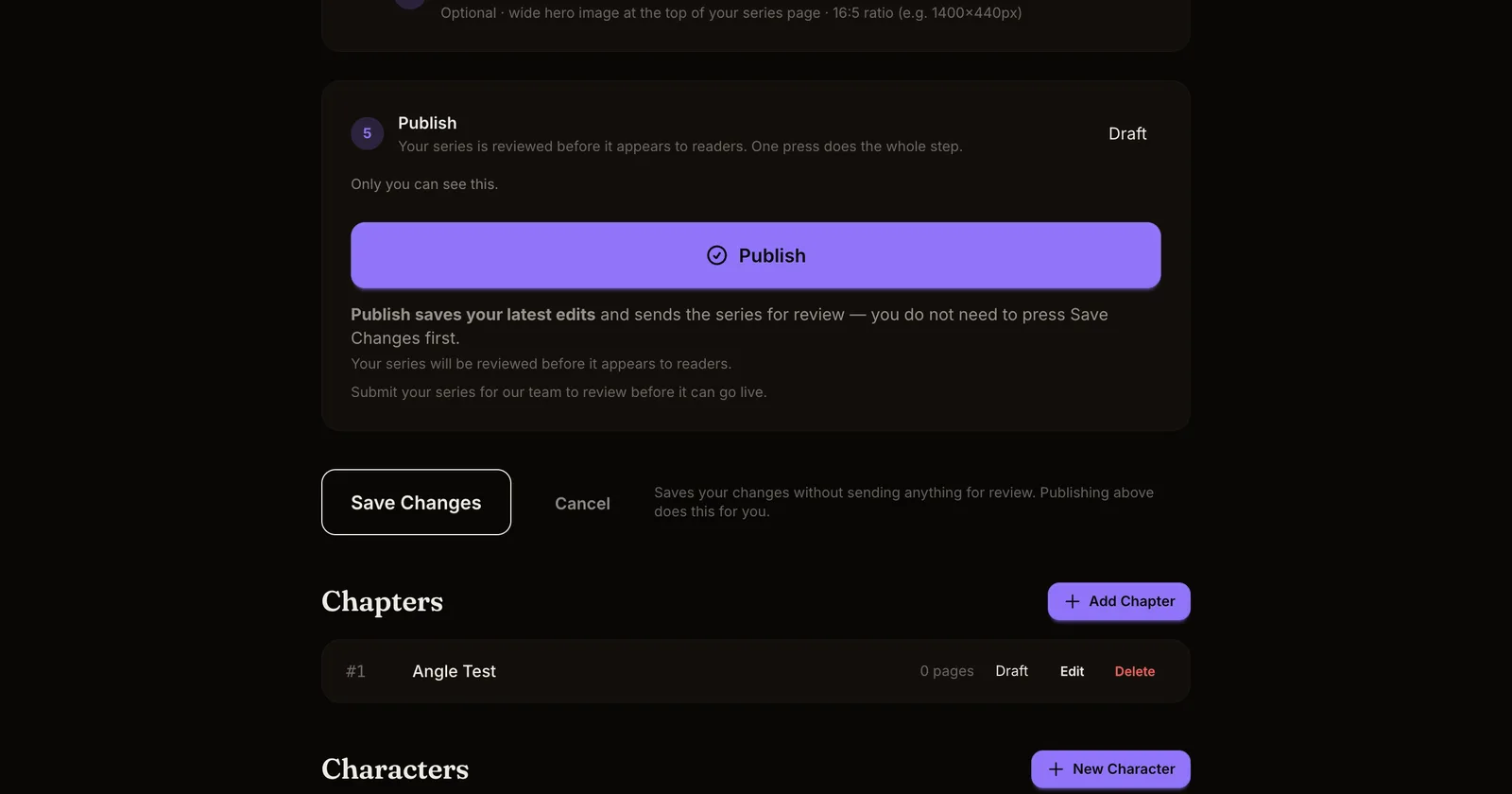
A batch of fixes from creator reports: translations stop spawning duplicate series, modals work on phones, notification toggles stick, and publishing a chapter always carries its series.
The automatic review now settles the content rating, page order no longer needs a confirmation click, and a blocked publish says so before anything changes.
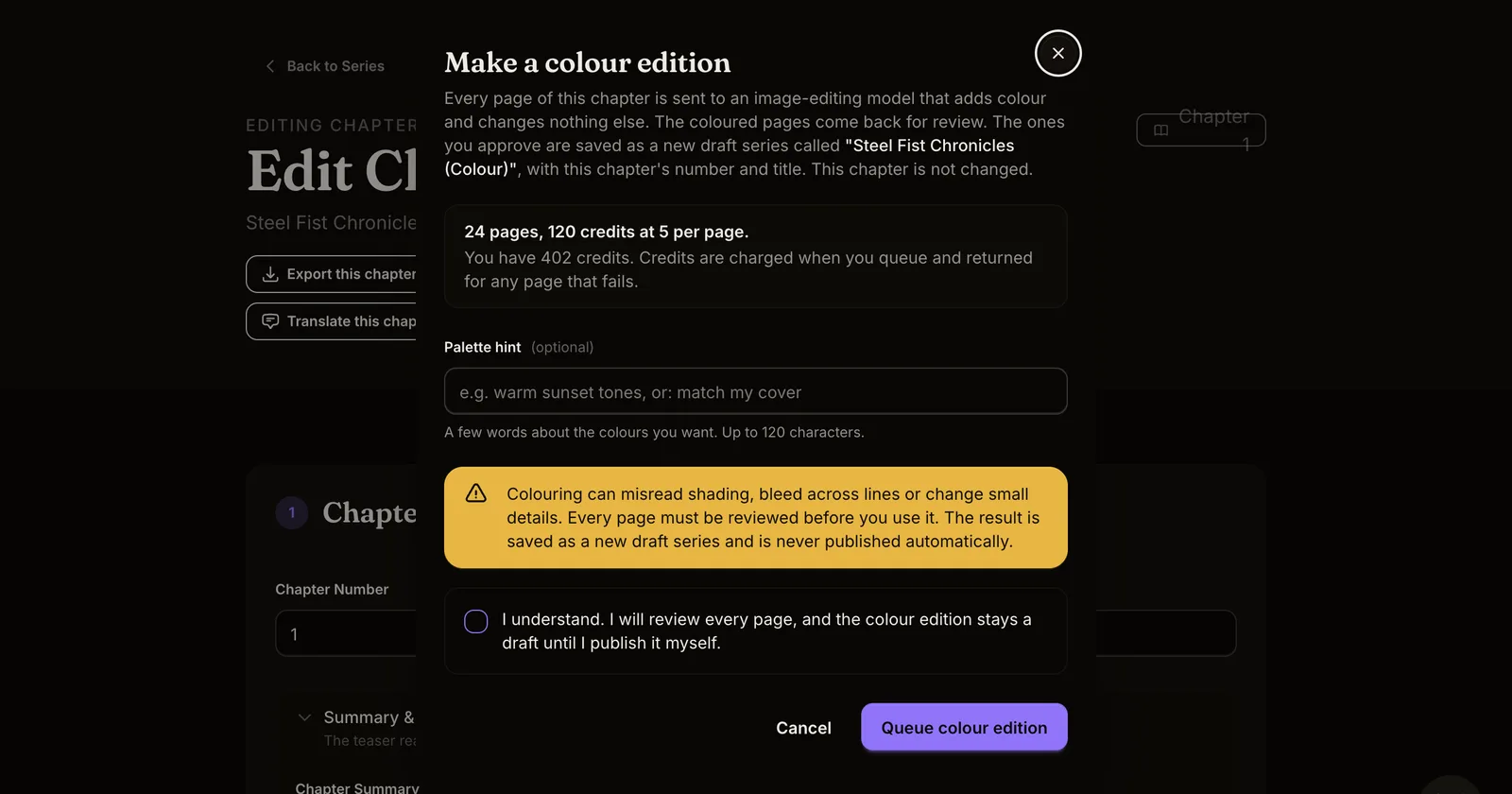
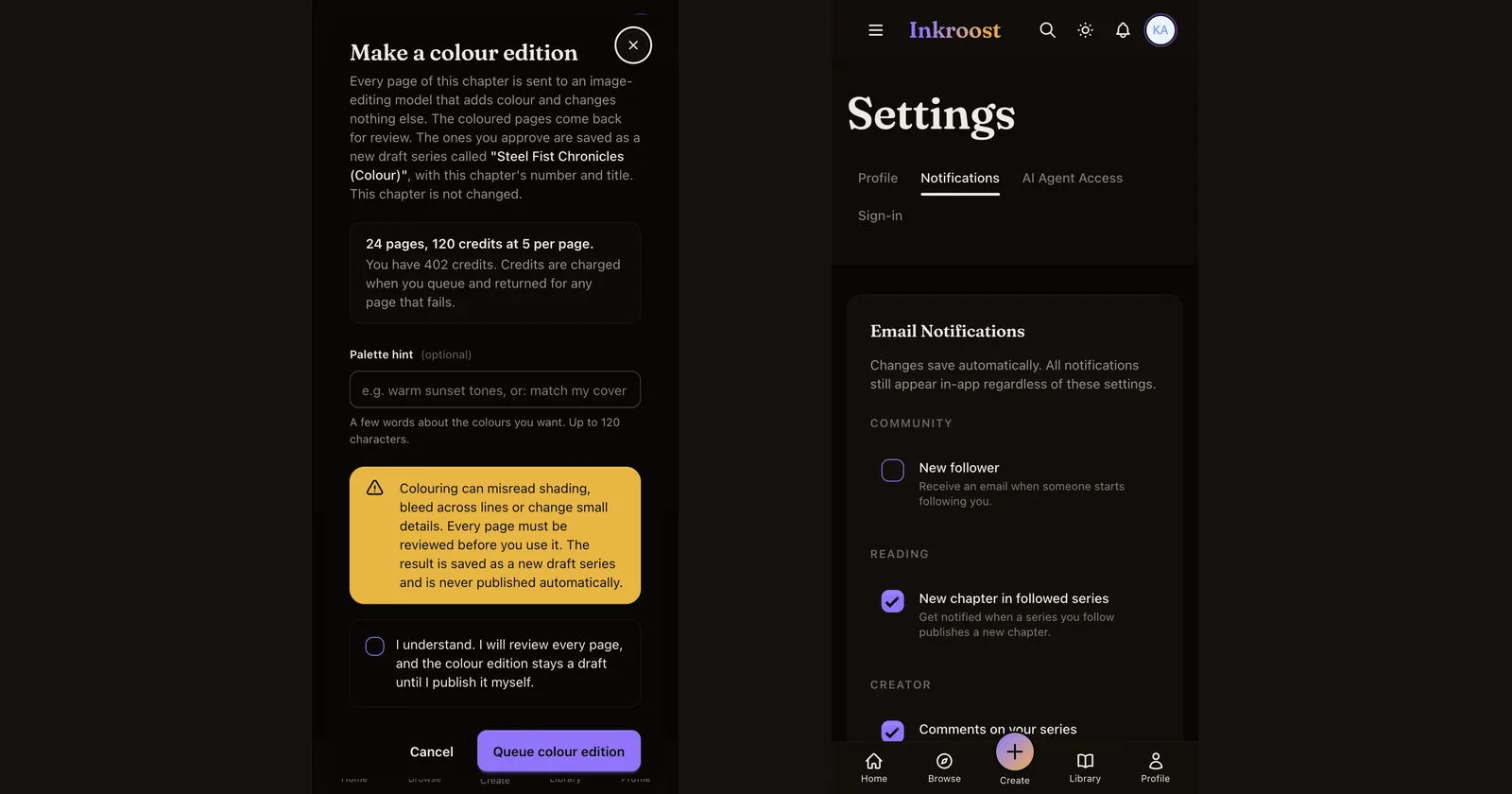
Turn a finished chapter into a colour edition or a translated edition, or clean up and enlarge old scans, without touching the original.
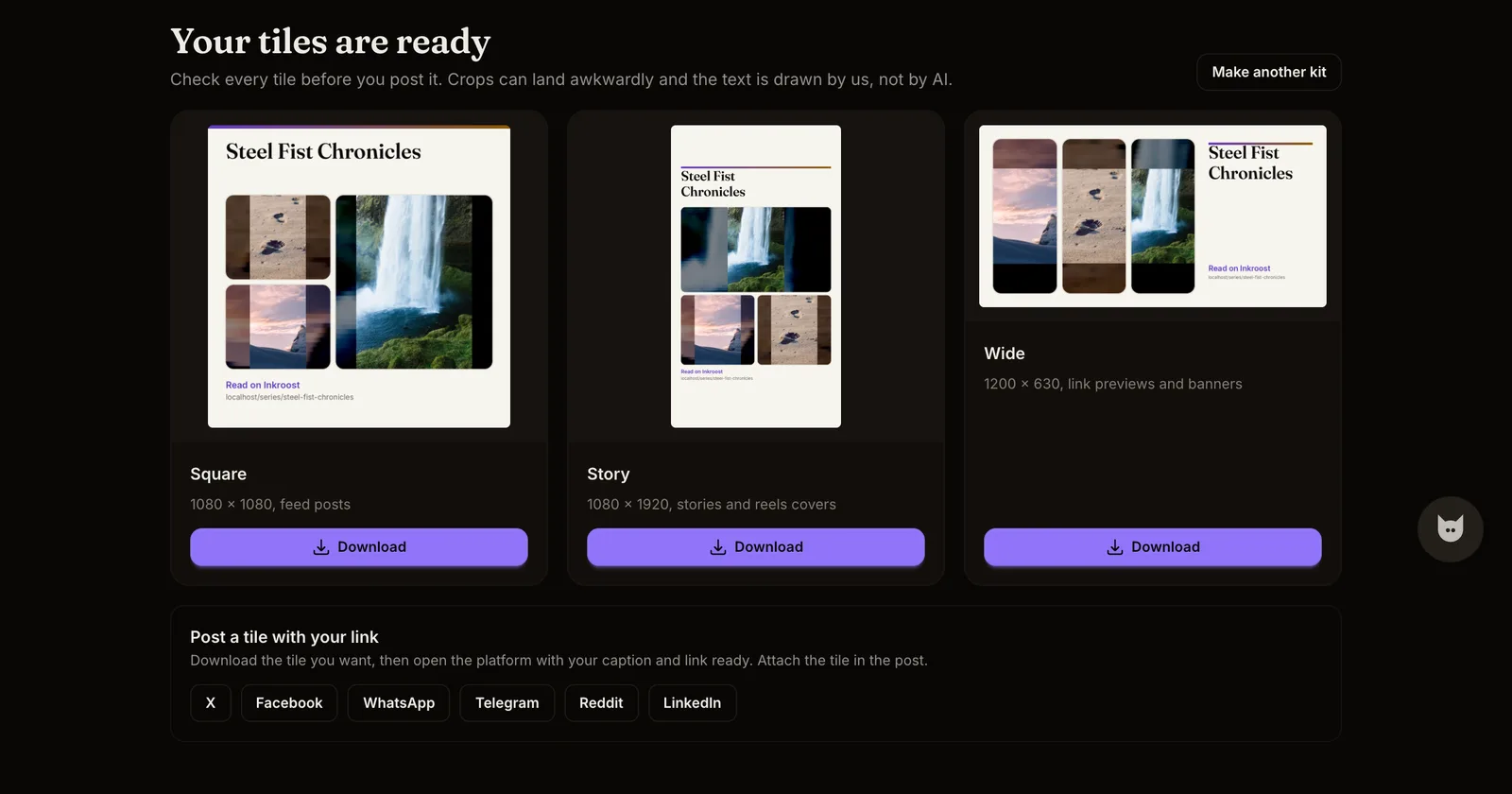
Social tiles composed from your own panels, and a vertical-scroll export for webtoon platforms.
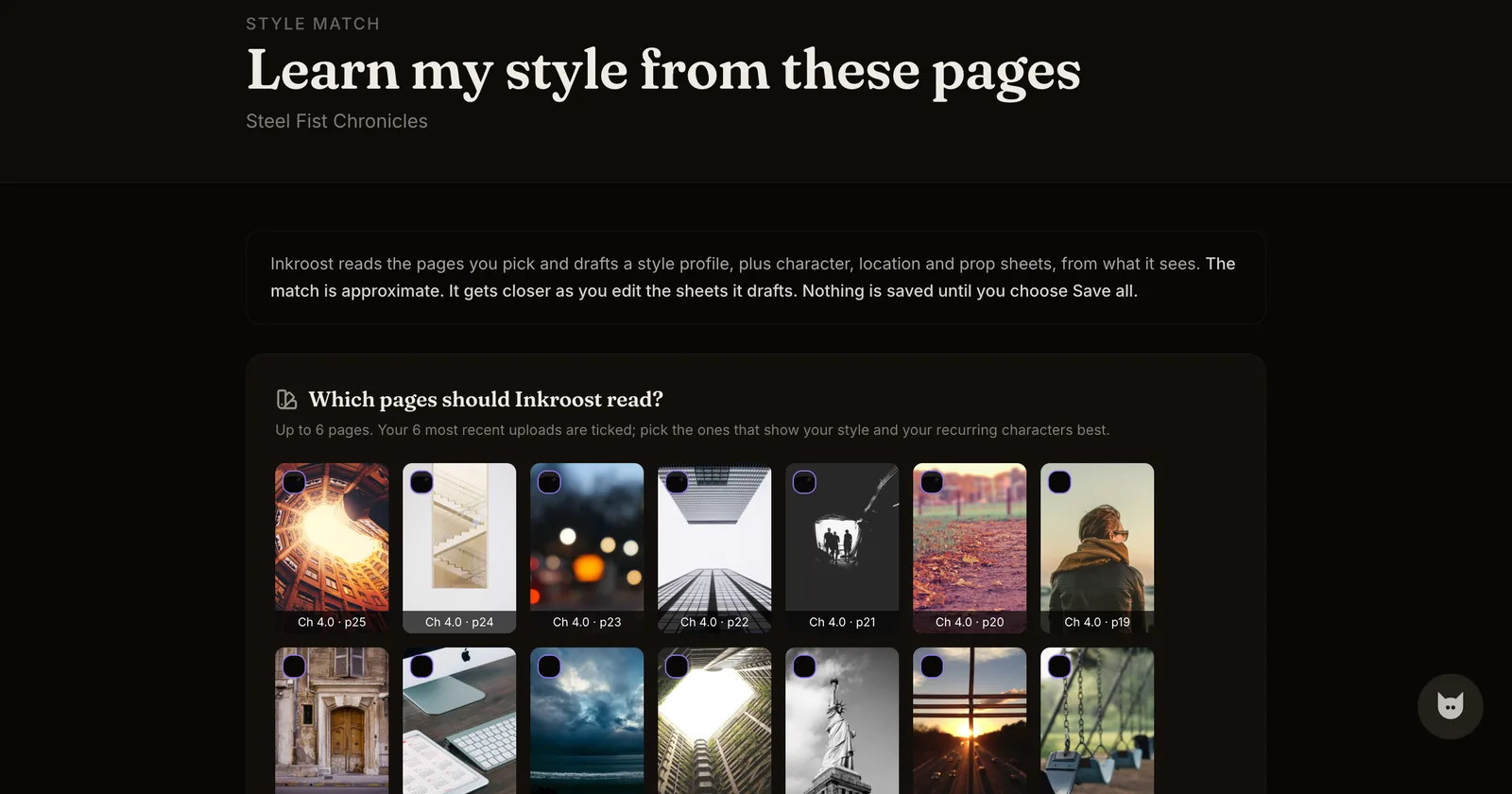
Pick a few of your uploaded pages and Inkroost drafts a style profile and sheets from them, then draws the next page in your style.
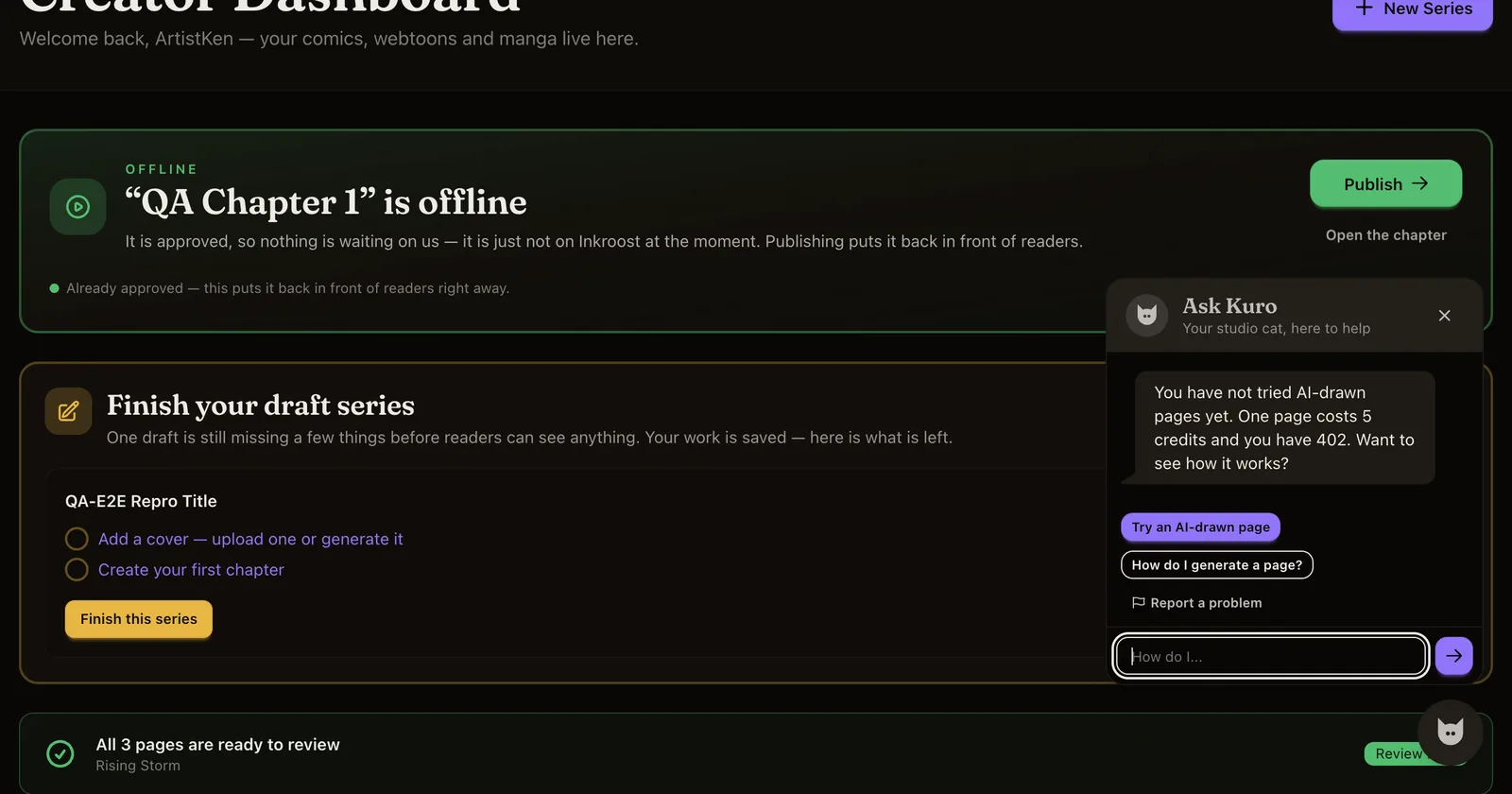
A helper inside the creator pages that sees your own series state, answers questions about creating and publishing, and can file a problem report for you.
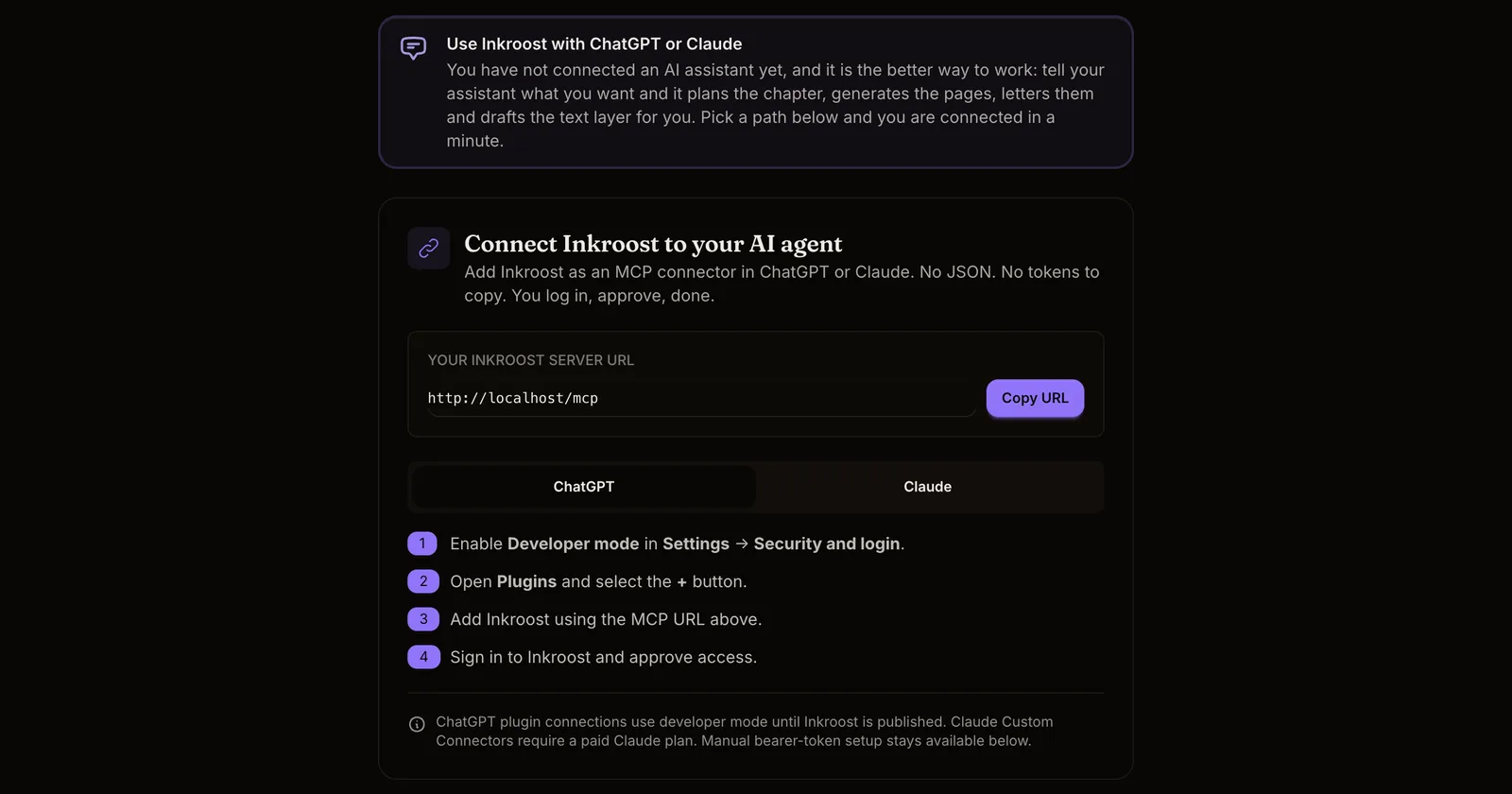
Connect Inkroost to ChatGPT or Claude in a minute and let your assistant plan chapters, generate pages and publish, with characters now matched by name.
Connect an AI assistant to Inkroost over MCP and it can build series, generate pages, and publish chapters — the same operations as the web app.
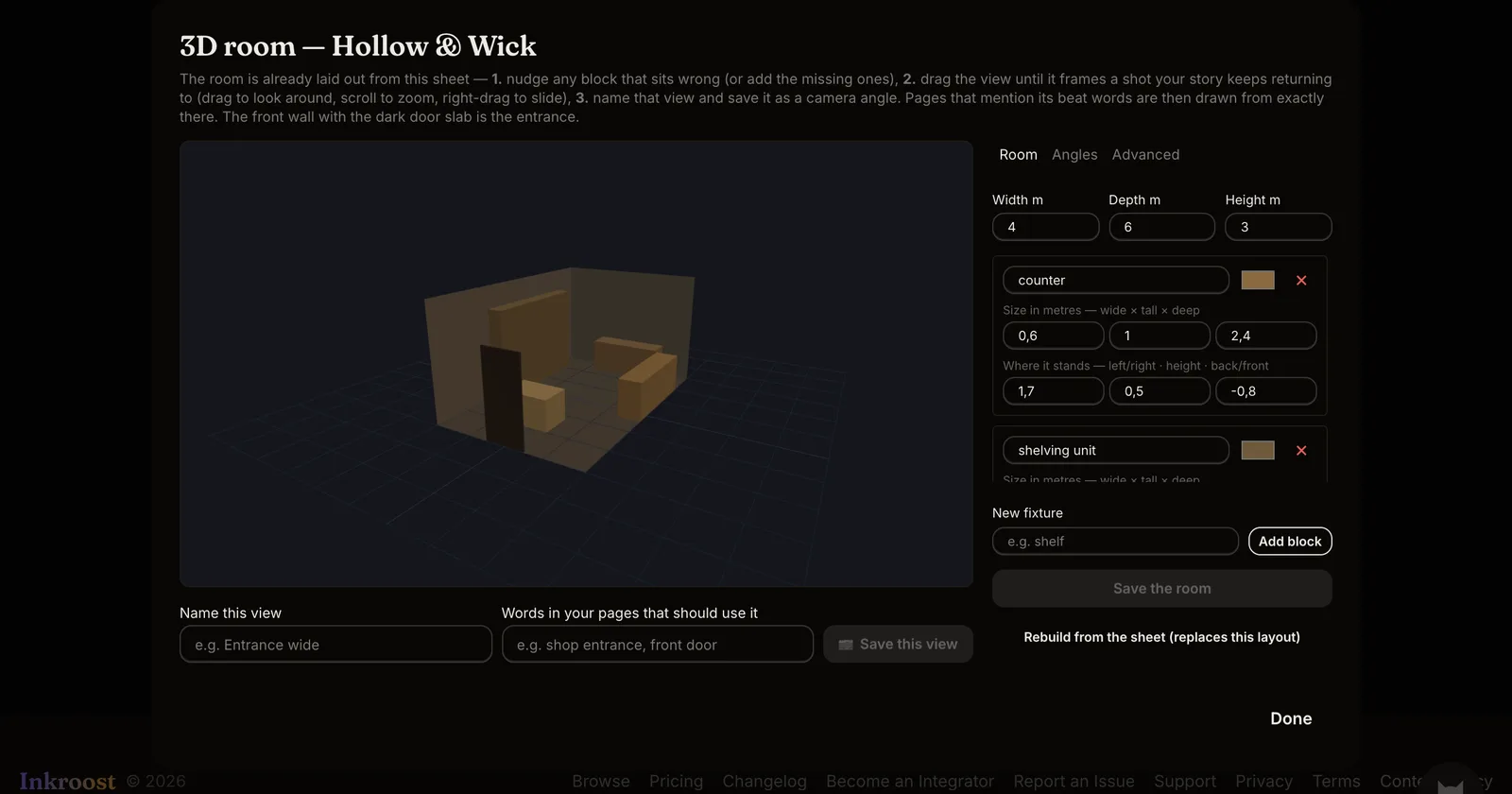
A location sheet can now carry a simple 3D room and named camera angles, so the shop, the bedroom or the classroom is drawn from the same layout every time.
더 나은 이용 경험을 위해 쿠키를 사용합니다. 필수 쿠키는 사이트 작동에 꼭 필요합니다. 모든 쿠키를 허용하거나 원하는 대로 설정할 수 있어요. 개인정보 처리방침
필수
사이트 작동에 필요합니다. 끌 수 없어요.