platform
Create from ChatGPT as well as Claude
Connect Inkroost to ChatGPT or Claude in a minute and let your assistant plan chapters, generate pages and publish, with characters now matched by name.
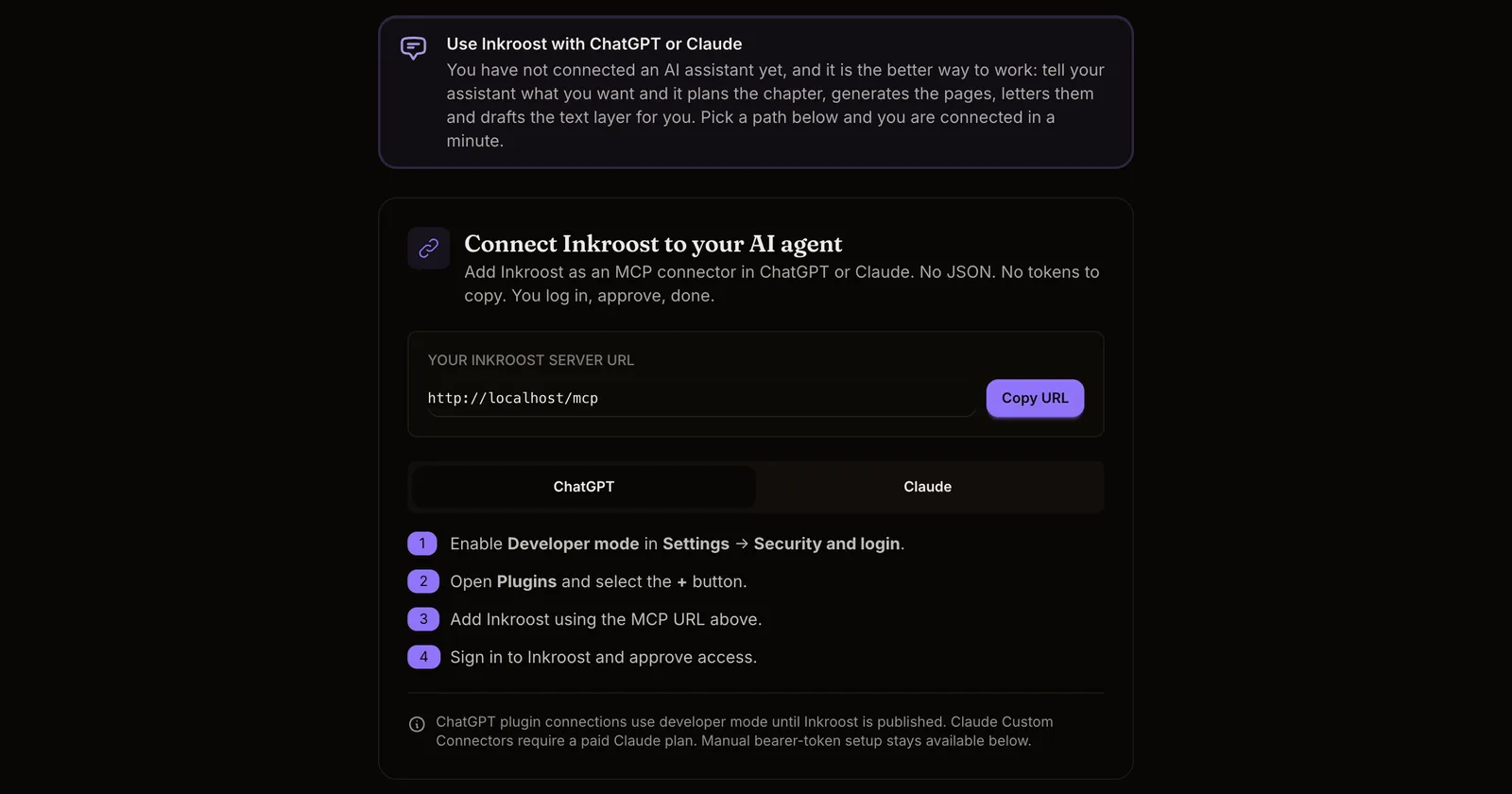
What shipped. Inkroost can now be added to ChatGPT as well as to Claude. Open Settings, then AI Agent Access, copy your server URL, and follow the four steps for the assistant you use. You sign in, approve access, and the assistant can create series, write sheets, generate and review pages, and submit chapters for you. No tokens to paste.
Better results from any assistant.
- Characters are matched by name. When a page describes a scene with "Mara" in it, Mara's sheet reaches the drawing model even if the assistant did not pass her id. Recurring characters stay consistent across pages the way props and locations already did.
- Genres by name. Assistants can list the browse genres and create a series with genre names instead of ids, so a new series lands under the right filters.
- Source language on a series. Say which language your series is written in. Translated editions and partner platforms use it.
- Skills for assistants. The two workflows we recommend, building a series foundation and producing a chapter end to end, are available to any connected assistant as skills.
Around the platform.
- A public Support page in the footer explains how to reach us and what to include.
- Become an Integrator, also in the footer, is the document for platforms that want to receive published chapters from Inkroost. Partner connections appear on your Integrations page as they are added.
How to use it. Settings, AI Agent Access, pick ChatGPT or Claude, follow the steps. The connected agents list on the same page shows what has access, and removing a connection cuts it off immediately.