platform
Fixes: one edition per language, phone modals, notification settings, publishing
A batch of fixes from creator reports: translations stop spawning duplicate series, modals work on phones, notification toggles stick, and publishing a chapter always carries its series.
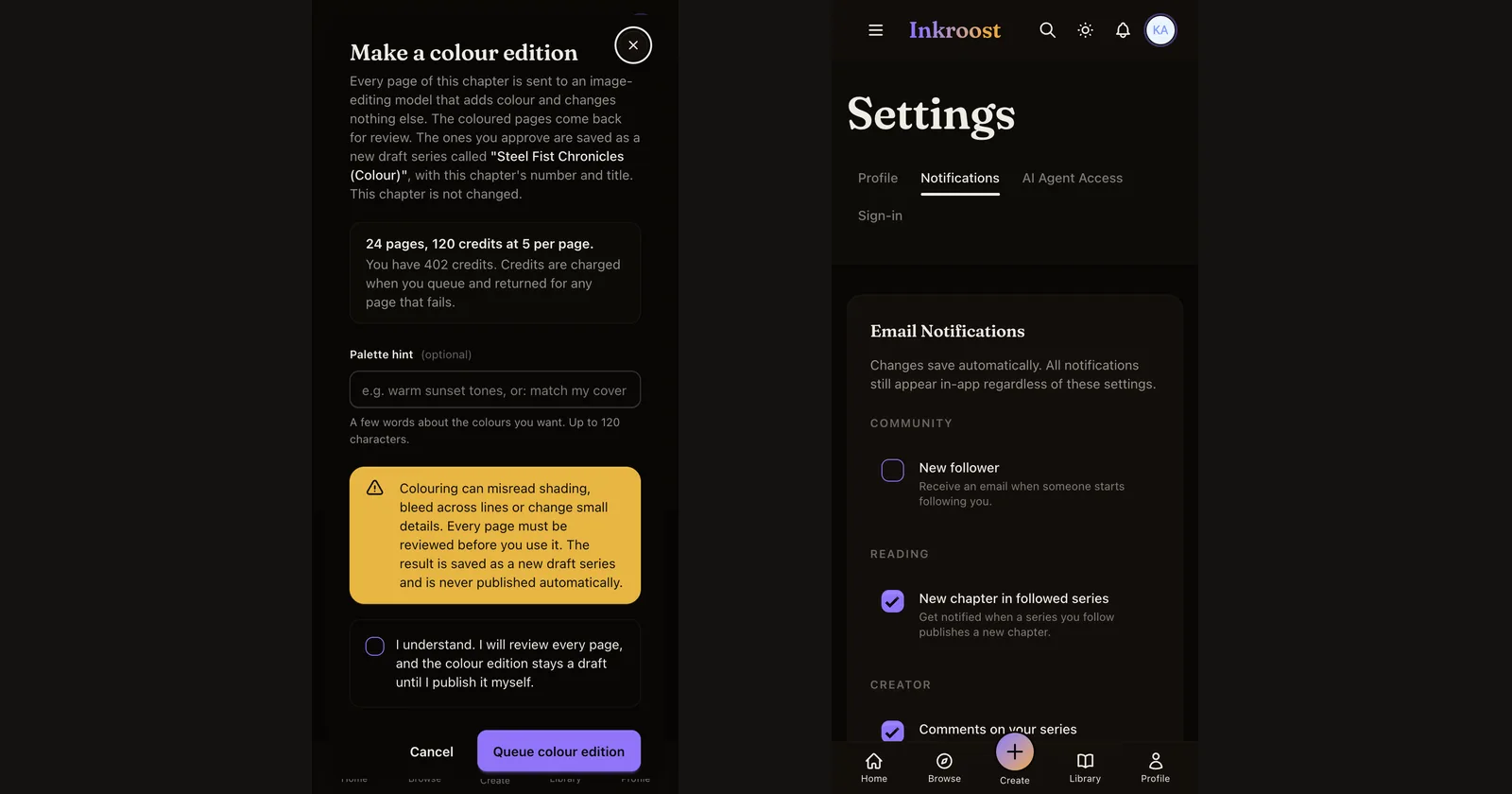
What shipped. Four things creators ran into this week, each fixed at the root.
- One edition per language. Translating a second chapter into Italian used to create a second Your Title (IT) series. A series now has exactly one edition per language, and every chapter you translate into that language lands in it. The same goes for colour editions. Translating the same chapter again updates the chapter it already has there.
- Modals work on phones. On a phone, the buttons at the bottom of a dialog could sit behind the browser toolbar, and some dialogs scrolled sideways. Dialogs now fit the visible screen, their buttons are bigger on small screens, and a browser test now taps every one of them at phone size before a release goes out.
- Notification settings stick. A toggle on the Notifications page could look switched while the change never reached us. The switch now flips only once the change is saved, so what you see is what is stored.
- Publishing a chapter carries the series. Wherever you press Publish, from the chapter editor, the dashboard or an assistant, the series goes with it: its publish intent is recorded and it joins the same review if it still needs one. In the admin desk, a chapter that is not live now says why: not sent for review, in review, changes requested, or approved with the series not live.
Also. The chapter editor's header no longer overflows its chapter badge, and its tools sit in two labelled groups. The "Coming next" block at the bottom of this page is gone. For AI assistants, every tool now declares the shape of what it returns.