

Webtoon maker
Build a vertical-scroll webtoon chapter by chapter, whether you draw it yourself or let the AI draw it with you.
Your art. Your story. Your readers.
Bring your original comic, manga or webtoon. Upload your pages, publish chapters, and give readers a reason to come back.
Upload & share your work →Free to publish · No AI required · Your work stays yours
Free to start. AI drawing is paid for in credits, and packs start at $5.99 USD.
Free to start. You keep your work, and you can take it down whenever you like. See a finished chapter ·


Made for the scroll
Vertical episodes read as one column on a phone. Here is one scene, drawn by Inkroost in both webtoon looks.
Start free. Keep going with a plan.
New accounts start with 50 free credits — enough for your first 5 pages. Uploading pages you drew is always free. Plans start at $3.99 a month, and credit packs at $5.99.
Webtoons and manhwa on Inkroost
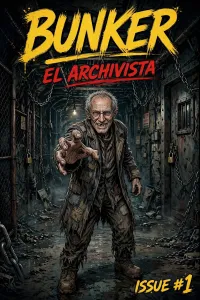
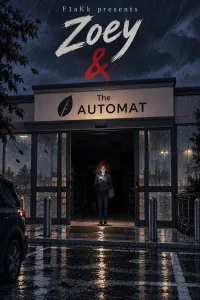
Real vertical-scroll series, published here by the people who own them.
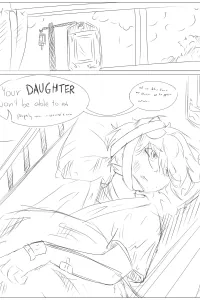
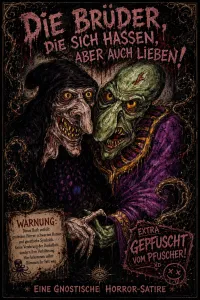
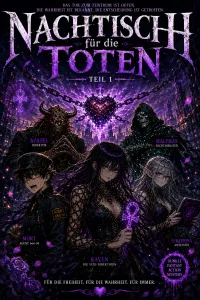
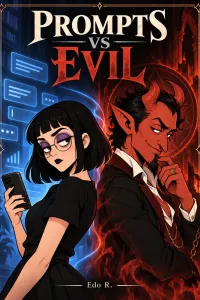
What a webtoon needs from its maker
One column, read with a thumb
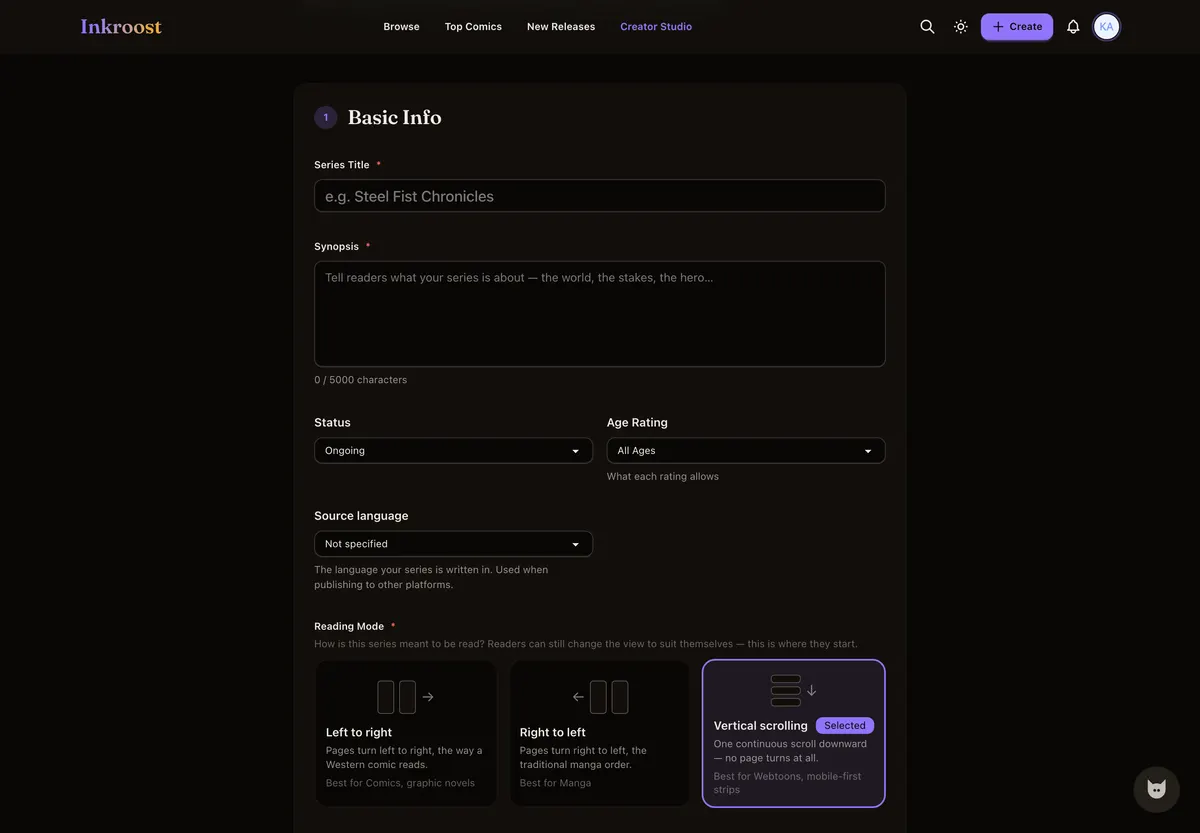
A webtoon is read as one continuous downward scroll, so the series is set to vertical scrolling once and every episode follows. Readers get a single column on a phone and on a desktop, with nothing to turn.
Pacing lives in the gaps
In a scroll, space is timing: a long gap between panels is a pause, a tight stack is a rush, and the last panel of an episode is the reason to come back. Write the big moment as its own beat and end the episode on a question.
No app to install
Readers open an episode in a browser, and creators write, review and reorder episodes from a phone as easily as from a laptop. There is nothing to download, and the work is not tied to one device.
Sliced for every other platform
The webtoon strip export stitches an episode into one tall image and also cuts it into fixed-width segments for platforms that want it in pieces. The promo kit turns your panels into tiles sized for feeds and stories.
What it looks like, step by step
Screenshots of the actual screens, in the order you meet them.
-
1
Set the series to vertical scroll
One choice on the series form decides how every episode reads. Pick vertical scrolling and readers get one continuous column, on a phone and on a desktop.
-
2
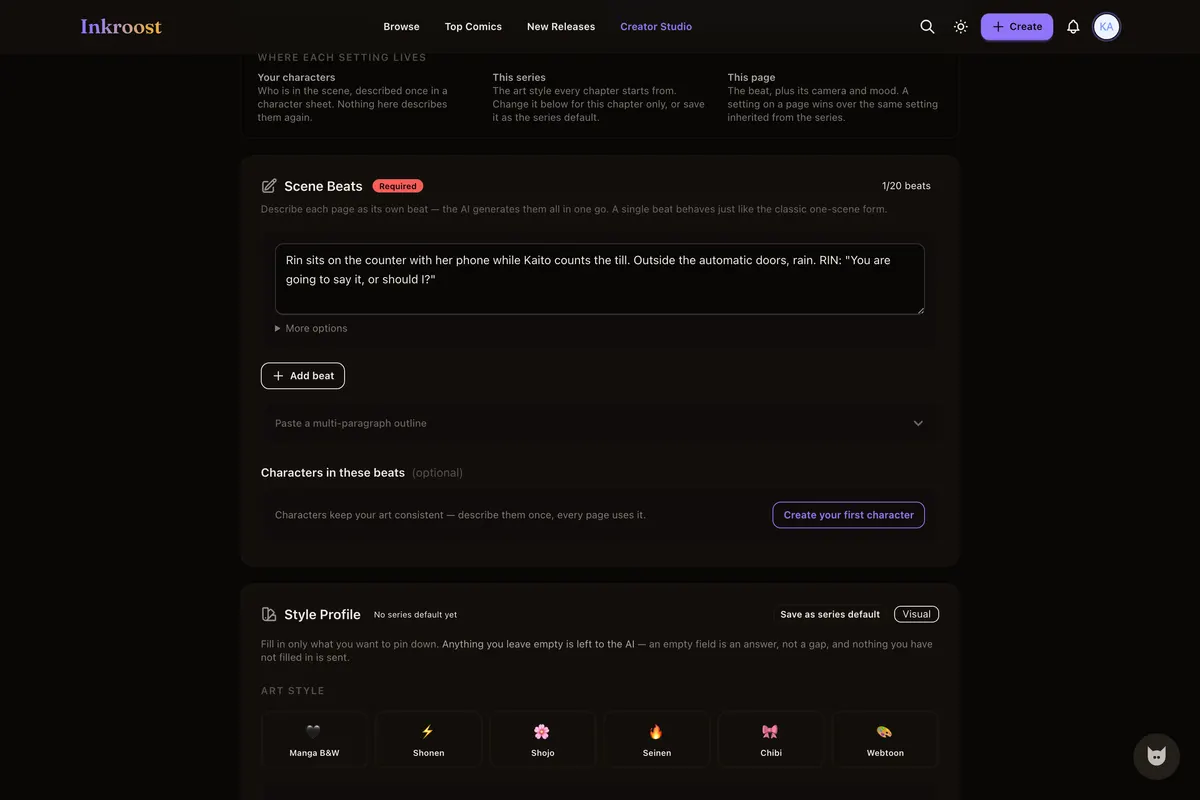
Describe each panel
Write what happens in the panel and who is in it. That written beat is what the AI draws — and it is also what you would have sketched first anyway.
-
3
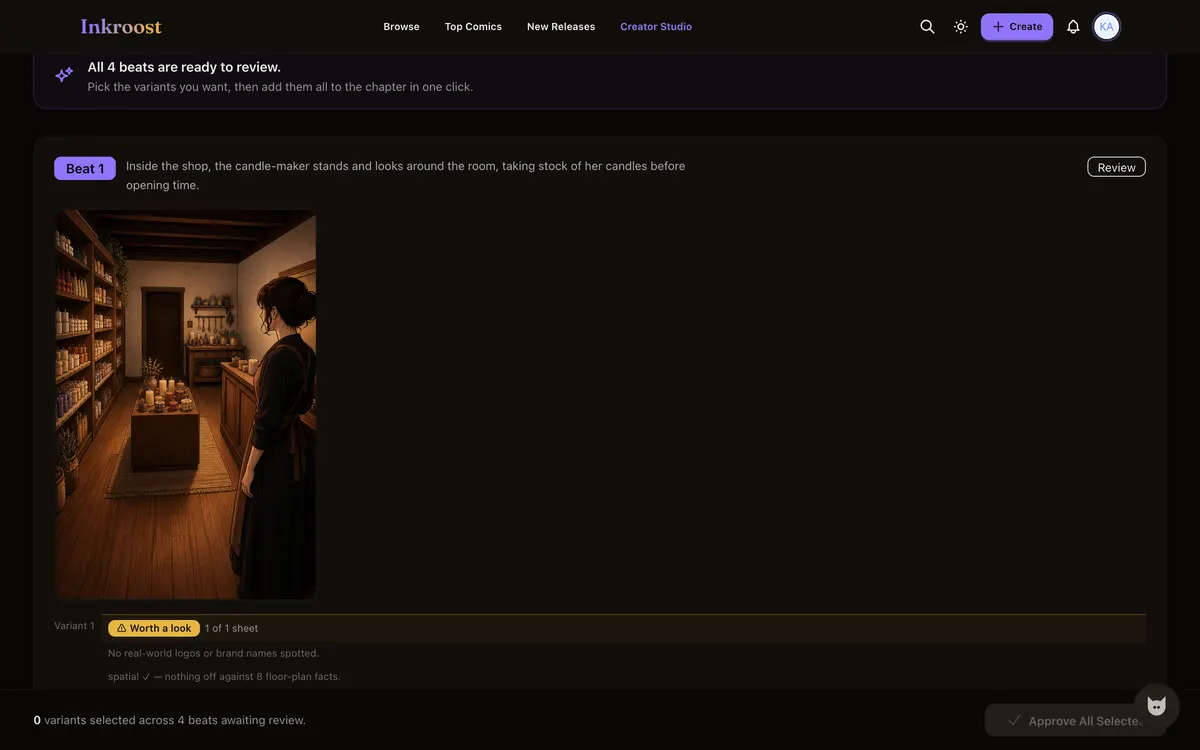
Keep the panels that work
The art comes back to you first. Approve the panels you want in the episode and send the rest back — nothing reaches a reader unreviewed.
-
4
Publish the episode
It goes live as one scroll readers follow. They hear about the next episode without you chasing them.
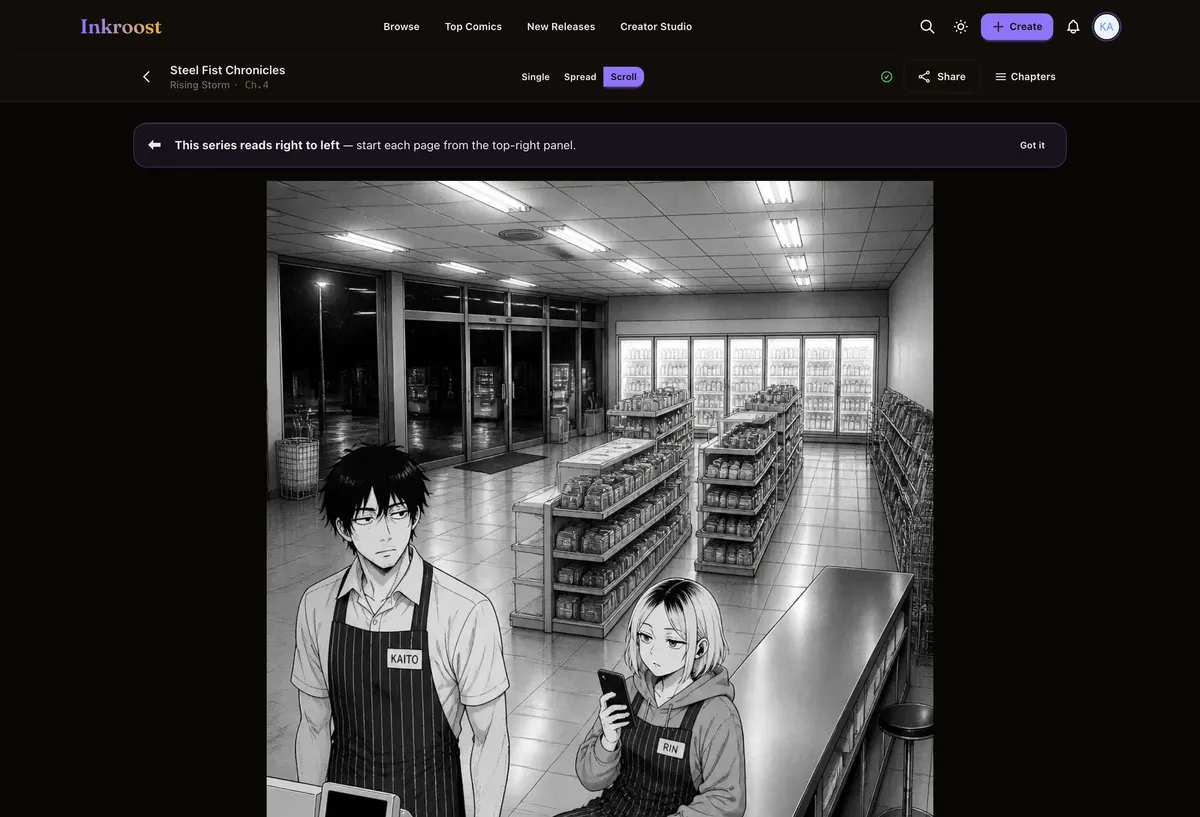
Webtoon episodes published here
Straight out of the catalogue. Tap one to read the chapter it belongs to.
What it costs
One AI-drawn page is 10 credits (about $0.30), so a 20-page chapter comes to about 200 credits (about $5.99). New accounts start with 50 free credits — enough for your first 5 pages. Uploading art you drew yourself costs nothing, and reading is always free. See the full pricing.
How this compares
| Feature | Inkroost | Canva | Clip Studio Paint | WEBTOON Canvas | AI image generators |
|---|---|---|---|---|---|
| Draws a comic page from a written scene | Yes | Partial | No | No | Partial |
| Reference sheets that hold a character across pages | Yes | No | Partial | Not applicable | Partial |
| Publish pages you drew yourself, to readers | Yes | No | No | Yes | No |
| Chapters readers follow, comment on and come back to | Yes | No | No | Yes | No |
| Right-to-left manga reading built in | Yes | No | Yes | No | No |
| Vertical-scroll episodes | Yes | Partial | Yes | Yes | No |
| Free to read, no reader account needed to start | Yes | Not applicable | Not applicable | Yes | Not applicable |
Compared on what each product says about itself. “Partial” means it does something close to this, not the same thing. No prices are compared here — theirs change and ours are on the pricing page.
Walk through it first
Real screens, real costs, and what to do when a page comes back wrong.
How to make a webtoon with Claude
Connect Inkroost to Claude once, then ask for a chapter. Claude plans the pages, draws them, and hands every one back to you to approve.
Read the walkthrough →Promo kit and webtoon strip export
Social tiles composed from your own panels, and a vertical-scroll export for webtoon platforms.
Read the walkthrough →Questions people ask
Is the webtoon maker free to use?
Making a series, uploading episodes you drew and publishing them are free. Credits are spent only on AI generation, so a hand-drawn webtoon can be published here without paying anything.
Can I publish my webtoon on WEBTOON Canvas as well?
Yes. Nothing here is exclusive, and the export desk can package a finished episode as a vertical strip or as separate page images to upload elsewhere.
Do I keep the rights to my webtoon?
Yes. You retain ownership of everything you upload; publishing grants Inkroost only the licence needed to host and display the episode, and you can take a series down whenever you want.
How long should an episode be?
There is no fixed length. A shorter episode on a steady rhythm usually serves a webtoon better than a long one that arrives rarely, because followers are told each time a new episode lands. The page count and the credit cost show before anything is drawn.
What does a chapter cost in dollars?
One AI-drawn page costs 10 credits (about $0.30), so a 20-page chapter comes to 200 credits (about $5.99). Uploading art you drew yourself costs nothing. Credit packs start at $5.99.
More ways in
Your first page is free.
Free to join, no card needed, and your 50 welcome credits draw your first 5 AI pages. If you would rather draw them yourself, upload them instead — both are first-class here.
Start your webtoon