Upload a whole chapter at once, and watch every page arrive
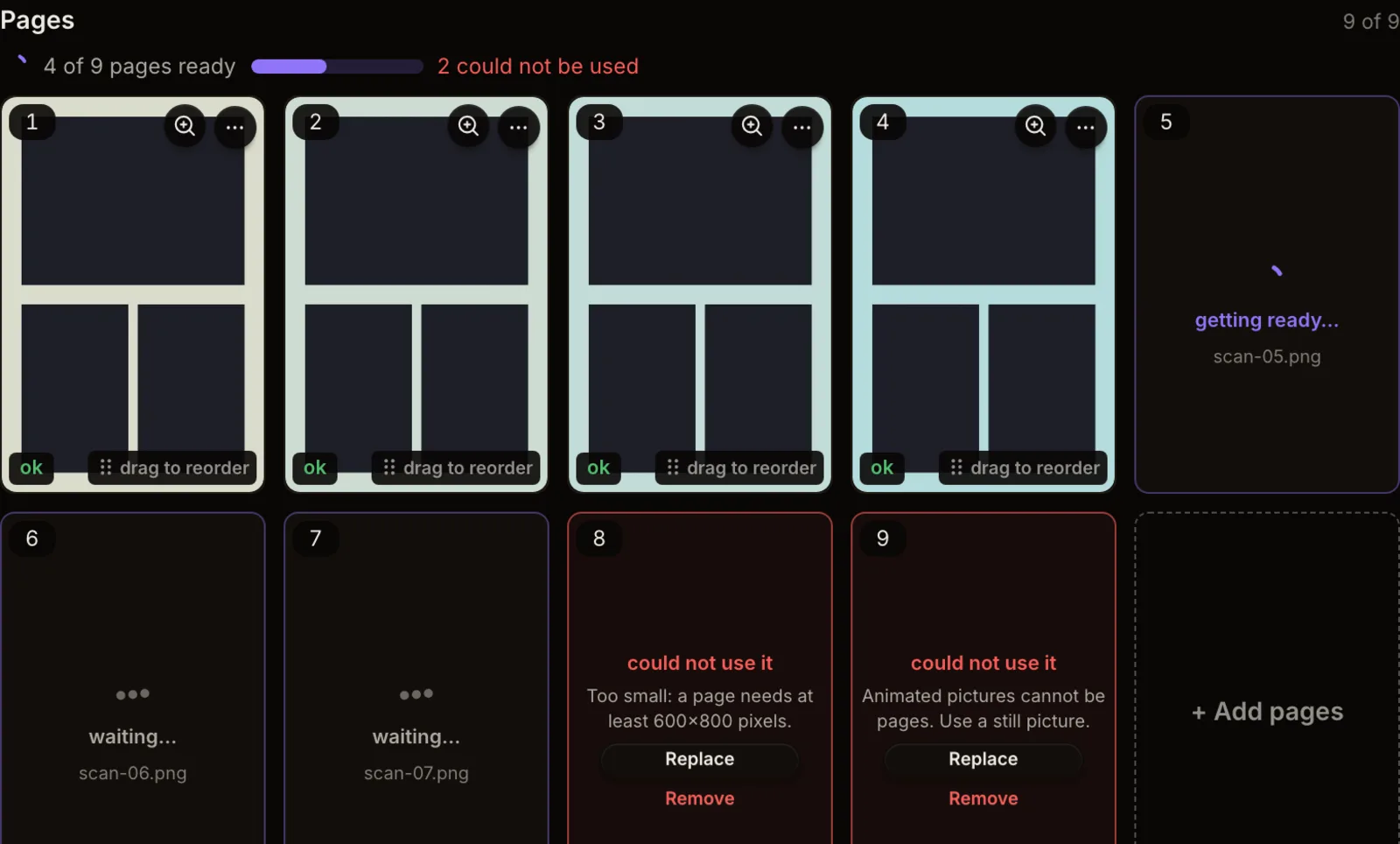
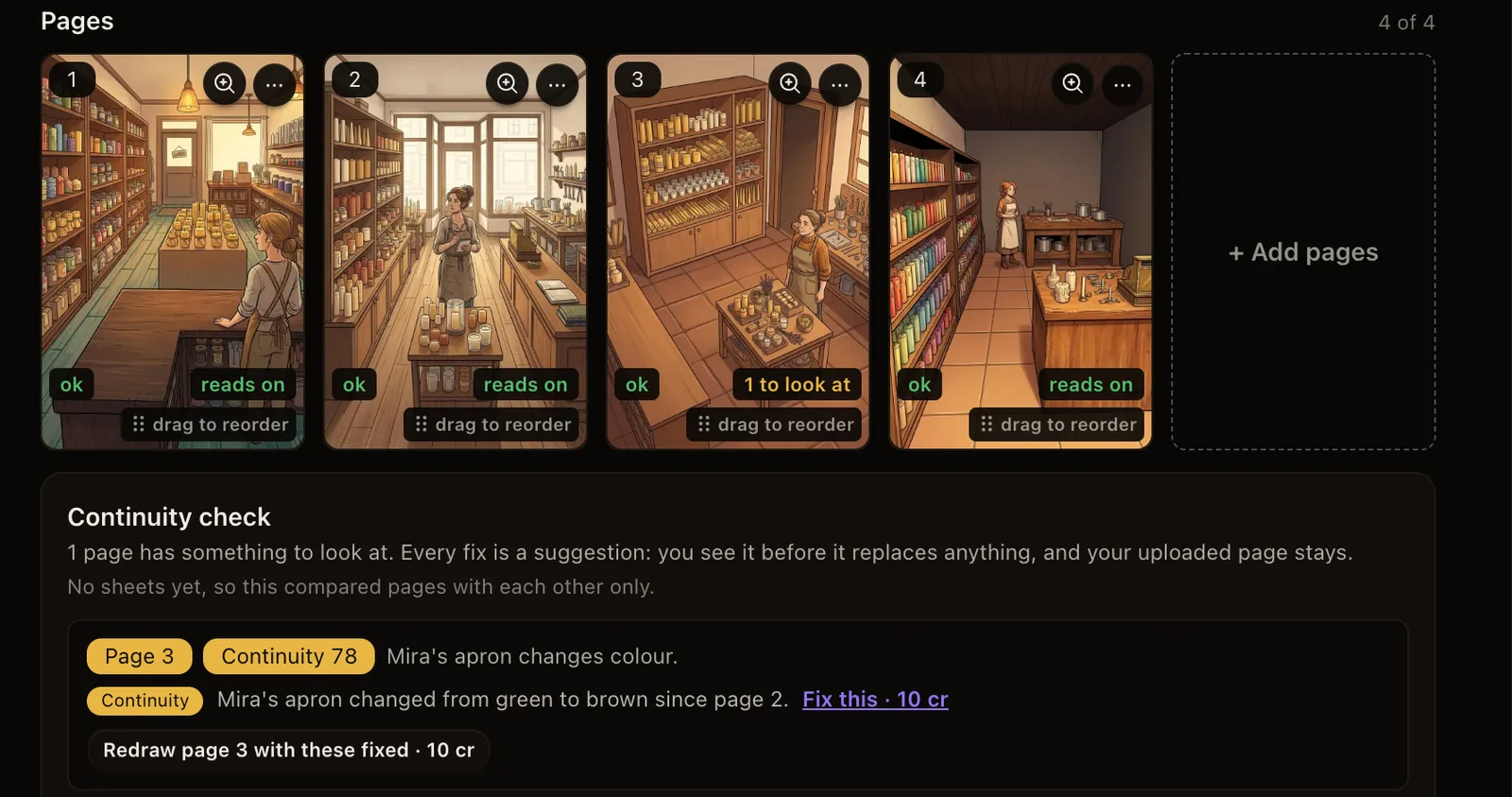
Drop up to 100 pages in one go. You see a small preview of each straight away, each file's progress while it uploads, and each page's state once it is in the chapter.
30 welcome credits for a limited time
They are yours when you join. Use them within 7 days.
Feature guides and shipping updates — what's new, why it matters, and how to use it.
Drop up to 100 pages in one go. You see a small preview of each straight away, each file's progress while it uploads, and each page's state once it is in the chapter.
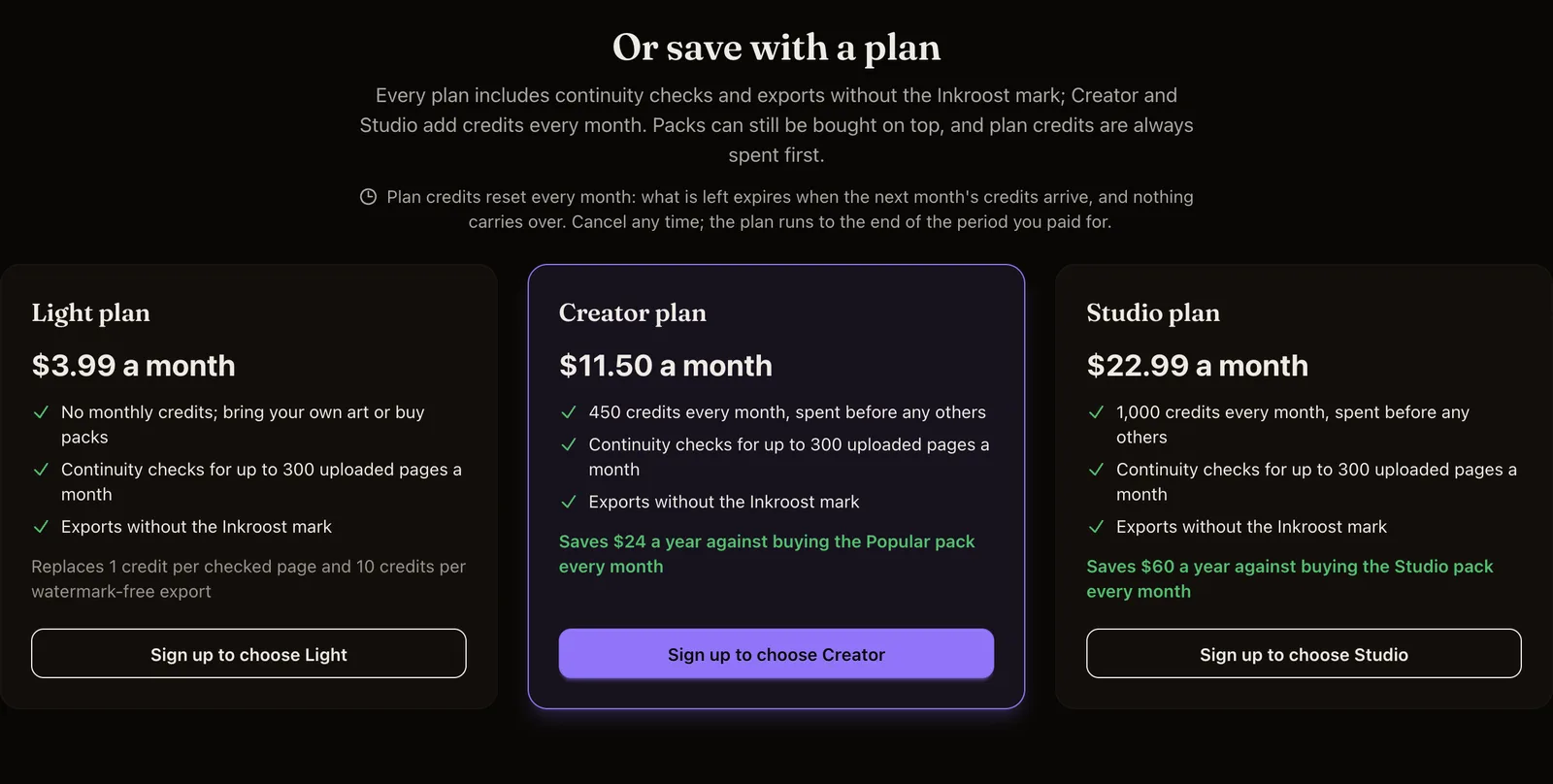
Three plans sit next to the credit packs now. Light covers continuity checks and clean exports; Creator and Studio add credits every month for less than the matching pack.
Pages you drew somewhere else can now be checked page by page for things that changed when they should not have, and anything it finds can be fixed as a suggestion you keep or throw away.
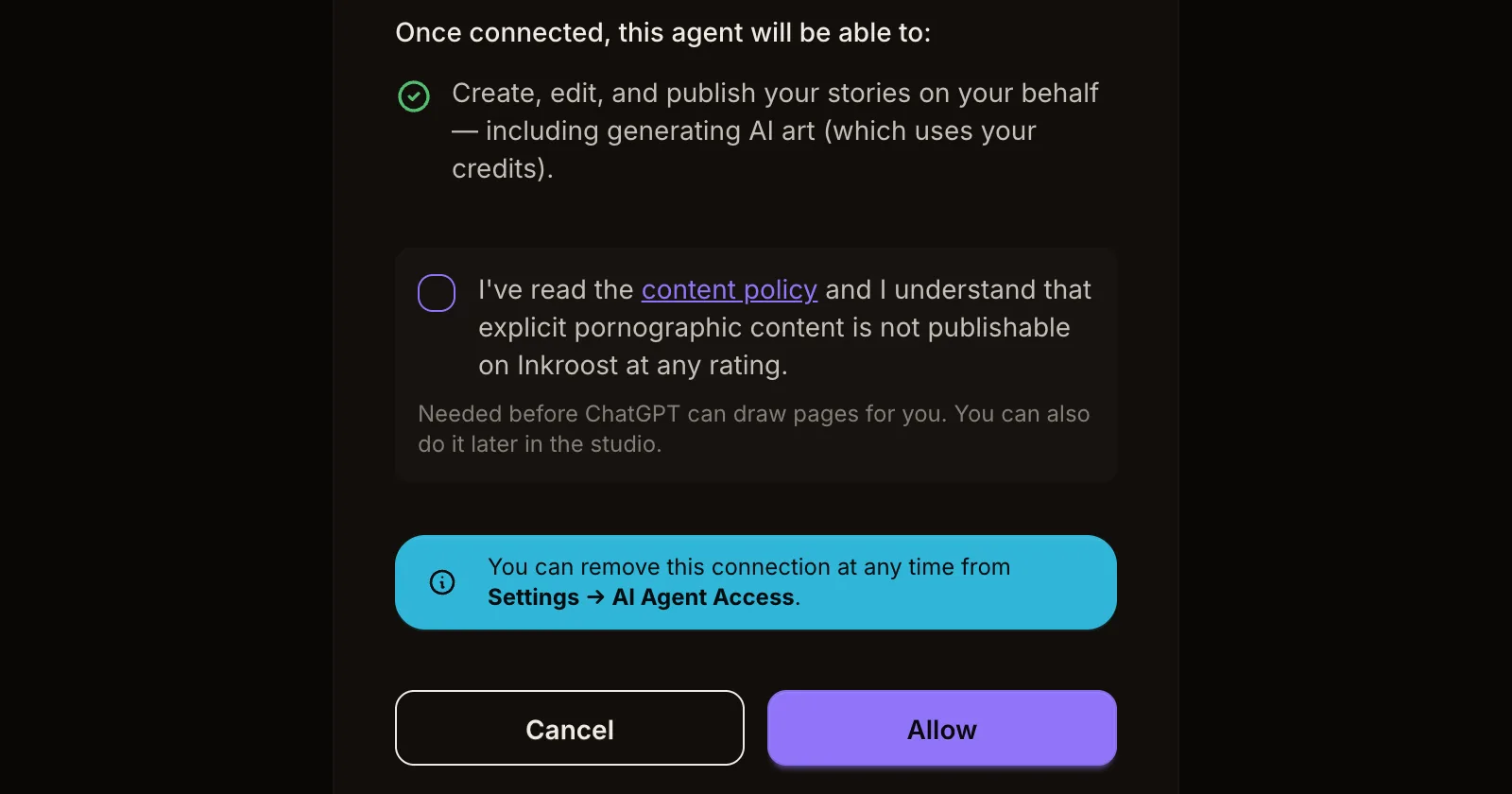
When you make a comic from ChatGPT or Claude, the first thing you get back is page one, so you can see the look before planning a whole chapter. And there is no separate content policy step to get through first.
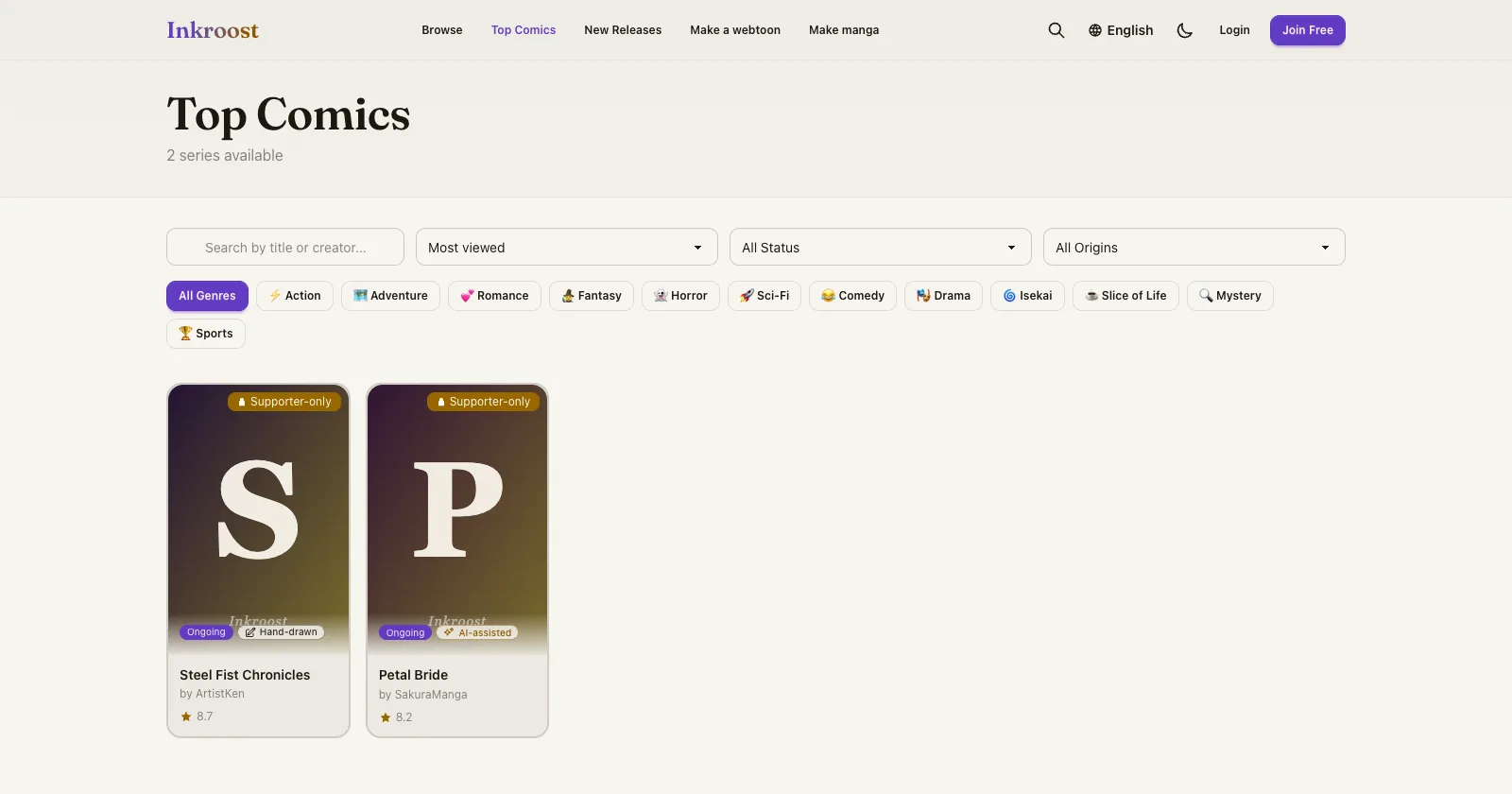
Top Comics used to rank by chapter reads while series pages showed views, so the order didn't match the numbers you saw. It now ranks by views, and the sort is called Most viewed.
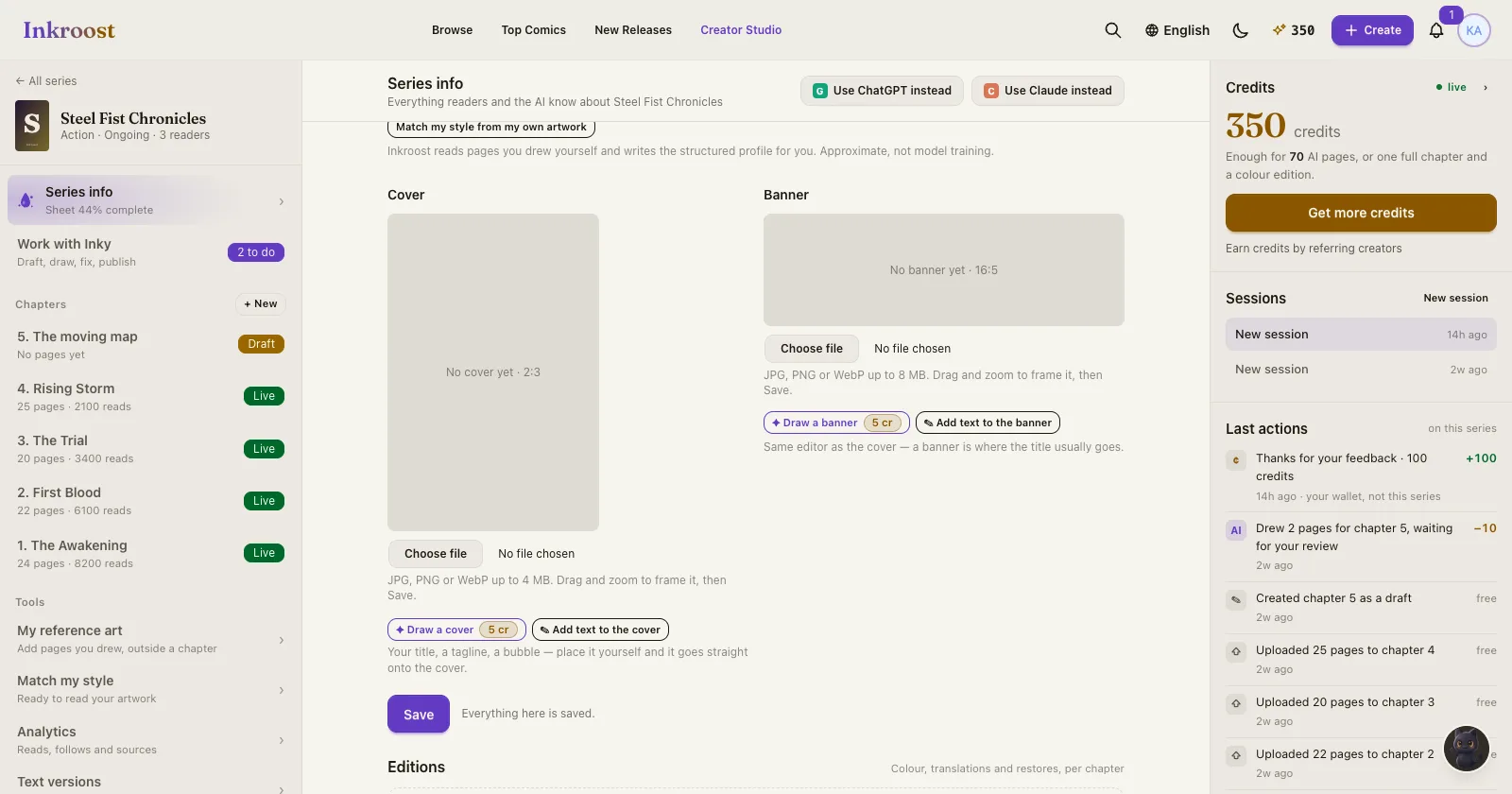
Series info now has a Draw a cover and a Draw a banner button under each picture, with the price on it. Ask Inky for new artwork whenever you want, and it goes on the series as soon as it is drawn.
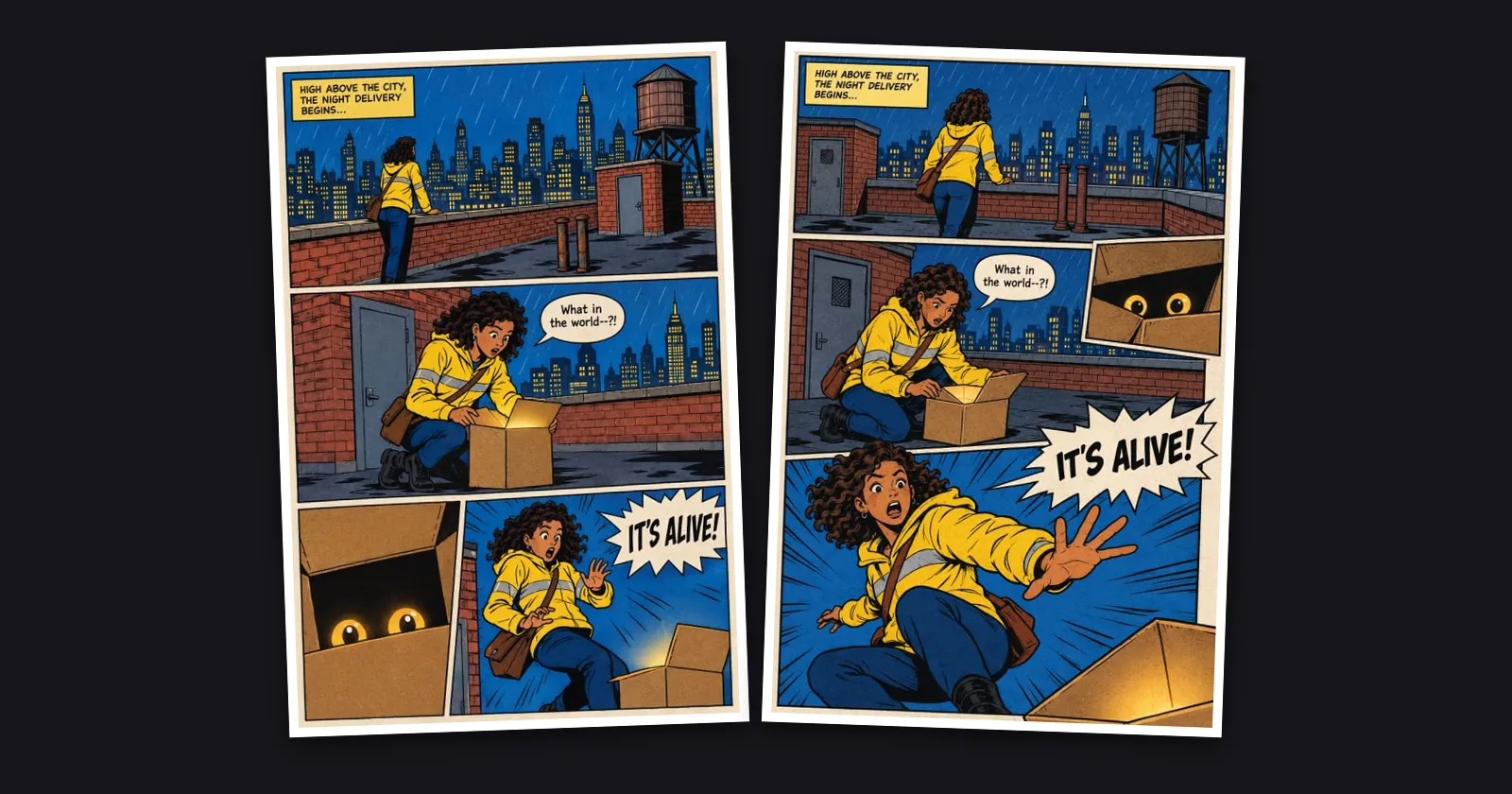
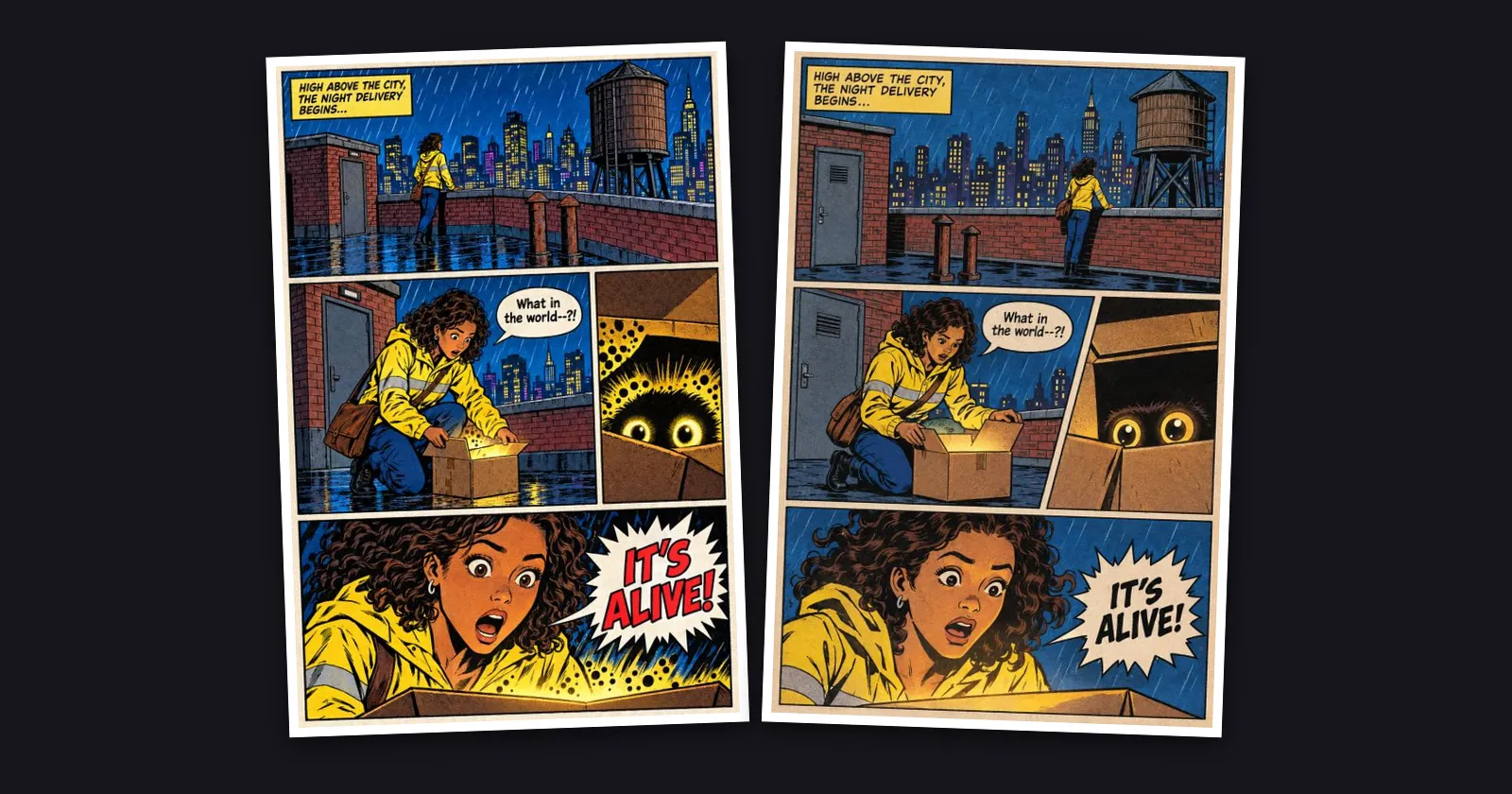
When your panels don't say how the page is laid out, Inkroost now picks a layout move for each page, like a close-up inset laid over another panel or a figure reaching out of its frame, so pages stop coming out as tidy grids.
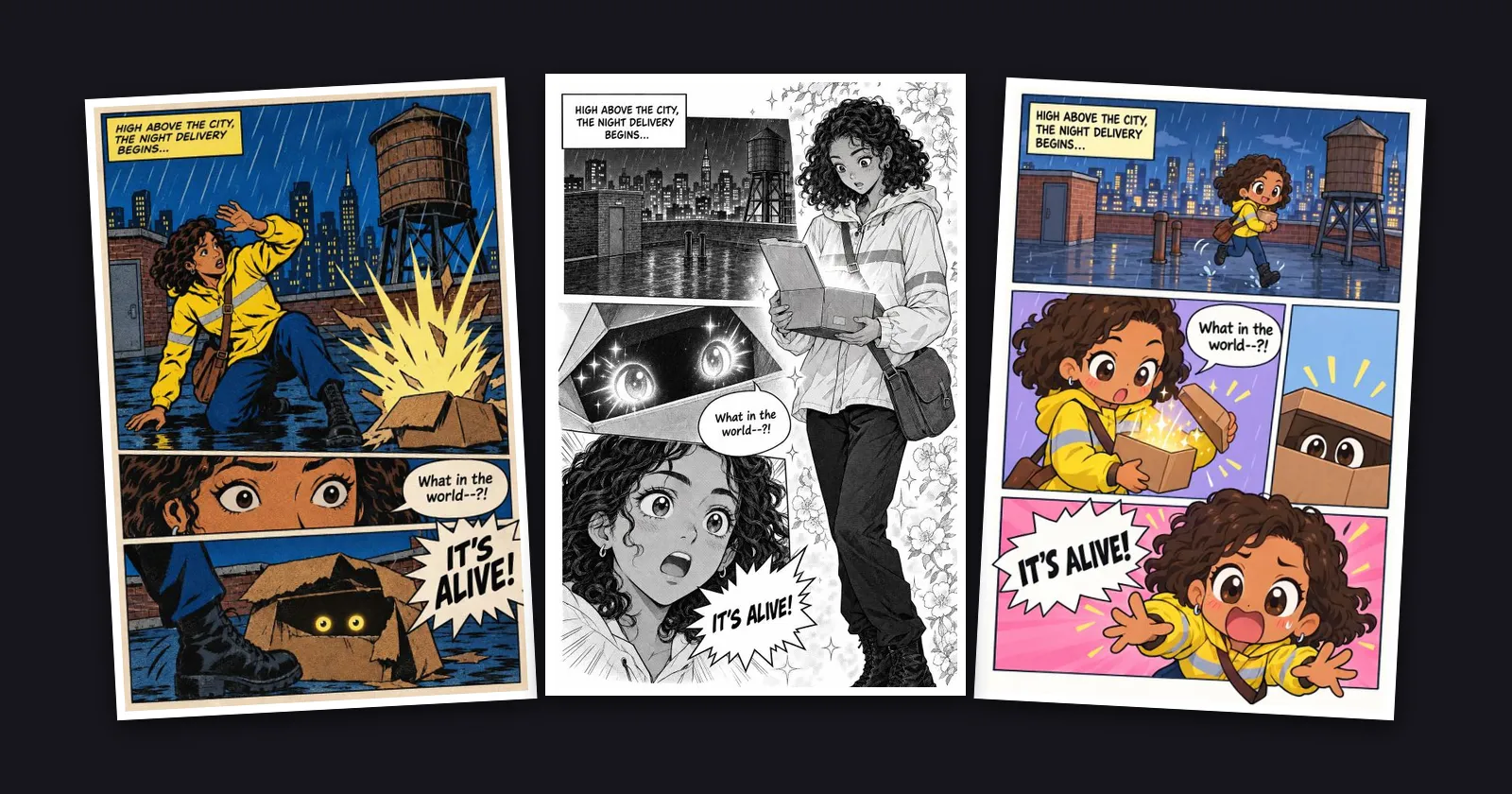
The style section puts your own style side by side with the presets, which stay folded away until you want them. Every preset sample is redrawn as a real page with its own layout, Chibi is now in colour, and black-and-white manga stays black and white.
The American comic, manga, cartoon and European looks now draw the way their printed pages did, with flat colour, simple backgrounds and depth from the panels themselves, instead of glow, mist and painted scenery.
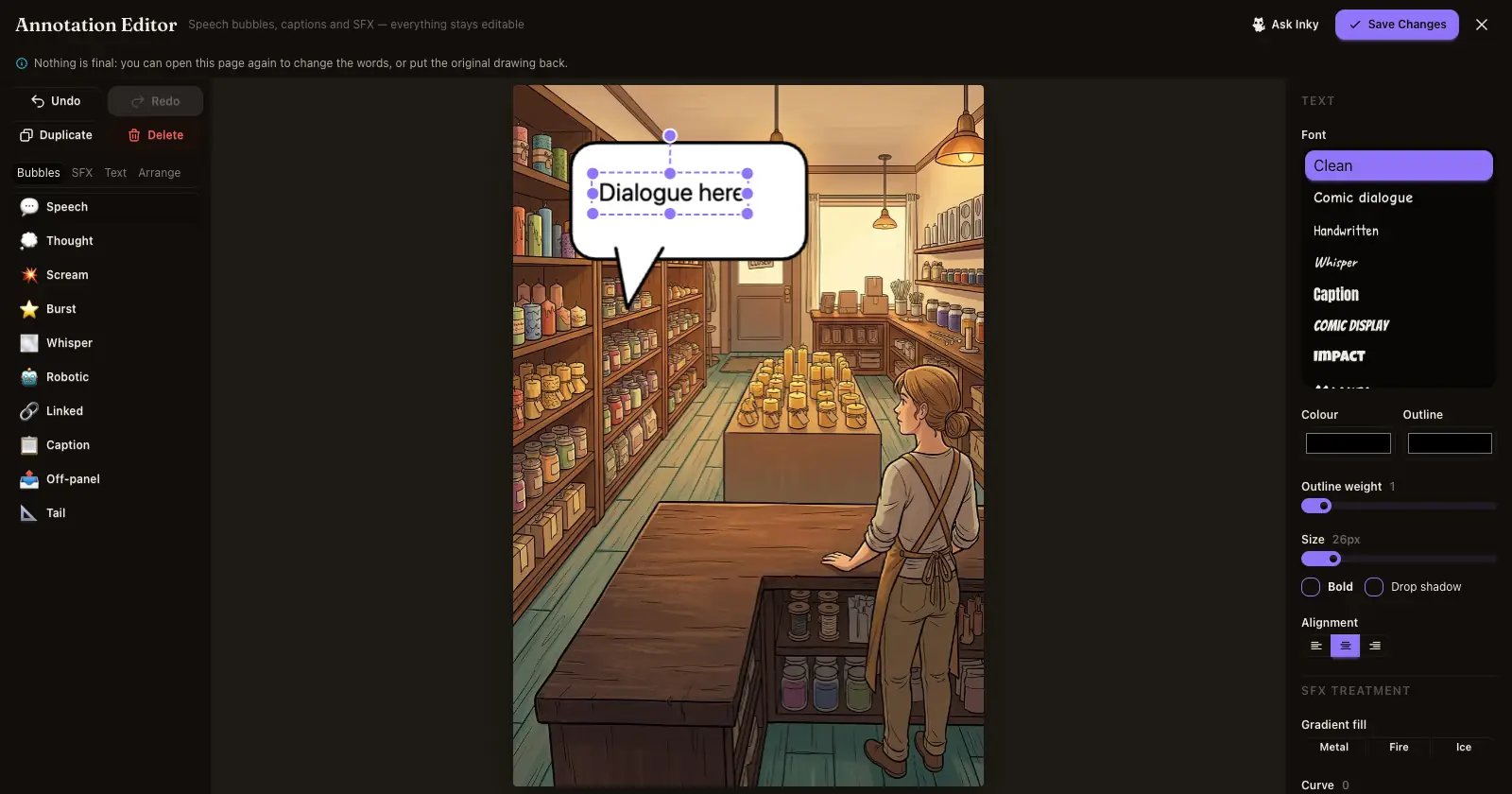
In the lettering editor, Undo, Redo, Duplicate and Delete now sit above every tab, and the Delete key removes what you selected. A page you lettered, fixed or redrew can go back to how it was from its ⋯ menu.
We use cookies to improve your experience. Essential cookies are required for the site to function. You can choose to accept all cookies or customize your preferences. Privacy Policy
Essential
Required for the site to function. Cannot be disabled.