See where you are signed in, and sign out anywhere
Settings now lists every browser and phone signed in to your account. Sign out one you do not recognise, or everything except the browser you are using.
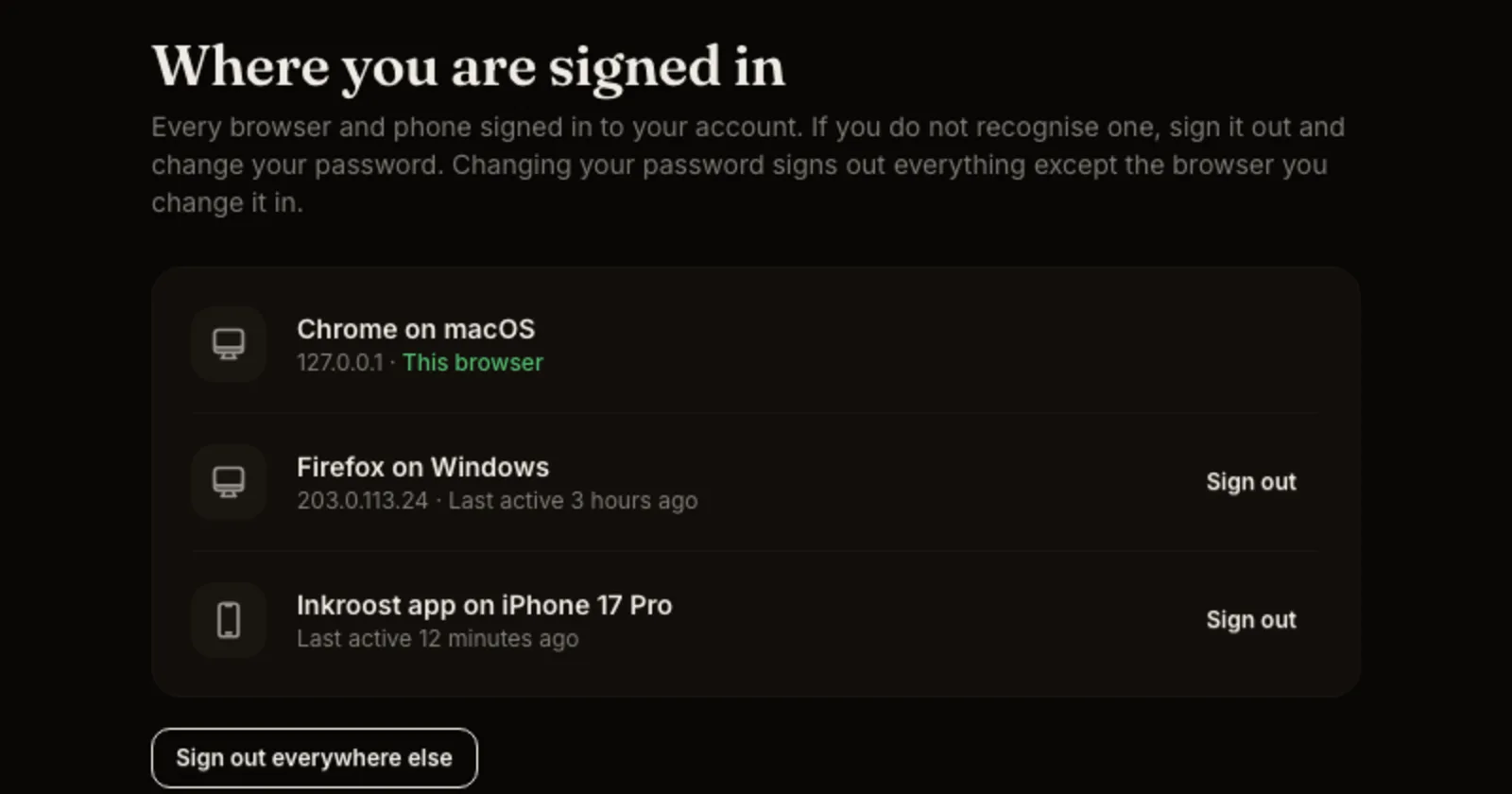
What shipped. Open Settings, then Sign-in. Under Where you are signed in you see every browser and phone signed in to your account, with when each was last used. The one you are reading on is marked This browser.
Sign out from anywhere. Each row has a Sign out button. Sign out everywhere else ends every other sign-in at once and keeps you signed in where you are. A browser you signed out cannot sign itself back in, even if it was set to remember you.
Changing your password does it for you. When you change your password, every other browser and phone is signed out. When you reset a forgotten password, everything is signed out, so a lost laptop or phone is cut off straight away. Connections to AI assistants keep working; you manage those on the AI Agent Access tab.