Your own website for a series
Every plan now gives a series a home of its own at yourname.inkroost.com, with only that series on it. Pick a look, choose what it shows, and connect your own domain if you have one.
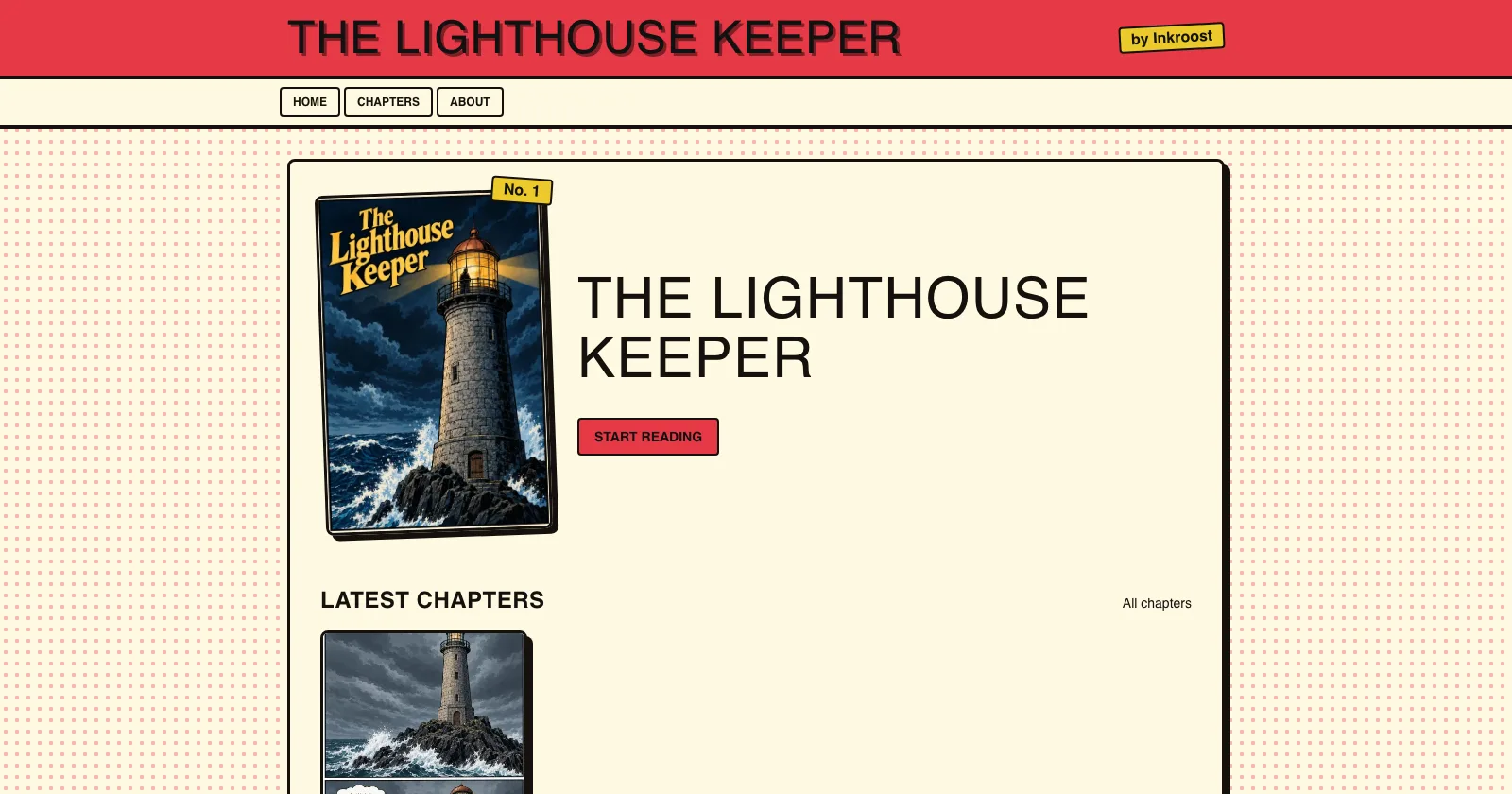
What shipped. A series can have its own website at yourname.inkroost.com. It shows only that series: a home page, the chapter list, the reader, the characters you picked, an about page and how to reach you. There is nothing else from Inkroost on it, apart from a small "Made with Inkroost" link at the bottom. It works the same for pages you upload and pages you draw with Inkroost.
Why it matters. Readers remember a name, not a path. A link like lighthouse-keeper.inkroost.com belongs on a business card, a convention table or your social profile, and it opens straight onto your story.
How to use it. Open the series in the studio and find Series website on the series page. Type the name you want; it tells you at once if the name is free or taken. Pick one of five looks (webtoon scroll, manga, classic comic book, dark and eerie, bright and bouncy) and an accent colour, then choose which pages to show. To let readers write to you, share an email address: it can differ from the one you sign in with, and the site hides it from spam robots until a reader asks to see it. Add links to your socials if you like. Already own a domain? Connect it under Use your own domain. Every plan includes it, from Light upwards. Only published chapters appear, and you can change the look or the name at any time.