Faster chapter saves, and four new front doors for webtoon and manhwa creators
Saving a chapter with many uploaded pages no longer stalls, and new pages explain Inkroost to people looking for a webtoon generator, a webtoon creator tool, a manhwa maker or a manga page generator.
Chapter saves that finish. Uploading a chapter of large page files and pressing Save could sit on a spinner for minutes and then fail, because the pages were being copied through the app one after another while you waited. The save now records your pages in a moment and the copying happens in the background, the same way page art is already optimised after upload. If an upload expired before you saved, the message on the chapter form names the file so you can add it again.
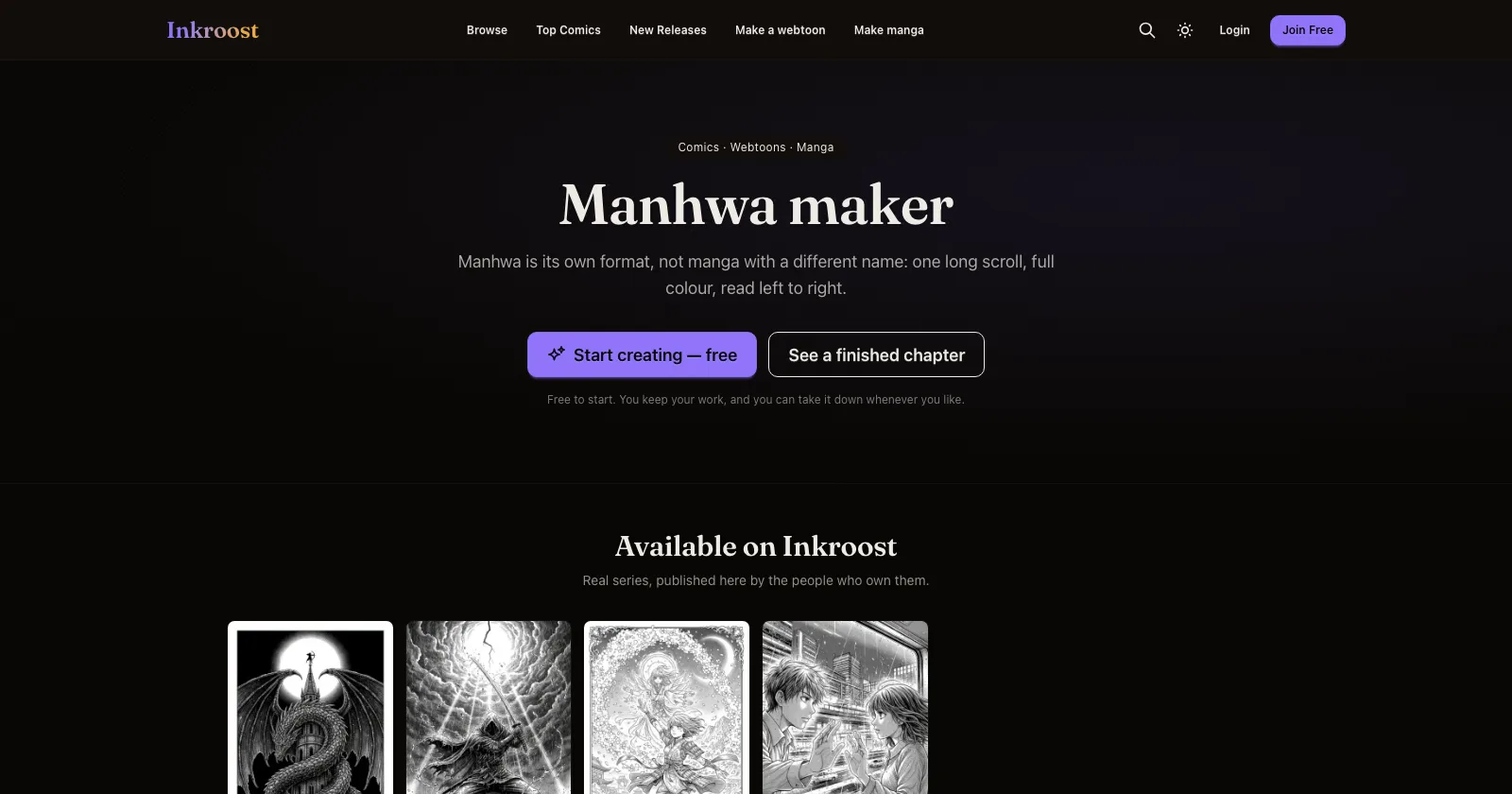
Four new pages about what Inkroost is for. Alongside the existing webtoon maker, manga maker and AI comic generator pages there are now pages for the AI webtoon generator, for webtoon creators who already draw and want a home for their episodes, for making manhwa in the vertical full-colour format, and for the manga page generator. Each shows real series published here.
Finding your way to them. Visitors who are not signed in see Make a webtoon and Make manga in the menu, every public series and chapter carries a quiet line pointing at the maker page for its format, and the pricing page links to all three creator pages.