See each look before you pick one on the home page
The art style menu on the home page now shows a real sample page for American comic, Manga, Webtoon, Cartoon and European comic, so you choose a look by what it draws, not by its name.
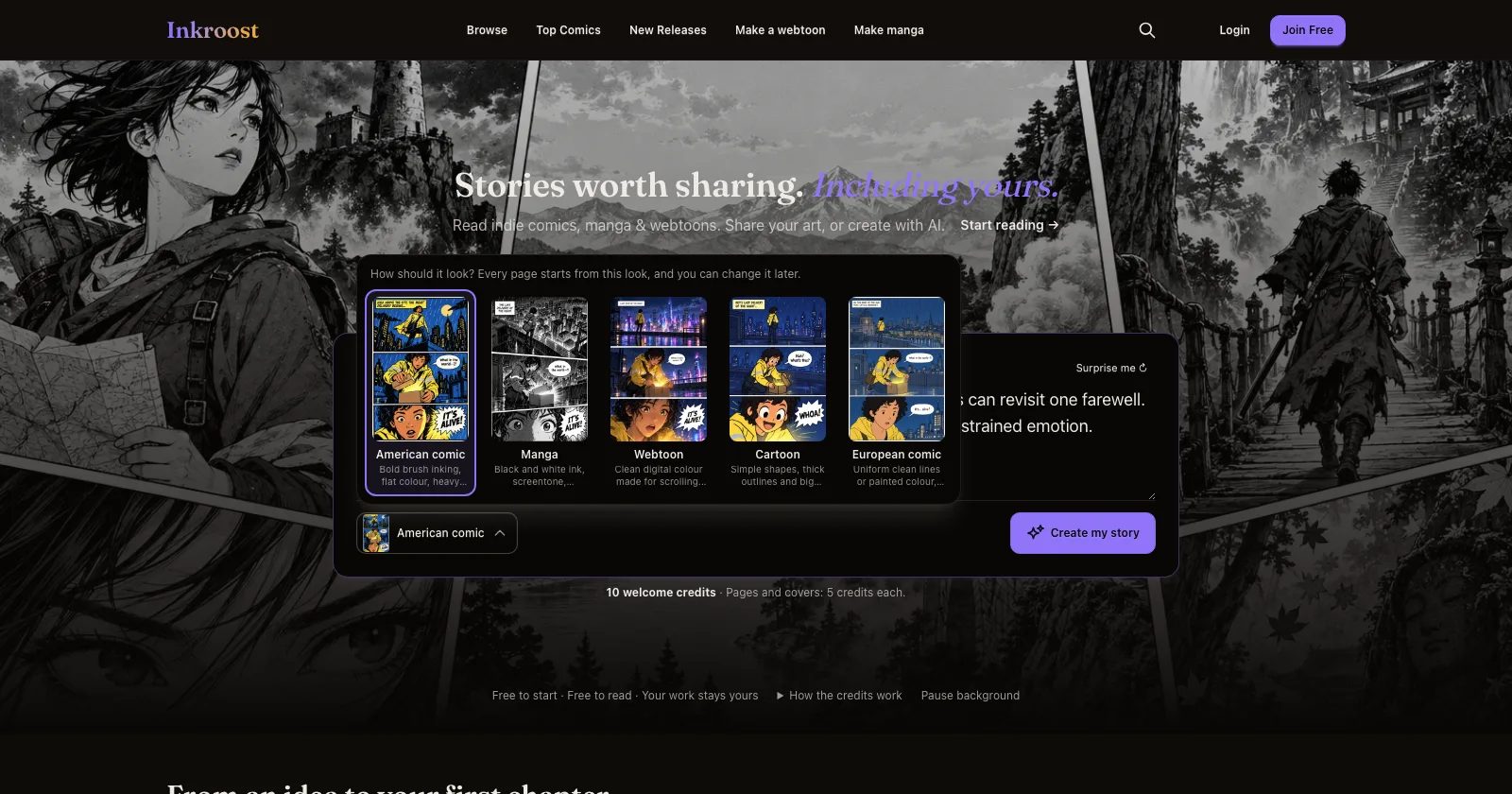
What shipped. On the home page, the menu next to Create my story used to list five names and nothing else. Open it now and every look comes with the sample page Inkroost drew in that style, the same page you see under Style preset in Creator Studio, with one line on what makes the look what it is. The button itself shows a thumbnail of the look you picked, so what you chose is never a guess.
Why it matters. "Webtoon" and "European comic" mean different things to different people. Seeing the page settles it before you sign up, and the look you pick here is the one Inky starts your series from.
How to use it. Write or edit your story idea, tap the look button under it, pick the sample page you like, then press Create my story. The look is a starting point: you can change it in Series info at any time, or describe your own style instead.
Also. The "Be one of the first" section further down the home page is gone. The series on the showcase say it better.