Pro Studio opens on the pages you already have
Creator Studio and Pro Studio now say what each one is for, and Pro Studio starts with your latest pages, one tap from editing them panel by panel.
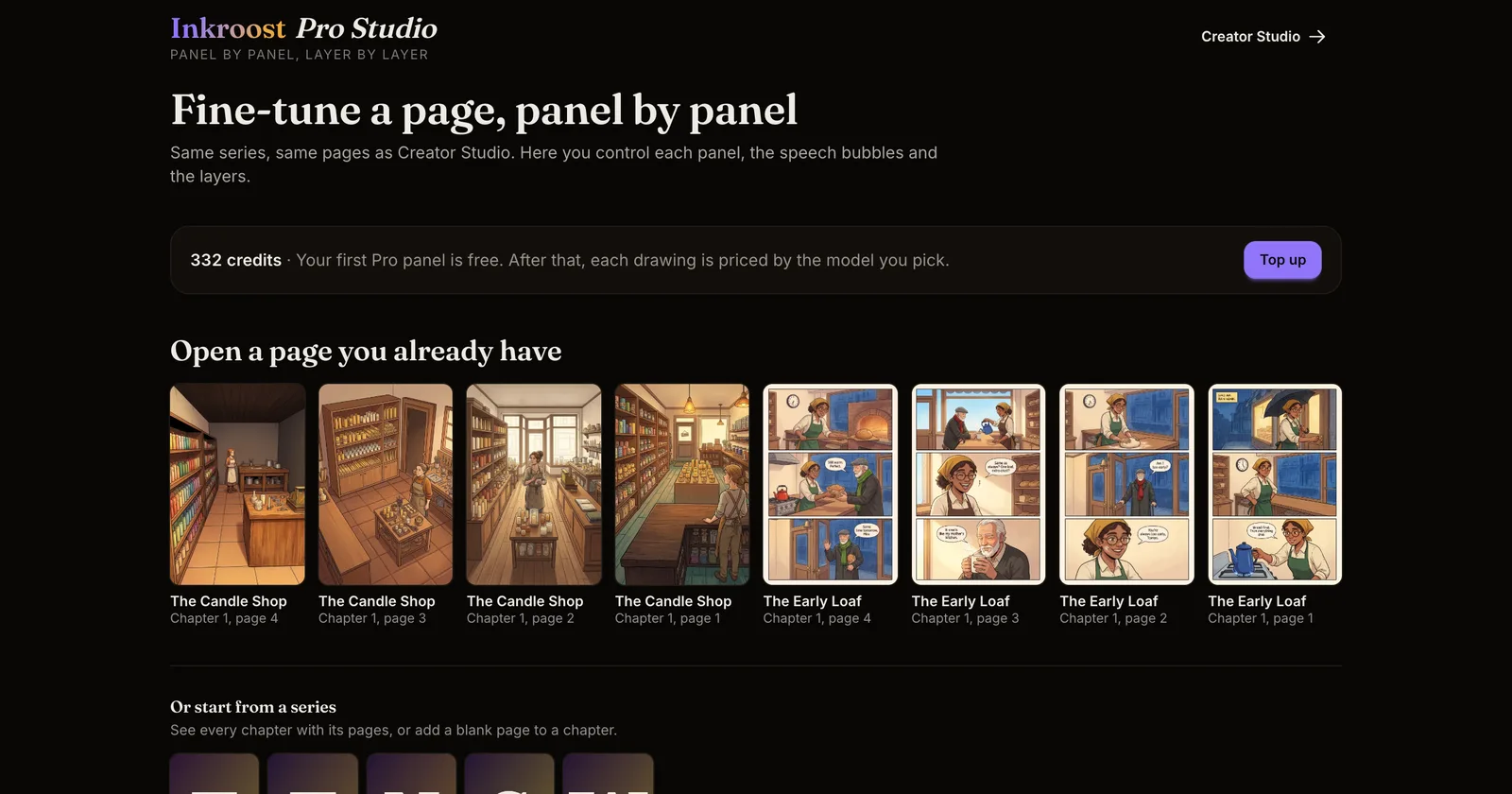
What changed. Creator Studio and Pro Studio are two ways to work on the same series and the same pages. The menu now says so under each name: Creator Studio is where you write, draw and publish your series, and Pro Studio is where you edit a page panel by panel. On a computer, hold the pointer over either name in the top bar to read the same line.
Pro Studio now opens on Open a page you already have, with your latest drawn pages that can still change. Tap one to open it. Your series are still listed below, for every chapter and for adding a blank page. If you have no pages yet, Pro Studio points you to Creator Studio to make your first one.
In Creator Studio, the page menu item that opens a page in Pro Studio is now called Edit panel by panel.
Why it matters. Pro Studio is not a paid upgrade. It is open to every creator, and each drawing is paid with credits, just like in Creator Studio. Make a page in Creator Studio, then polish it in Pro Studio: one panel, the speech bubbles or the layers, while the rest of the page stays as it is.