A reminder to give your series a cover
When you publish a chapter of a series that has no cover yet, the studio now says so and offers to draw one or upload your own, with the price shown.
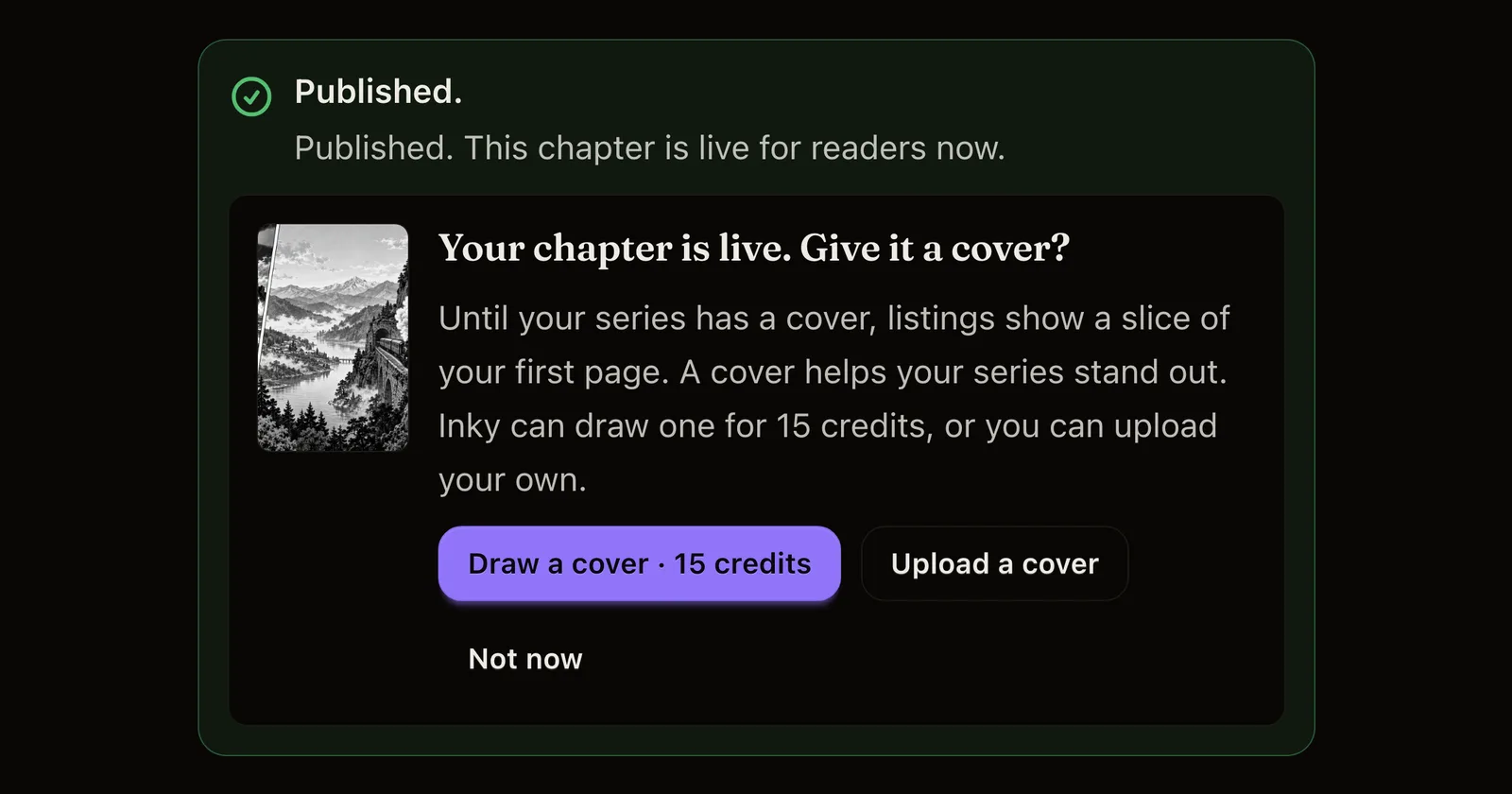
What changed. When you publish a chapter and your series has no cover of its own yet, a short note now appears under the publish result. It shows the slice of your first page that series listings use until a cover is there. Press Draw a cover to have Inky draw one; the button shows what it costs, and Inky shows the price again before anything is drawn. Press Upload a cover to open Series info at the cover field, or Not now to close the note. If your balance is too low for a cover, the first button becomes Get credits for a cover.
Why it matters. A cover is the first thing readers see in listings, and a series with its own cover is easier to spot.
How often you see it. The note appears at most twice for each series: on a publish, and once more on a later one. Once your series has a cover you drew or uploaded, it never appears. Publishing never waits for it. If you publish from Inky, ChatGPT or Claude, they mention the missing cover in the same way.