Send your full script to Inky
Paste up to 50,000 characters, keep your line breaks, and see why longer chapters are prepared in smaller drawing plans.
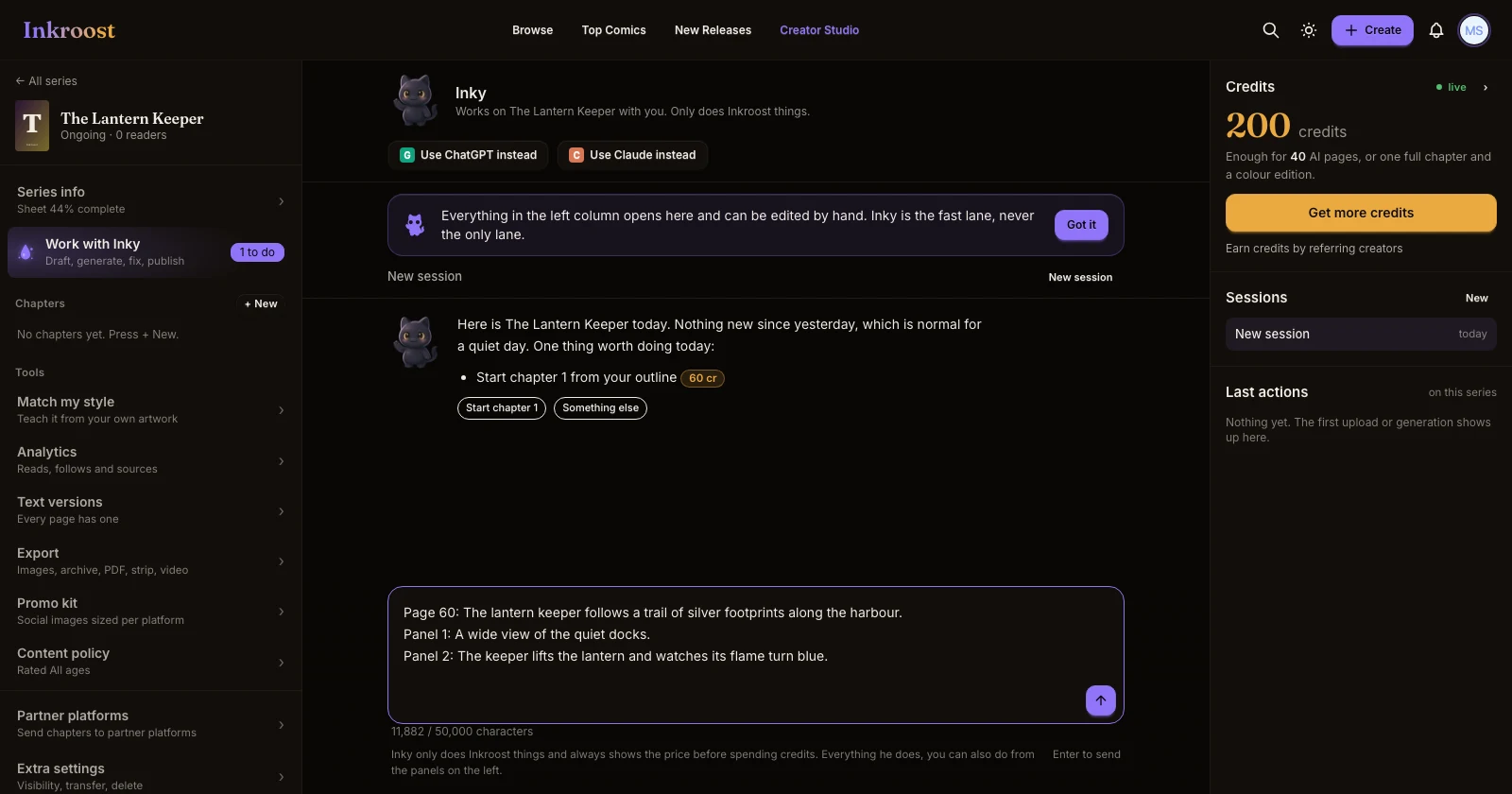
What shipped. Inky now accepts up to 50,000 characters in a message, both when you start a series and when you work in the studio. The counter below the message box shows how much room you have. If you paste more, your text stays in the box so you can shorten it or send it in parts. Shift+Enter adds a new line.
Why the drawing plans are smaller. You can send the whole script within the message limit. Inky prepares up to eight pages per plan so the detailed scenes and dialogue can finish without getting cut off. Each page is drawn separately after you confirm its plan. Inky explains the split, names the page ranges, and tells you how to ask for the next group. Later groups wait for their own plan and confirmation.
How to use it. Open Work with Inky, paste your script, and say which chapter it belongs to and whether you want speech bubbles or art only. Inky keeps the latest long message available for short follow-up requests in the same saved conversation, including when it falls outside the recent chat window. You can also ask for just one more page: it now gets a priced plan and drawing progress of its own.