Comment right where the chapter ends
The series discussion now sits in the Chapter complete card at the end of the reader, so you can say what you thought the moment you finish.
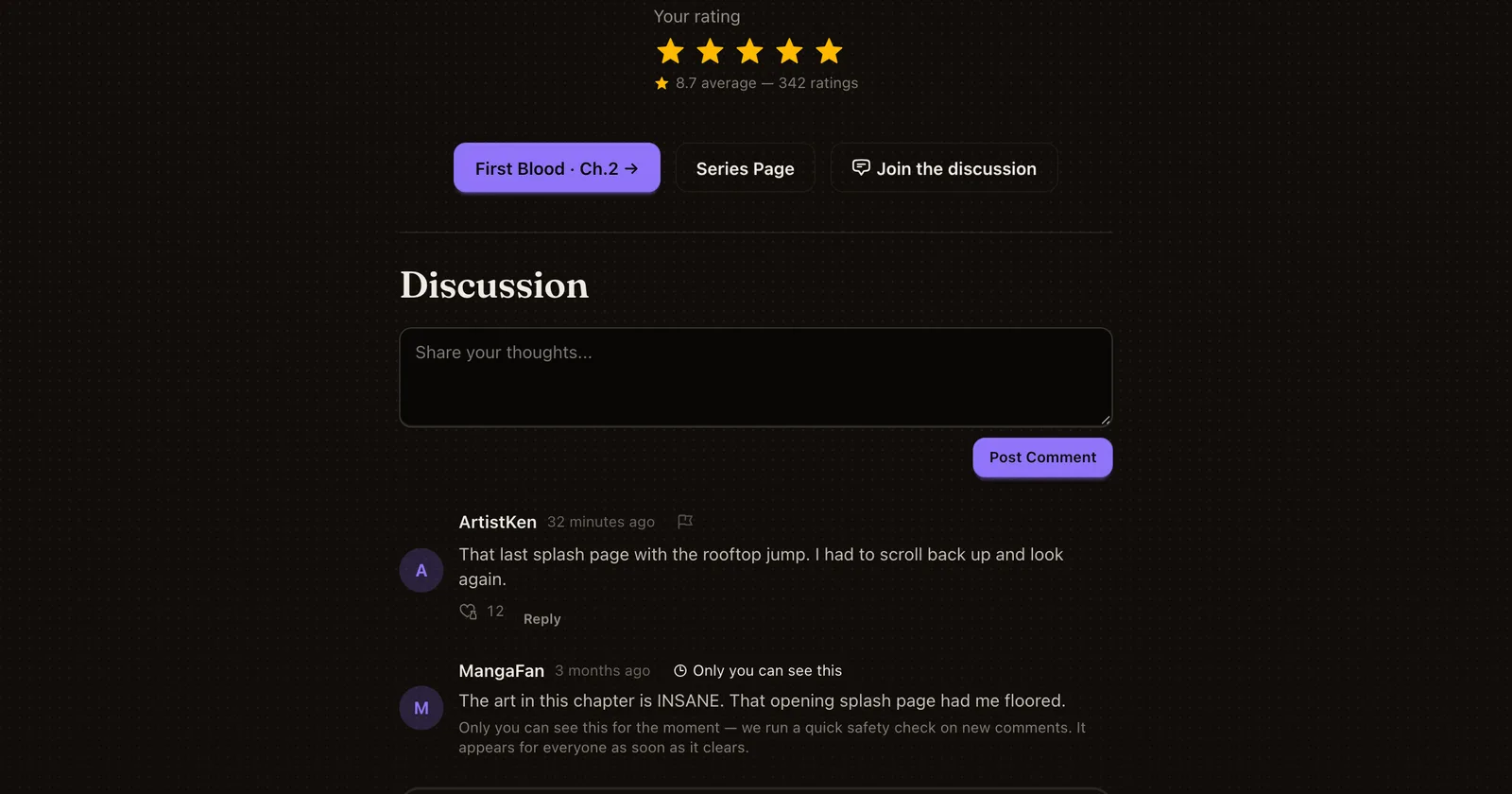
What shipped. When you reach the end of a chapter, the Chapter complete card now shows the series discussion, under your rating and the next-chapter button. Write yours straight away, reply to other readers, or like a comment, without leaving the reader. Join the discussion now takes you down to these comments.
Works however you read. The comments appear at the end of the chapter in Single, Spread and Scroll, on a phone or a computer. They load only when you reach the end, so the pages load as fast as before. You see the newest conversations first. Press Show more comments to see older ones.
One conversation. The reader shows the same comments as the series page, from every chapter. A comment about another chapter says which one, for example on Ch. 3. A comment you write in the reader belongs to the chapter you just finished and also appears on the series page. As before, you need an account with a confirmed email address to post, and every new comment gets a quick safety check before other readers can see it.