Guides, step by step
A new Guides page collects every how-to in one place, grouped by what you are trying to do, from your first page to an animated episode and a book you can sell.
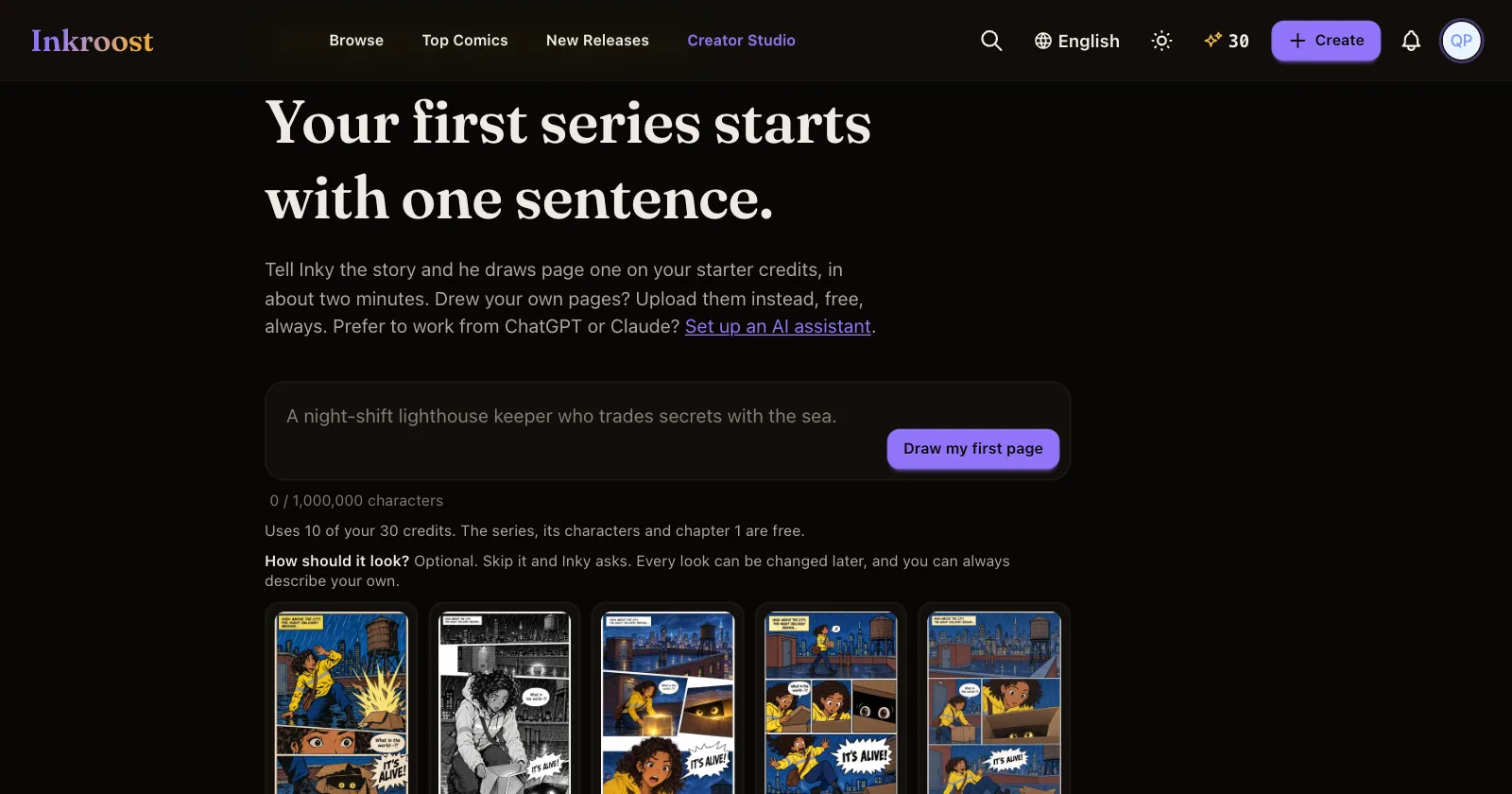
What shipped. A new Guides page, in the footer and the phone menu, gathers every how-to on Inkroost in one place. Guides are grouped by what you are trying to do:
- Get started
- Keep characters consistent
- Pages, panels and lettering
- Animate your comic
- Publish, share and grow
- Make money
- Work from ChatGPT or Claude
Two long craft guides start the page. The solid workflow teaches the order that keeps a comic consistent: character, object and place sheets first, camera angles and poses in the 3D tools second, pages last, then precise fixes with Fix an area and Pro Studio. How to turn a comic chapter into an animated episode walks through every step of Animate, from casting voices and writing lines for the ear to reviewing the plan like a director. Both draw on lessons from masters of comics and animation, from Hergé and Will Eisner to the twelve principles of animation.
Eight more guides cover the questions creators ask most: starting your first series, using character, place and object sheets, bringing in your own pages or a PDF, lettering, publishing an episode to YouTube, publishing and sharing a chapter, and selling your comic as an ebook or paperback.
Why it matters. The answers were already here, spread across months of updates. Now each one is a step-by-step page that stays current, and every guide links to the others on the same topic.
How to use it. Open Guides from the footer, or from Ask Inky in the studio, and pick the topic you are stuck on.