Create now starts with Inky
Create opens on Inky's box, page one waits for a look you chose, pasted scripts are drawn page by page, and Inky checks before reusing a series name.
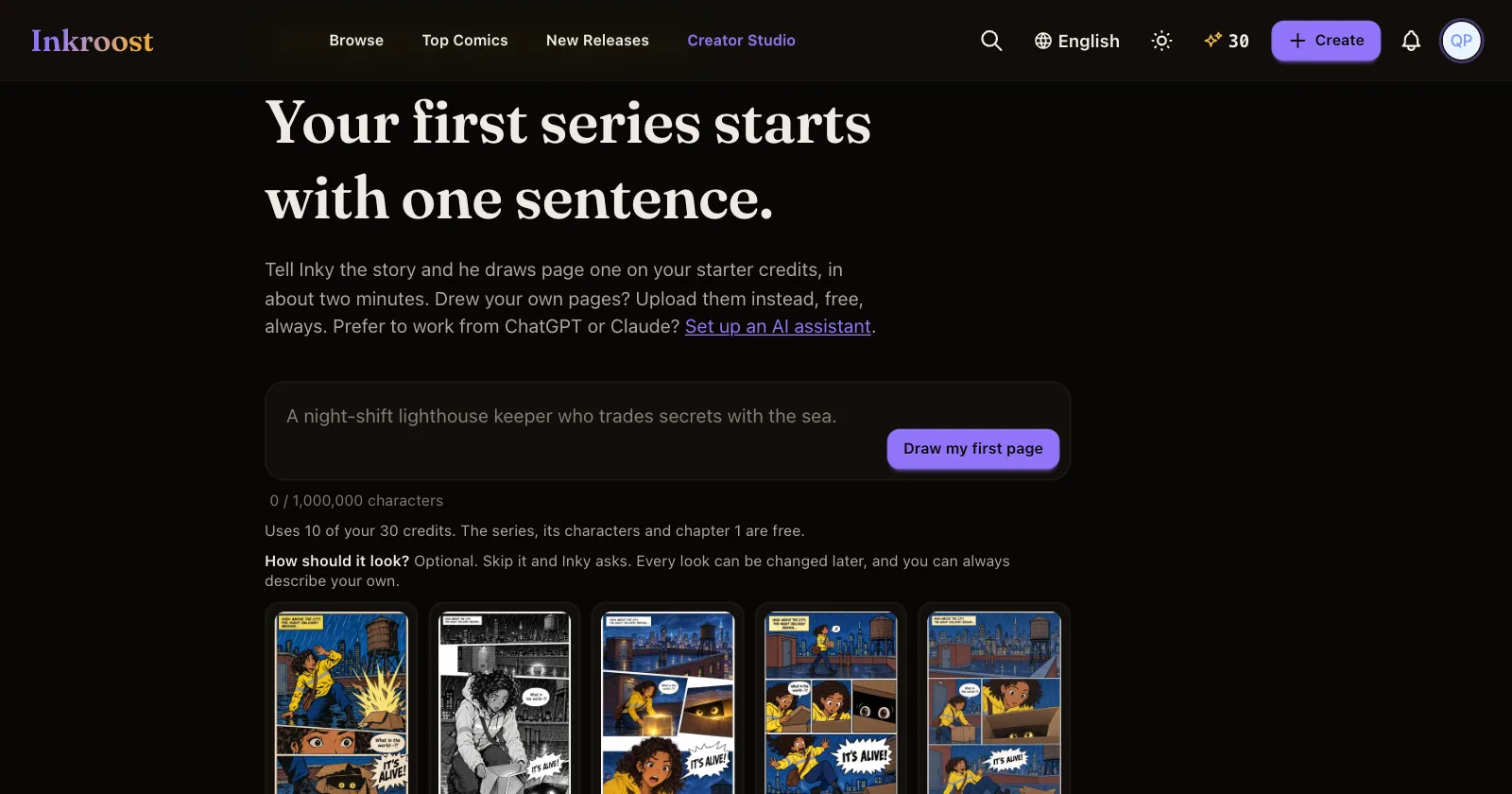
What changed. Pressing Create now opens Work with Inky. Paste an idea, a pitch or a whole script, pick a look and press Draw my first page. If you would rather fill in the details yourself, Series info in the left column opens the form.
If you already have series, they are listed at the top under Continue your series, so you can go back to one with a single click. The first time you open Create, Inky shows you around in three short steps: the message box, the looks, and the form.
Your look, not a guess. Page one is drawn in the look you picked. If you skip the cards but your idea names a look, such as "a black and white manga", Inky uses that look and tells you how to change it. If your idea names no look, Inky asks you to pick one before anything is drawn. To leave it to Inky, choose You pick what fits the story.
Scripts are followed page by page. If you paste a script with pages or panels marked ("Page 1", "Panel 1", "P1-1", "第1格"), Inky tells you how many pages it found and draws only page one, exactly as written. Later pages follow in order, and the story ends only where your script ends.
No accidental twins. If the title Inky writes matches one of your series, Inky stops and asks first. Press Open it to go to that series, or Create a new one anyway to keep going. Nothing is drawn or spent until you decide.