creation
Bring your comic in as a PDF
Drop a PDF of your comic or manga where you add pages, and every PDF page becomes a page of your chapter, in order. No exporting page by page first.
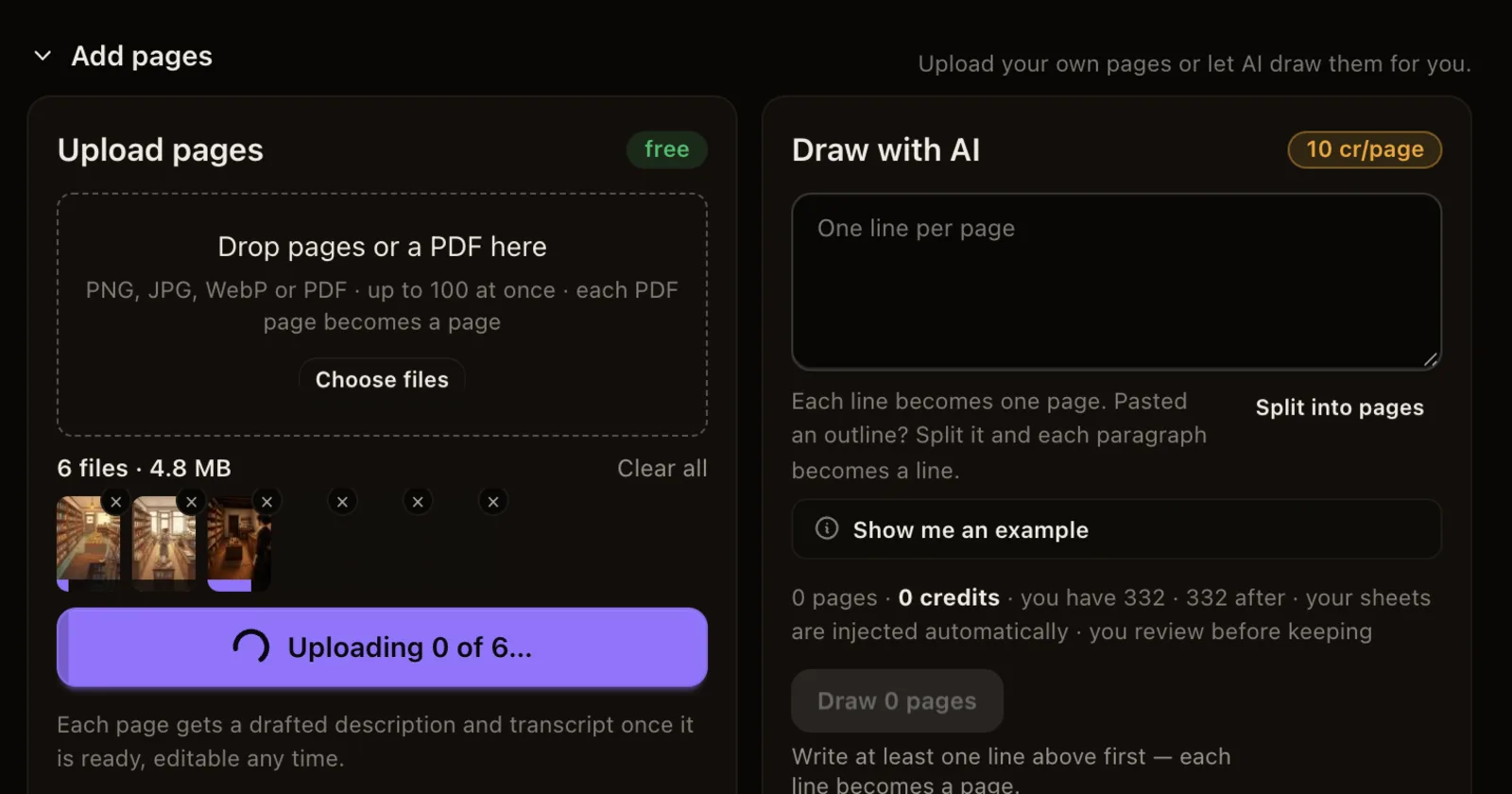
What changed. Wherever you add pages to a chapter, the drop area now takes a PDF as well as PNG, JPG and WebP pictures. Drop the file or press Choose files, and you see Preparing page 12 of 42… while each page is turned into a picture. Then the pages go up and land in the chapter in the order of the PDF, after any pages already there.
Why it matters. Many creators keep their finished comic as one PDF. Until now you had to save every page as a picture first. Now the whole book comes in with one drop, ready to read, translate or animate with Animate.
Good to know.
- The PDF is turned into pictures on your own device. Only the pictures are uploaded, so the PDF itself never leaves your computer or phone.
- Up to 100 pages fit at a time, and a PDF can be up to 100 MB. Split a longer book and add the rest afterwards.
- A PDF locked with a password can't be opened. Save a copy without the password first.