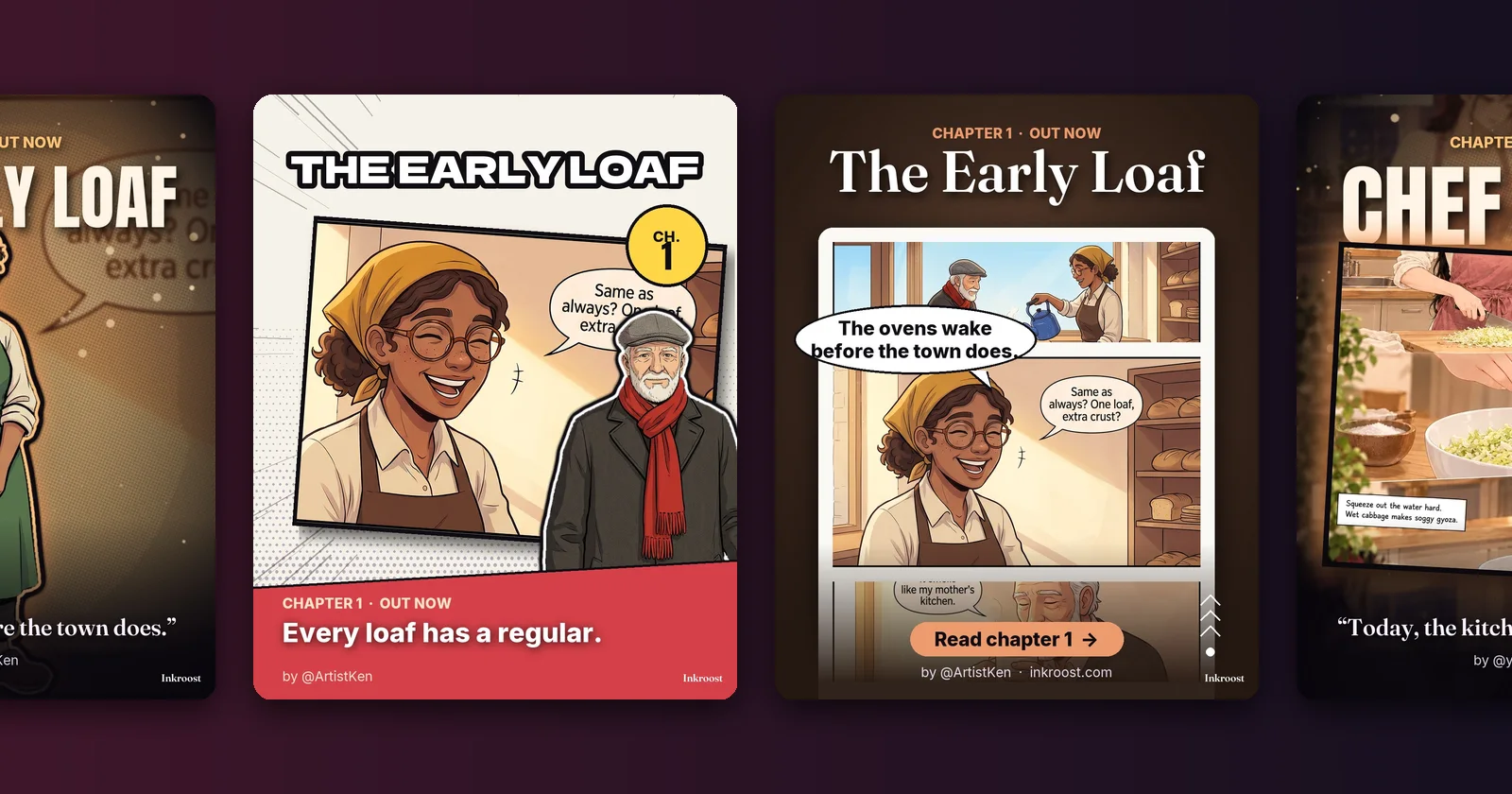
圈出問題,只修正那個地方,還能檢查各頁之間的連貫性
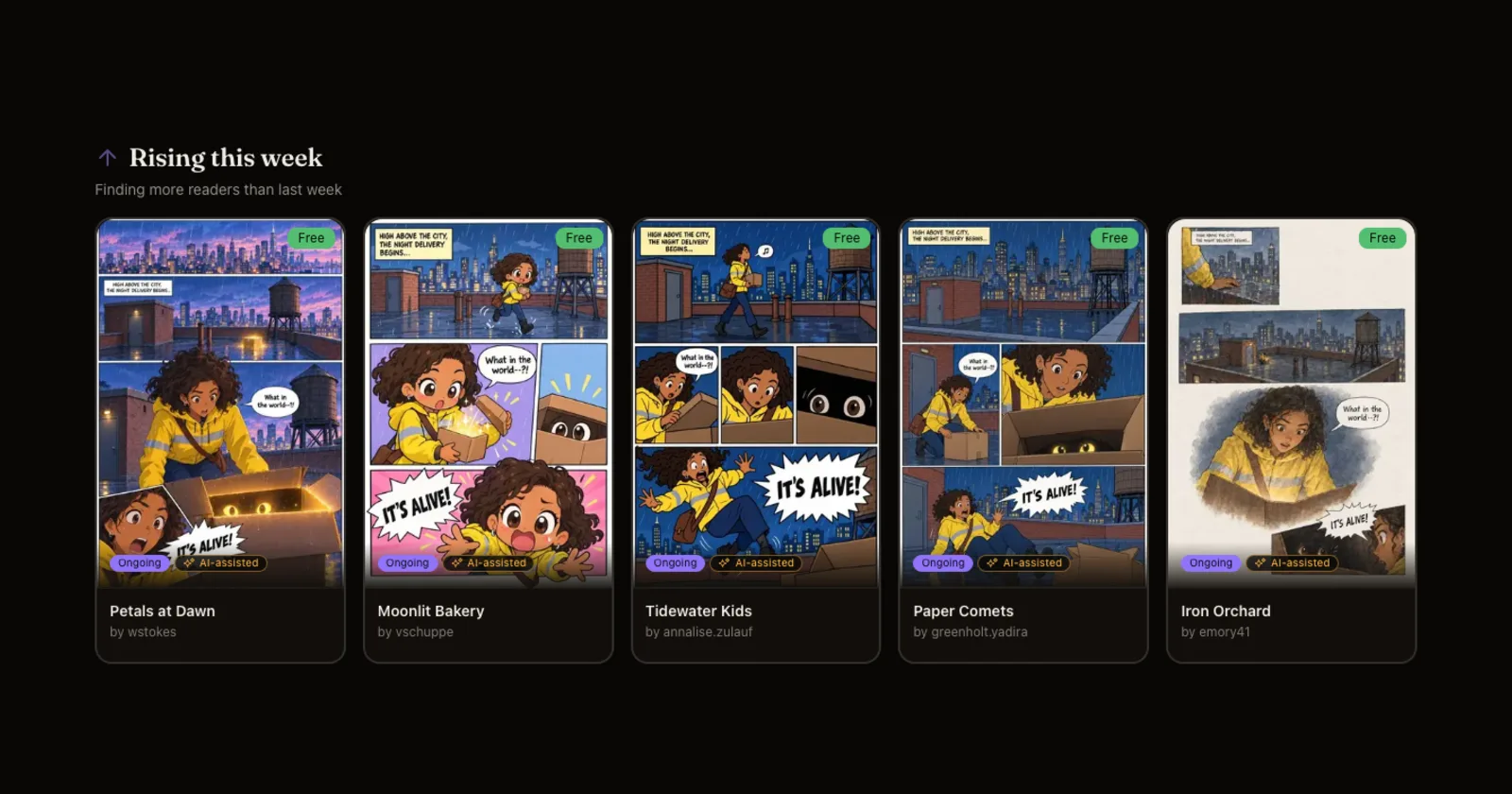
現在每張新頁面都會和前面的頁面比對,檢查多出來的手臂、錯誤的手指、重複出現的角色、變動的背景和故事不連貫。系統會替你選出畫得最好的版本,你也可以圈出任何區域並說明要修改什麼。
功能指南與發布動態:有什麼新東西、為什麼重要、怎麼使用。
現在每張新頁面都會和前面的頁面比對,檢查多出來的手臂、錯誤的手指、重複出現的角色、變動的背景和故事不連貫。系統會替你選出畫得最好的版本,你也可以圈出任何區域並說明要修改什麼。
整個網站、工作室、Inky 和您的電子郵件都提供西班牙文或葡萄牙文(巴西),以及英文、韓文、日文和中文。您可以從頂部選單欄的地球圖示選擇語言,或讓 Inkroost 遵循您的瀏覽器設定。
The whole site, the studio, Inky and your emails in 한국어, 日本語, 简体中文 or 繁體中文. Pick a language from the globe in the top bar, or let Inkroost follow your browser.
Drag and zoom to choose exactly what your series cover, banner, profile picture and profile cover show. Generated banners now come out at the banner's own shape.
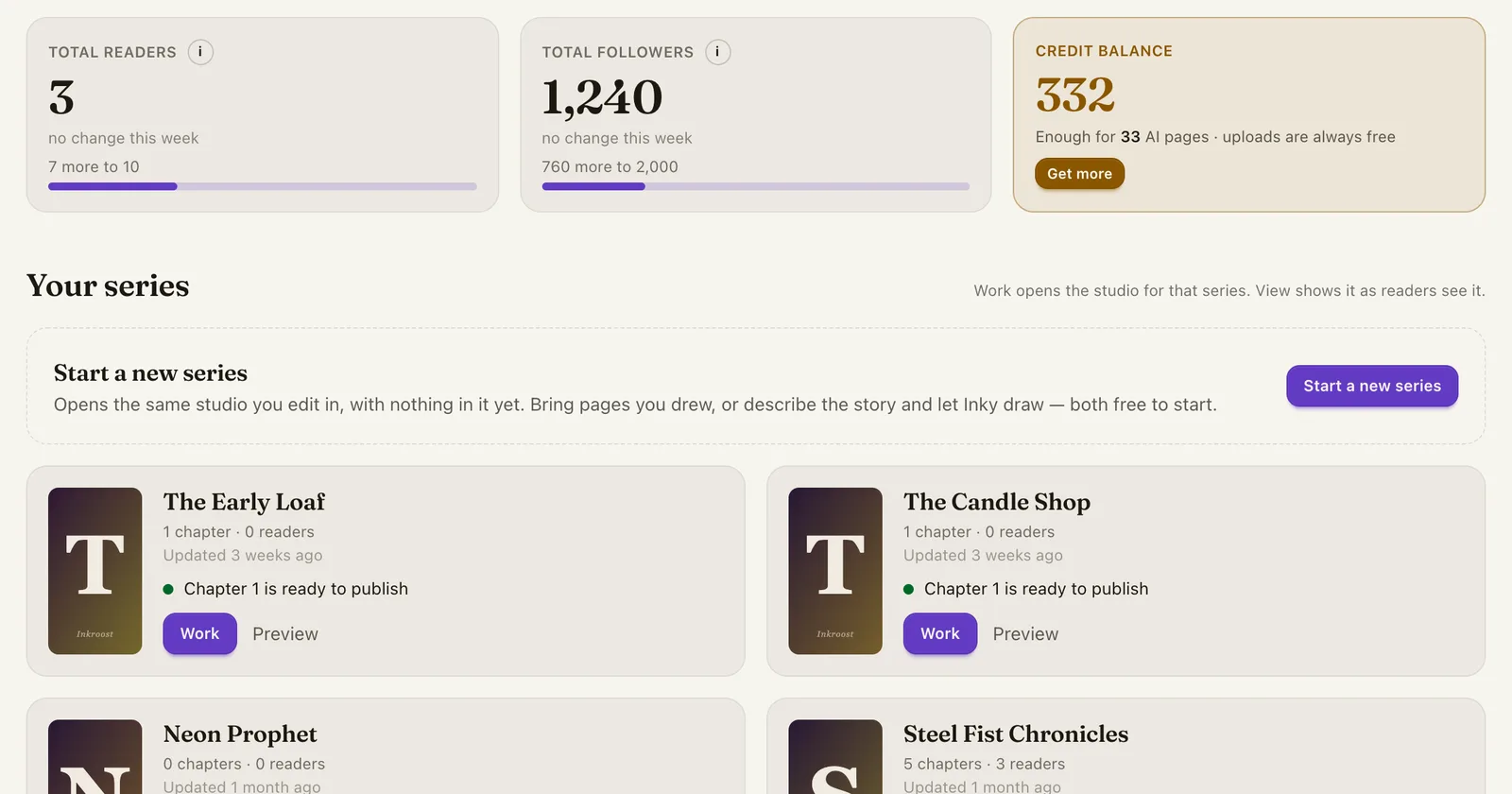
A Continue button in the navbar and a card on the home page take you straight back to the chapter or panel you had open. Your credit balance now sits in the navbar too, one tap from getting more.
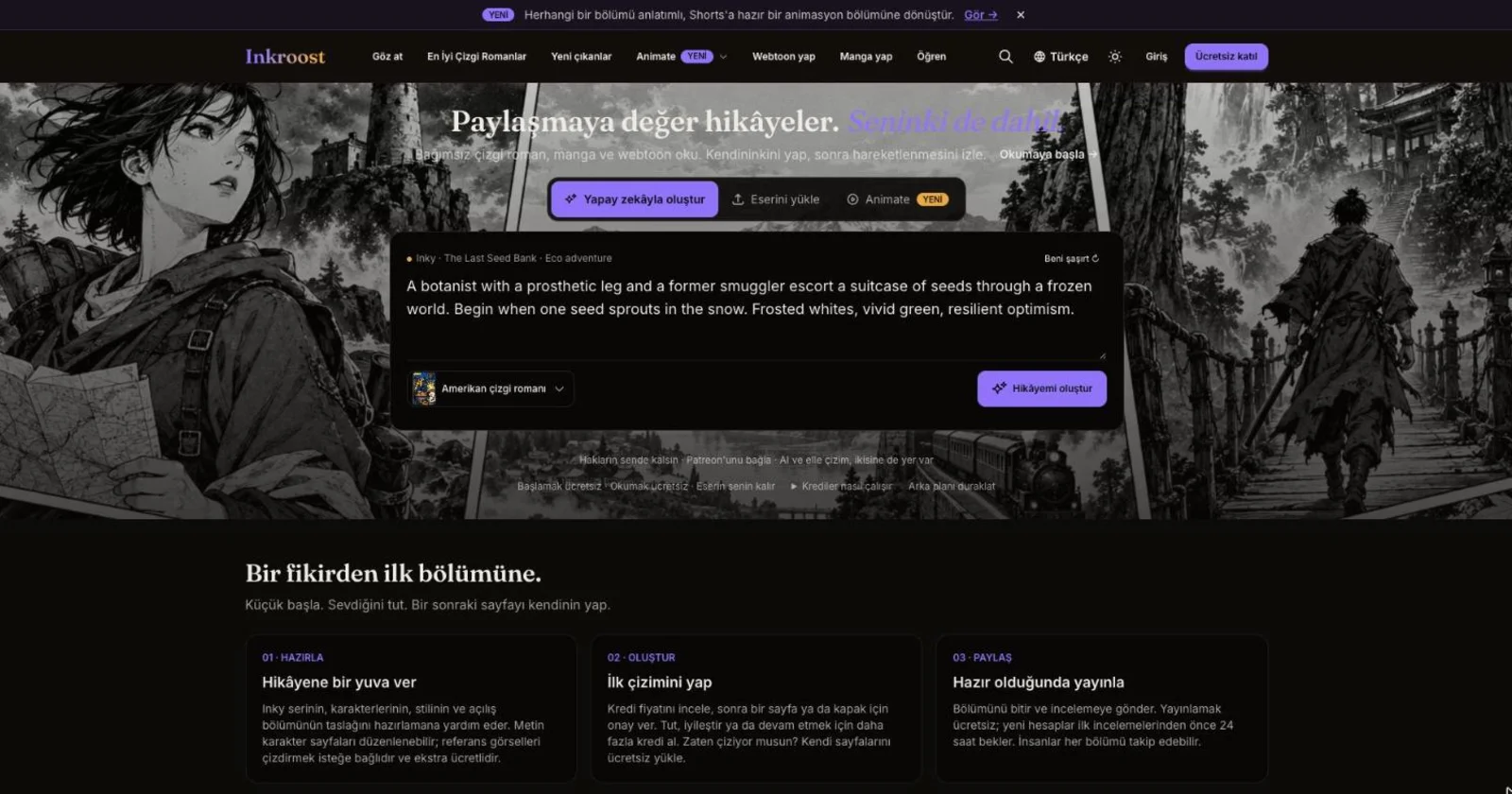
The art style menu on the home page now shows a real sample page for American comic, Manga, Webtoon, Cartoon and European comic, so you choose a look by what it draws, not by its name.
A page with more panels or more speech than usual is no longer refused. Inky warns you once that dense pages fail or muddle their layout more often, and you decide whether to draw it anyway or split the beats across two pages.
Fifteen style presets, from superhero comics to manga to European albums, each with a real sample page. Pick one for the whole series or for one run of pages, or skip them and describe your own style. Inky asks which look you want before it draws anything.
The drawings Inkroost makes for you now open in a full-screen workspace: big artwork, every version a click apart, and keeping one moves you straight to the next page waiting.
Teaching Inkroost your style used to start by inventing a chapter to hold your pages. Reference art now has its own place in the studio, and it travels with the drawings you ask for.
我們使用 Cookie 來改善您的體驗。必要 Cookie 是網站運作所必需的。您可以選擇接受所有 Cookie 或自訂偏好。 隱私權政策
必要
網站運作所必需,無法停用。