Give your comic as a gift
Make a private link that opens one of your series in the reader for someone special, without publishing anything. They do not need an account, and the link closes by itself after 7, 30 or 90 days.
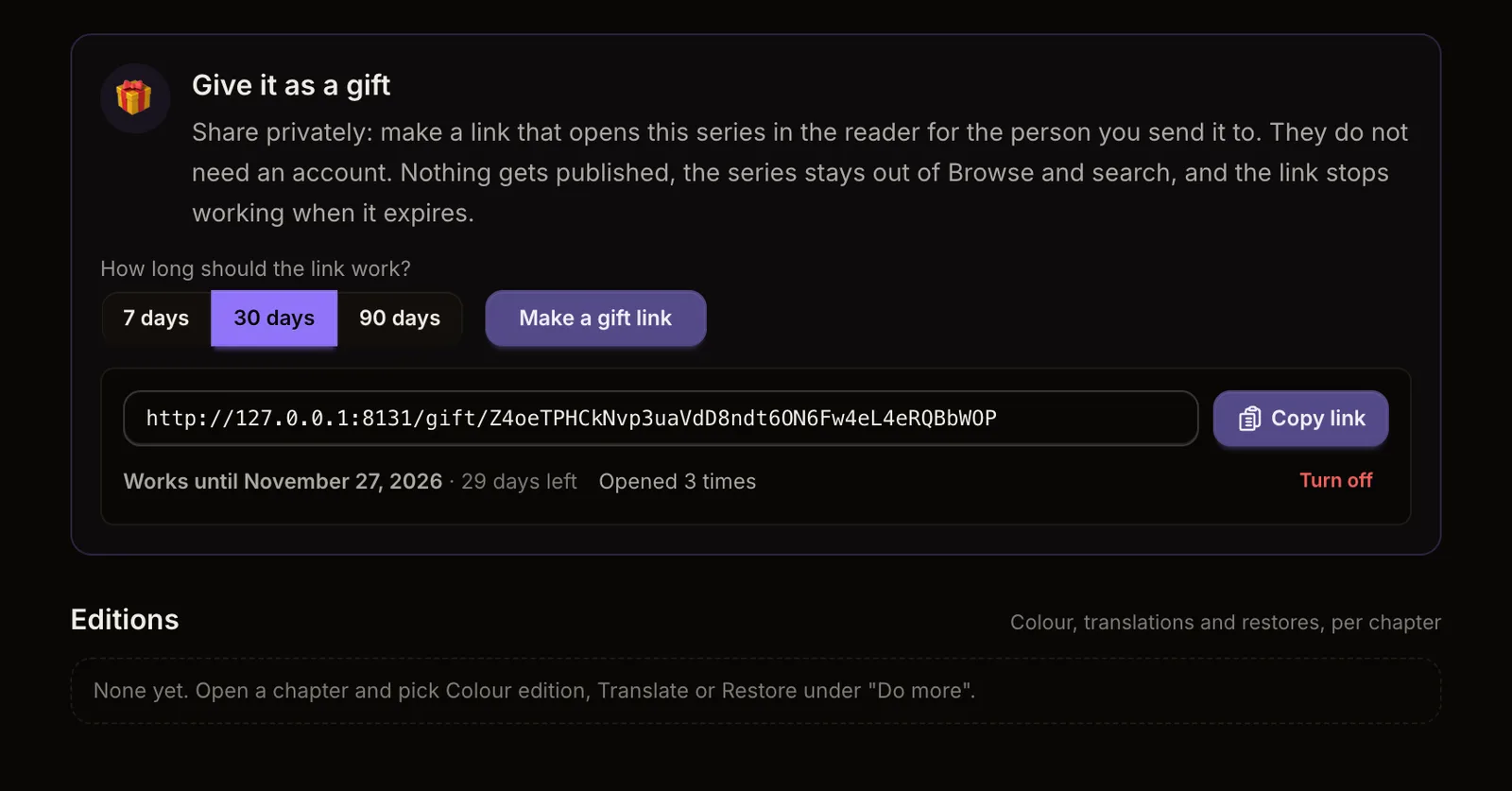
What's new. Some comics are made for one person: a birthday story, a manga for a friend, a thank-you in pictures. Open a series in your Creator Studio and go to Series info. Under Give it as a gift, pick how long the link should work (7 days, 30 days or 90 days) and press Make a gift link. Copy the link and send it however you like.
What they see. The link opens your pages in the same reader everyone uses on Inkroost, with a short note that you shared it with them privately. They do not need an account. Only that series is in the link, and it works even if you have never published a chapter.
It stays private. Nothing is published. The series does not show up in Browse, search or the featured lists, and search engines are told to leave the link alone. Our content rules still apply: a series or chapter our moderators have paused or turned down does not open through a gift link.
You stay in charge. Each link shows the date it stops working and how many times it has been opened. Press Turn off to close a link at any time; anyone who opens it then sees a friendly note that the gift link has expired. A few days before a link expires, you get a reminder in your notifications, so you can make a new one if they are still reading.
Also next to Publish. If a chapter is ready and you would rather not publish it, the publish box now offers Give it as a gift too.