creation
Readers can watch your animated episodes on Inkroost
Put a finished episode on Inkroost with one button. Readers watch it on your series page and next to the chapter, and Google can list it in video results.
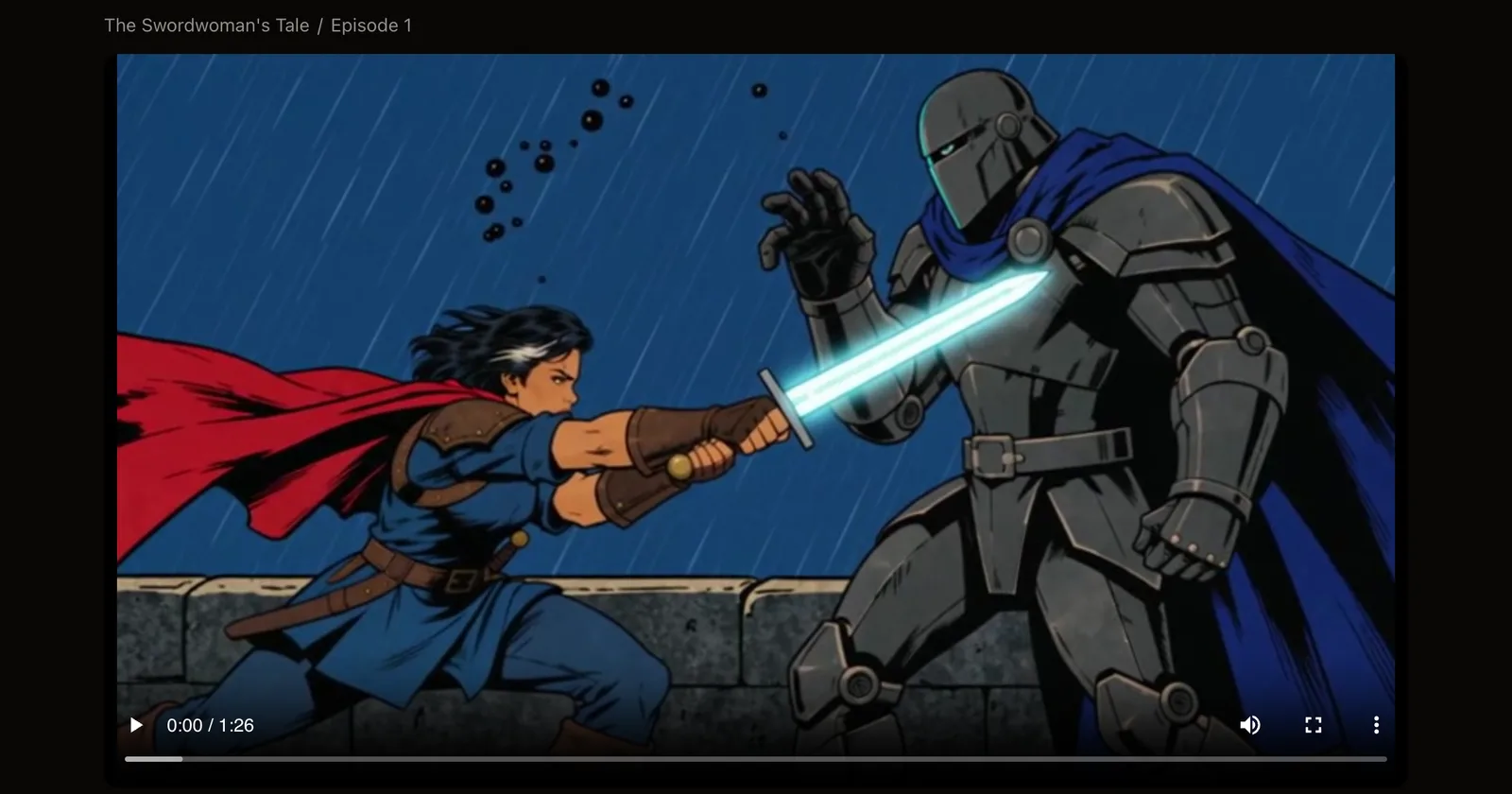
What shipped. A finished animated episode can now live on Inkroost, not only in your studio. Choose Show it on Inkroost on the episode's page and readers can watch it.
- A watch page for every episode. The video with its subtitles, the chapter it comes from, and a button to read that chapter. If you made a vertical cut, it plays there too.
- On your series page and in the reader. Shared episodes sit on a Watch shelf above your chapters, and their chapters get a Watch button, in the chapter list and while reading.
- One place for all of them. Watch in the menu lists every shared episode on Inkroost, newest first, and the newest ones show on the home page.
- Found on Google. Each watch page tells search engines what the video is, so it can show up in video results and bring new readers to your comic.
- Your rules. Nothing is shown until you choose to, one episode per chapter is shown, and it follows the chapter: a supporter-only chapter keeps its episode for supporters, and a mature series asks viewers to sign in.
Why it matters. An episode reaches people who would never open a comic page, and every watch page leads straight back to the chapter it came from.
How to use it. Open a finished episode in Inkroost Animate and choose Show it on Inkroost. It goes up as soon as the chapter is public, and you can take it down from the same place at any time.
Good to know. Search engines take from a few days to a few weeks to list a new video.