Adapt your episode's script for the screen in one press
The Script step of Inkroost Animate has a new Adapt for the screen button. Inky turns the comic's lines into flowing spoken conversation that carries from one scene to the next.
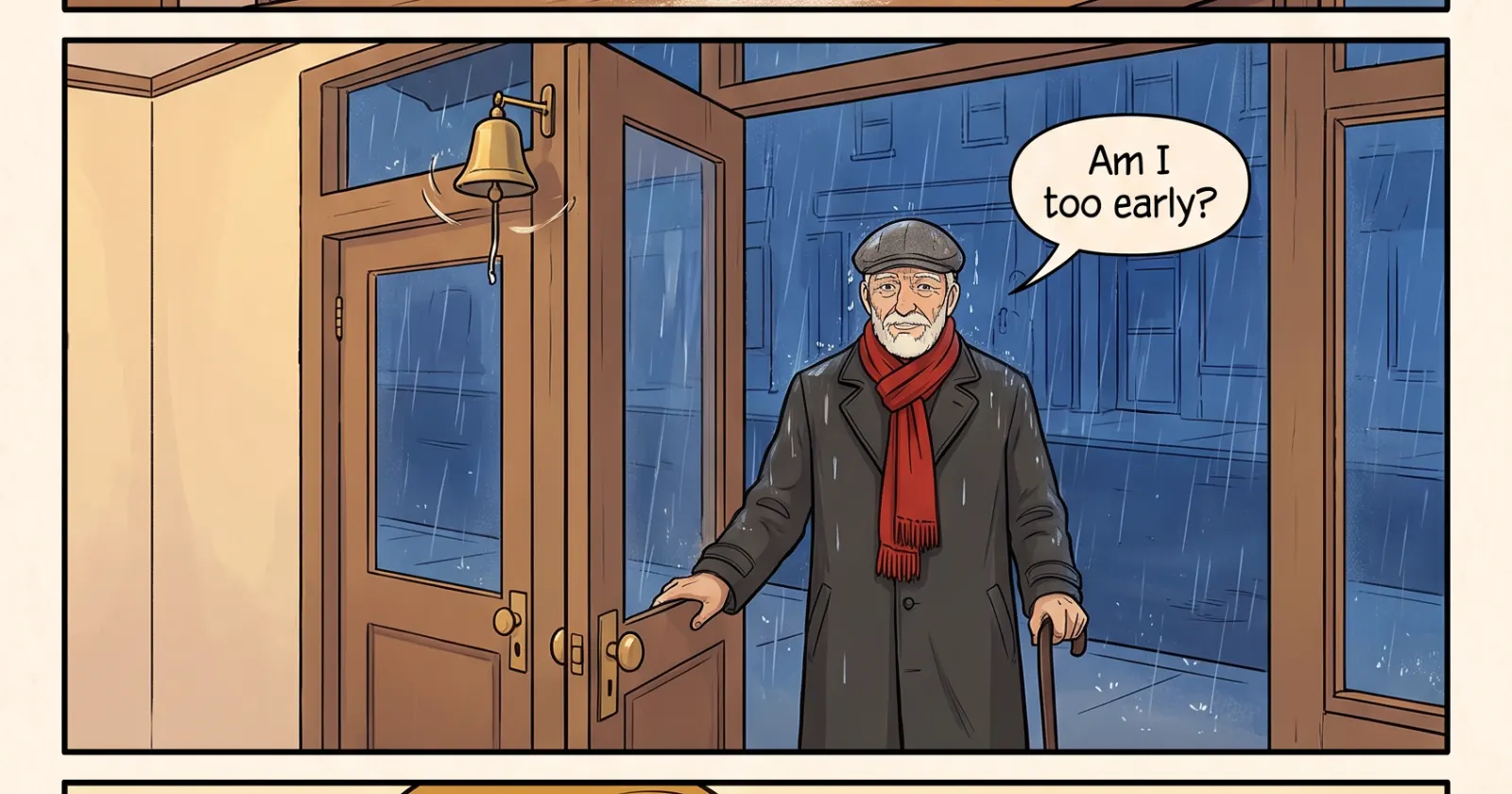
What changed. Lines written for speech balloons often sound stiff out loud, and they stop at the edge of each page. In the Script step of Inkroost Animate, press Adapt for the screen and Inky rewrites the script as spoken conversation. Characters answer each other, small reactions fill the gaps, and a conversation carries on from one scene to the next instead of stopping at every page. Your story, its jokes and its ending stay as they are.
You decide what stays. Inky shows every change it suggests, line by line, and you keep only the ones you like. You can still edit any line yourself or ask the script assistant for something else. It is free.