Inkroost Animate is open to every creator
Turn a chapter of your comic, manga or webtoon into an animated episode with its own voices, plus a vertical cut for TikTok, Reels and Shorts.
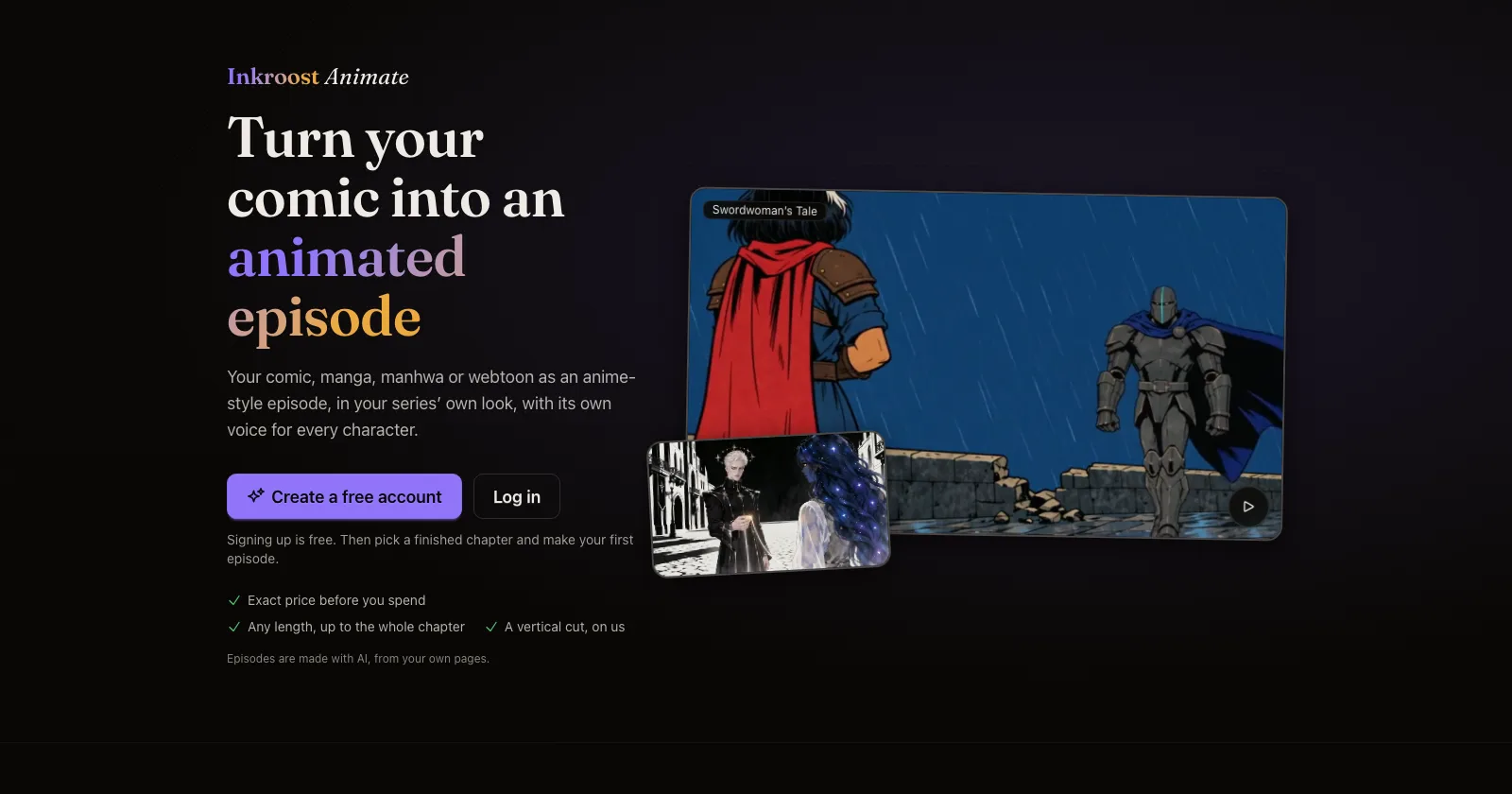
What shipped. Inkroost Animate turns a chapter you drew into an animated episode. Your panels become moving scenes, every character speaks in a voice you picked, and the episode is subtitled in your series' language. Until today only a few creators could try it; now every creator can.
- Any length. An episode can run from 30 seconds up to the whole chapter. We suggest the length the chapter reads at, and you can change it.
- The exact price first. You see the plan, the cast sheets and the voices, and the exact price in credits, before anything is animated. You can stop there and pay only for the plan.
- A vertical cut, on us. Every finished episode can also be cut to 9:16 for TikTok, Instagram Reels and YouTube Shorts, framed shot by shot around whoever is speaking. You can move the frame of any shot yourself.
- Yours to keep. Watch the episode on Inkroost or download the video. Your series stays yours, and so does every episode made from it.
Why it matters. A chapter that moves and talks reaches readers who would scroll past a still page, and a vertical cut fits the places they already watch.
How to use it. Choose Animate in the top menu, or Inkroost Animate on your Creator Studio dashboard. Then pick a series with finished pages and the chapter to animate. See two finished episodes and the four looks on the Inkroost Animate page.
Good to know. Long episodes take a few hours to make, and the longer an episode is, the more scenes may come out differently from your pages. Publishing straight to your YouTube channel is coming soon.