A page of its own for manga, webtoons, manhwa and comics
The pages for people looking for a manga maker, a webtoon maker or an AI comic generator now each look like their kind of comic, show what every look draws, and let you start your story right at the top.
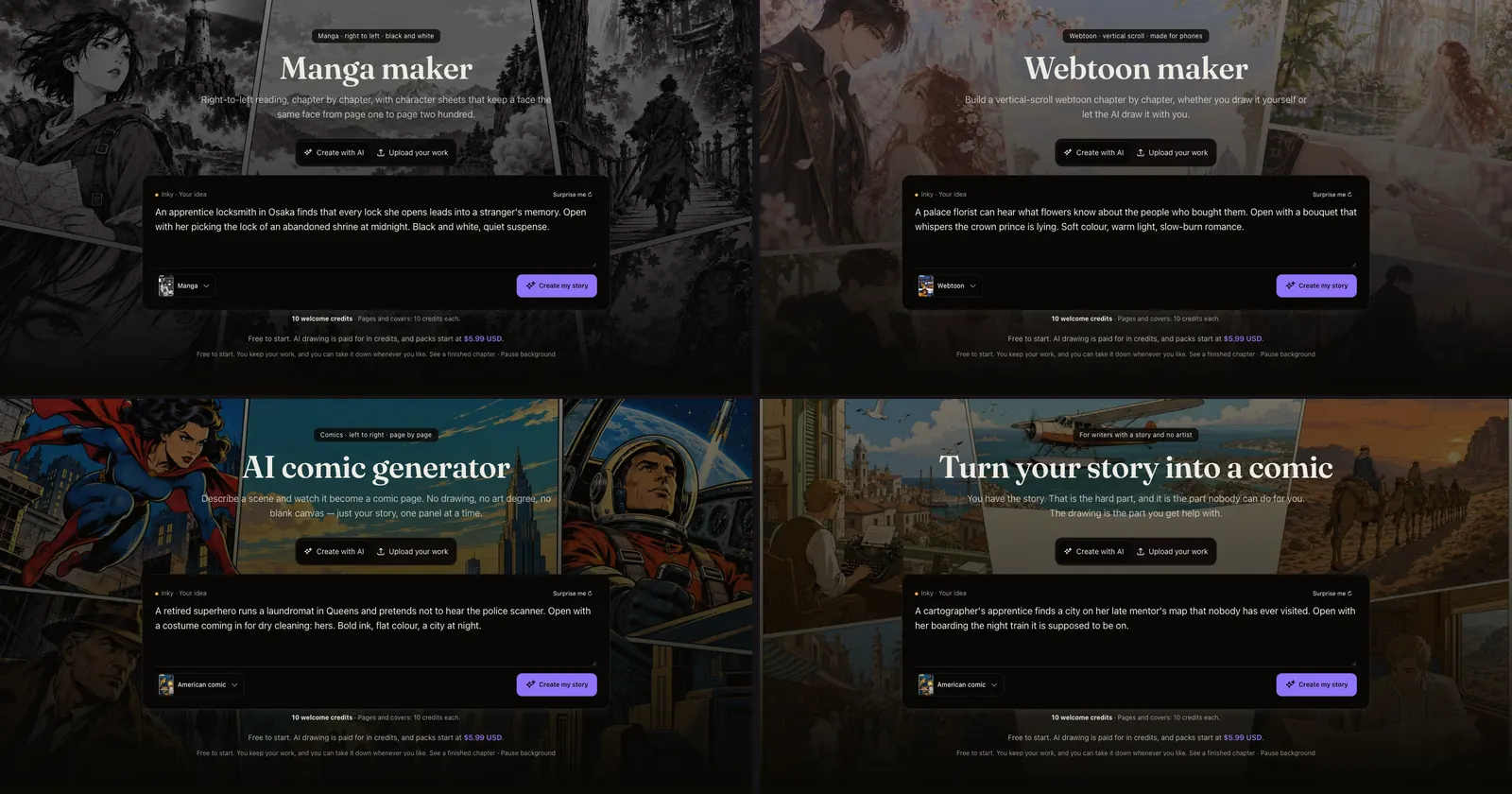
What changed. Inkroost has a page for each thing people come looking for: a manga maker, a webtoon maker, a manhwa maker, an AI comic generator, turning your story into a comic, and a few more. They used to be one page with a different headline. Now each is built for its own kind of comic.
- It opens with the story box from the home page, with that page's look already picked and an idea already written in. Change the idea or write your own, press Create my story, and you are on your way to your first page. Upload your work sits on the tab beside it, and on the page for people who already draw it is the tab that opens first.
- It shows what each look draws. The same rooftop scene, drawn by Inkroost in every style: the five manga looks laid out right to left, the two webtoon looks scrolling inside a phone, nine American, European and cartoon looks for comics, and, for writers, a paragraph of story beside the page drawn from it. Tap a style and the story box switches to it.
- It says what things cost, early: the free welcome credits, that uploading your own pages never costs anything, and where plans and credit packs start.
- It talks about its own kind of comic: right-to-left pages and screentone for manga, pacing and the strip export for webtoons, full colour and translated editions for manhwa, printed-comic looks and lettering for comics. The series it shows lead with that kind too.
Why it matters. Someone looking for a manga maker should land on a page about manga, see what their manga could look like, and start it without hunting for the button.
How to use it. The pages are linked under More ways in at the bottom of each one and in the site footer, in English, Korean, Japanese, Chinese, Spanish and Portuguese.