Your uploaded pages fill in your characters, places and objects
When you upload a chapter you drew yourself, Inkroost reads it and adds the characters, places and objects it finds to your sheets, each with a picture cut from your own page. It costs nothing.
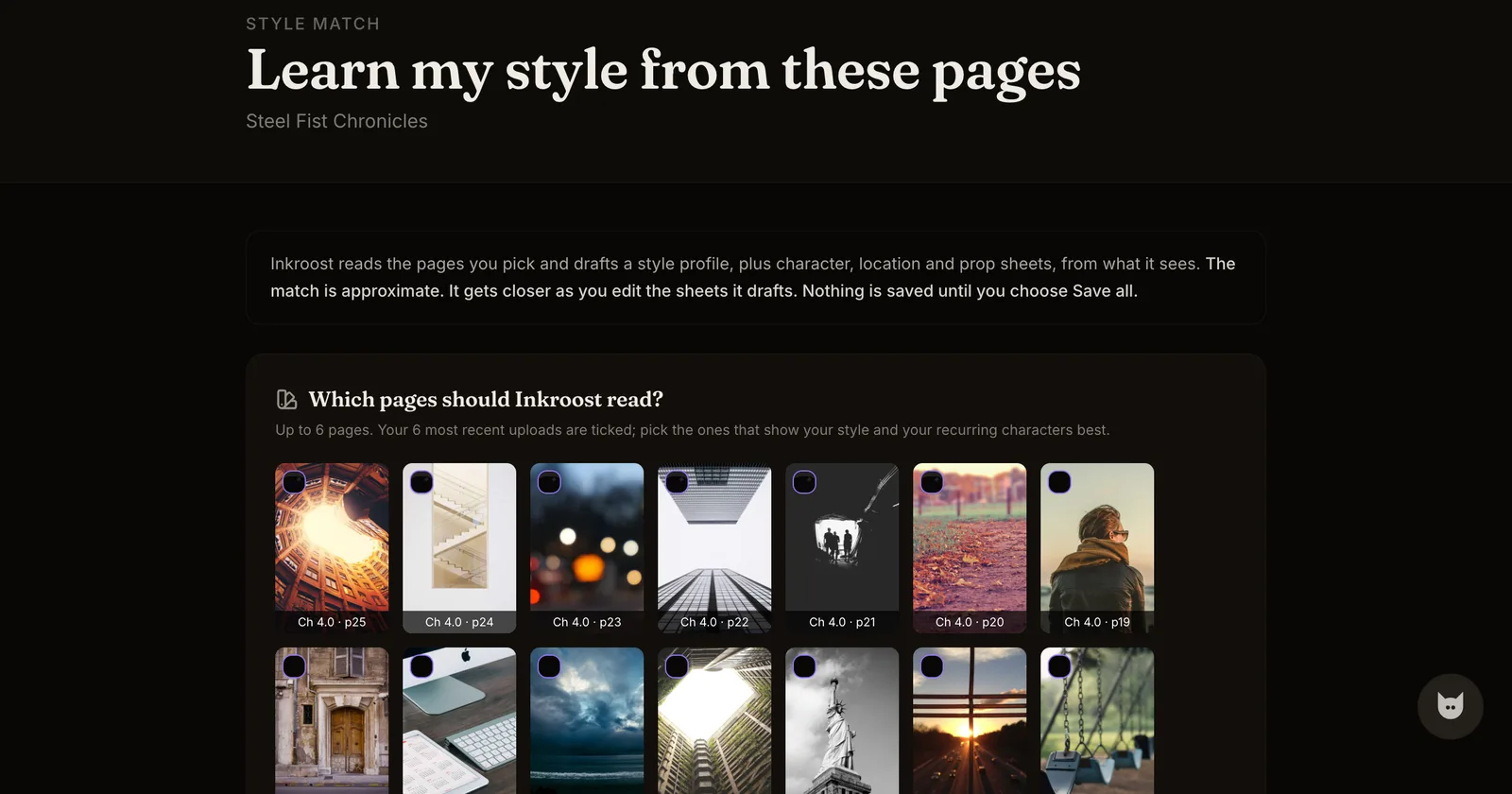
What changed. Once every page of a chapter you uploaded is ready, Inkroost reads the pages. The characters, places and objects your story keeps coming back to become sheets in your series, under Characters, places and props in Series info. Each new sheet gets a short description of what the pages show and a picture cut from the page where it is drawn most clearly.
Your words stay yours. A sheet you already have is matched by its name, and nothing you wrote on it is replaced. Inkroost only fills in the fields you left empty, and adds a picture only when the sheet has none. A sheet you deleted is not added back. Names come from your pages: speech, captions and signs. Someone the pages never name gets a plain description, like "Girl in the red scarf", which you can rename.
Where to see it. While the pages are read, the chapter says Reading these pages for characters, places and objects… under its pages. Afterwards it says what was found, for example Found in these pages: 3 characters, 1 place, 2 objects, with a link to the sheets in Series info. Sheets made this way carry a small From your pages mark. Chapters you uploaded before today are read too, a few at a time.
What it costs. Nothing. Reading your pages uses no credits.