Your waiting artwork is easier to find
Drawings you have not reviewed yet now appear on your Creator Studio dashboard, with a direct link back to the right chapter.
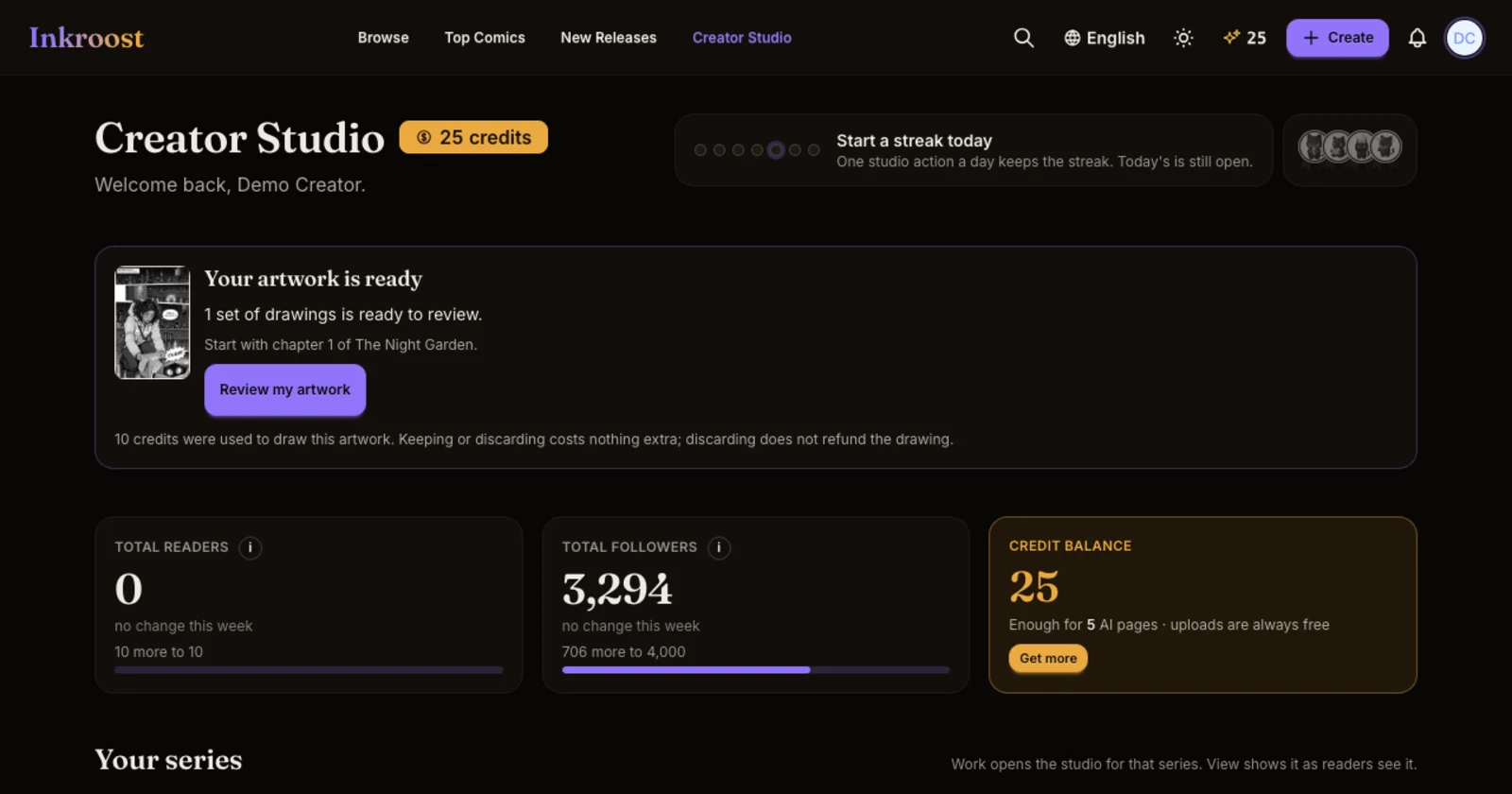
What changed. When drawings are waiting for your review, your Creator Studio dashboard shows Your artwork is ready. It shows how many sets are waiting and which chapter to start with. Press Review my artwork to open those drawings in the chapter's review screen.
The card stays until you finish reviewing the artwork. If drawings have been waiting for more than a day, you may also receive an in-app reminder, at most once a week.
Why it matters. You can find work you left unfinished without opening each series to look for it. Reviewing, keeping or discarding drawings costs nothing extra. Credits used to draw them are not refunded when you discard them.
One optional question. When you discard drawings, you can now say what did not work for you. You can also skip the question and discard as usual.