creation
Paste a page-by-page script and get one drawing plan straight away
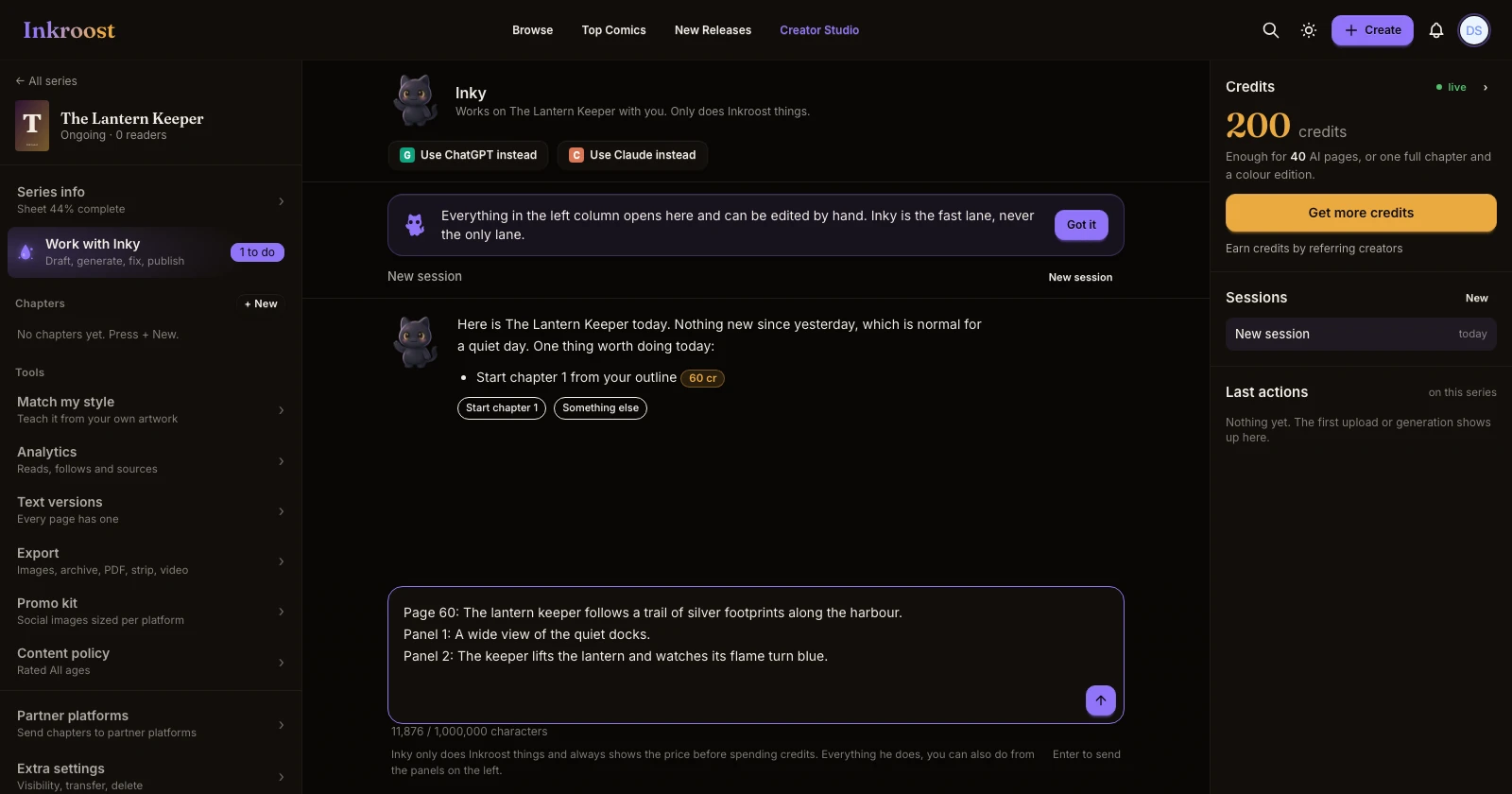
When your script is already written page by page and panel by panel, Inky now reads it directly and shows one drawing plan for every page you ask for, instead of preparing it a few pages at a time.
What changed.
- Scripts become one plan. If your script uses page headings (PAGE 1, PAGE 2 …) and panel headings (Panel 1, Panel 2 …), Inky reads it as written and puts every page on one drawing plan in a single reply. An 80-page chapter no longer takes many minutes of preparation.
- Your words stay where you put them. Dialogue, captions, thoughts and sound effects land in the panel you wrote them under, and speakers are matched to your character sheets.
- Ask for the pages you want. "Draw pages 3 to 20", "skip the first 2 pages", "from page 41" or "all of it" all work.
- Nothing is cut short. If a line is too long for a speech bubble, Inky tells you which page and panel so you can shorten it, instead of trimming it for you.
- Fixed: asking to skip a few pages could stop Inky from ever showing the plan.
Why it matters. A finished script already says what every panel shows. Waiting for it to be retyped a few pages at a time was the slowest part of making a long chapter.
How to use it. Open Work with Inky on your series, paste your script, and say which pages to draw. Review the plan, then choose Run. Nothing is drawn or charged before that.